
AmazVid – Paste Product Link to Cinematic Video
Product link to cinematic video for sellersPaste a product link, get a product video
Highlights
What you can do with it
- An Amazon clothing seller turns listing images into a product video
- A Shopify store generates video for product detail pages and ads
- A seller with a large catalog batches several products in one pass
How to use it
- 1 Register at amazvid.com and sign in.
- 2 Paste a product link or upload images with titles.
- 3 Choose Product shot or Ad creative mode.
- 4 Set camera angle and lighting if you are using Product shot.
- 5 Generate, preview on the dashboard, then download.
- 6 Remove the watermark per clip or upgrade if you need clean output.
Who it is for
Pros
- Free plan with a starting quota
- Reads product links directly, so no reshoot needed
- Batch mode suits larger catalogs
- Try-on simulation helps apparel and accessories
Limitations
- Trial videos carry a watermark until you pay
- Generation time depends on queue load
- Conversion and order estimates in the listing are projections, not promises
- Video quality depends on the source images you supply
What AmazVid is
AmazVid is an AI video generator built for e-commerce sellers. Instead of booking a studio, you paste a product link from Amazon, Etsy, Temu, or Shopify, or upload your own product images, and the tool produces a product video at 768P or 2K. There are two modes. Product shot lets you set camera angle and lighting and submit up to five products at once with shared camera settings. Ad creative is aimed at promotional output. Camera moves include orbit, slider, and turntable, and there is wear and try-on simulation for items like clothing, shoes, and glasses. A free plan is listed alongside paid options, and trial videos carry a watermark you can remove per clip or by upgrading.
What you can do with it
- Turn a product listing link into a video without reshooting.
- Choose between a clean product shot and a promotional ad creative.
- Add orbit, slider, and turntable camera movement.
- Simulate wear and try-on for apparel and accessories.
- Batch up to five products in a single Product shot submission.
Who it is for
- Amazon sellers who need product video on a deadline.
- Shopify merchants building detail page and advertising creative.
- Anyone with a catalog too large to photograph and film individually.
What to watch out for
Trial output is watermarked, so anything you intend to publish needs a per-clip payment or a plan upgrade. Generation time depends on queue load and can stretch to several minutes, which matters if you are trying to turn around a whole catalog in an afternoon. The order and conversion figures quoted in the listing are projections, not guarantees, and no video tool can promise that outcome; results depend on your listing, price, reviews, and traffic. Output quality is also bounded by the source images, so blurry or poorly lit photos produce weak video. Finally, try-on simulation should be used carefully on apparel, since an inaccurate fit or color representation can create real customer service problems and returns.
FAQ
Is there a free plan?
Yes. The listing mentions a free plan, along with paid credit packs and seller plans.
Do trial videos have a watermark?
Yes. You can pay a small per-clip fee to remove it or upgrade your plan for watermark-free video.
Will it increase my sales?
The listing includes order projections, but those are estimates. Treat them as illustrative rather than a promise of results.
Why it is free
What the official page says: free plan
Free limits, trial length and features are decided by the official site and can change at any time.
Product preview
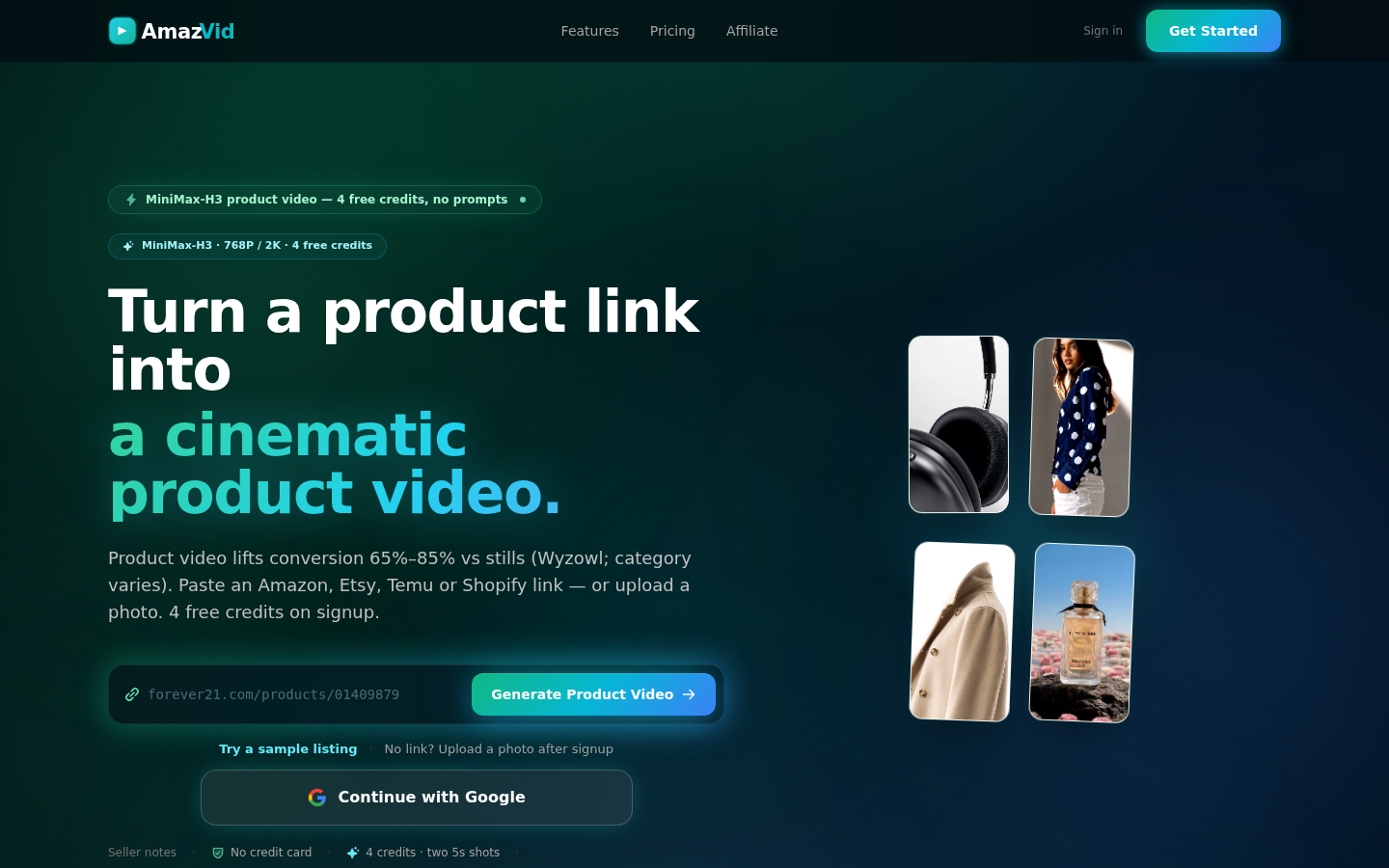
Screenshot archived from the listing page, for preview only.











