
Alicent
ChatGPT extension for writing copy from any web pagePull the page context in, then let the prompts do the drafting
Highlights
What you can do with it
- Write high-click-through Google ad copy from a product page
- Draft product sales copy for an online store listing
- Improve an existing article using the prompt library as a starting point
How to use it
- 1 Add the Alicent extension to Chrome
- 2 Click the Alicent button on the page you want to use as context
- 3 Ask directly, or pick one of the 250 expert prompts
- 4 Edit the generated copy so it fits your brand voice
- 5 Apply the result to your site, ads, or emails
Who it is for
Pros
- Page context removes a lot of copy-paste setup
- Prompt library covers common marketing formats out of the box
- Structural templates help when you know the goal but not the shape
- Weekly prompt updates keep the library from going stale
Limitations
- The free trial is only three days before the paid mode starts
- Trial and pricing terms can change over time
- Output still needs editing to sound like your own brand
- Depends on ChatGPT, so any change there affects the workflow
What Alicent is
Alicent is a Chrome extension that sits on top of ChatGPT and helps you write copy faster. The core idea is context: instead of pasting text into a chat window, you click the Alicent button on whatever page you are already reading and the extension pulls the relevant brand and product information into the conversation. From there you can ask your own question if you know what you want, or pick from a library of 250 prompts written by prompt engineers, social media marketers, and e-commerce marketers. For specific formats it gives you a structure to follow, so a sales page comes back with a headline, subheadline, introduction, features, and benefits rather than a wall of text. New prompts are added weekly, and a three-day free trial lets you test the whole flow before paying.
What you can do with it
- Pull page context into ChatGPT with a single click.
- Draft ad copy, product descriptions, and content from that context.
- Use a proven structure for specific types of copy.
- Browse 250 expert prompts when you are not sure where to start.
Who it is for
- Marketing managers who need campaign copy on short deadlines.
- E-commerce operators writing product descriptions and sales pages.
- Content creators and founders who stall at the blank page.
What to watch out for
The free trial is three days, which is enough to judge fit but not a long-term free tier, and the paid terms that follow can change. Everything runs through ChatGPT, so the extension inherits whatever limits or changes that service introduces. The output is a draft, not a finished asset: it still needs your editing to sound like your brand and to stay accurate about what you sell. Finally, context pulled from a page is only as good as that page, so a thin product page will produce thin copy.
FAQ
What is Alicent?
It is a Chrome extension for ChatGPT that combines the content of the web page you are on with a prompt library to produce marketing and sales copy.
How many prompts are included?
There are 250 prompts written by prompt engineers, social media marketing experts, and e-commerce marketing experts, with new ones added weekly.
Is there a free trial?
Yes, Alicent offers a three-day free trial, after which it moves to a paid mode.
What kind of copy can it structure?
It provides frameworks for specific formats, including website sales copy broken into headline, subheadline, introduction, features, and benefits, plus ad and email formats.
Why it is free
What the official page says: free trial
Free limits, trial length and features are decided by the official site and can change at any time.
Product preview
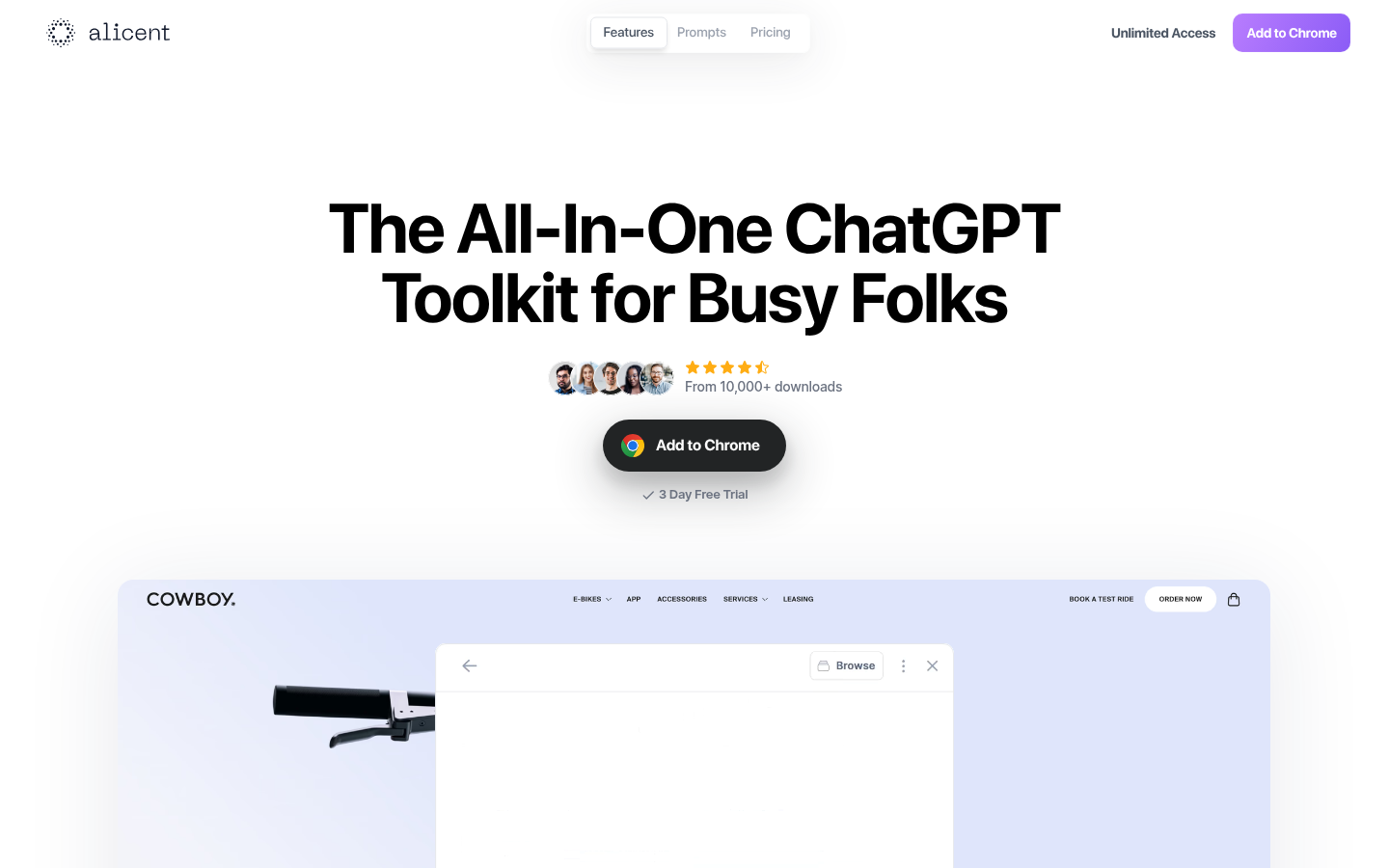
Screenshot archived from the listing page, for preview only.











