
Aleph AI - AI Video Editor & Video Generator
AI video editor and generatorEdit and generate video from text prompts
Highlights
What you can do with it
- Short-form social video created quickly
- Advertising creative with added effects and objects
- Independent film scene fixes without a reshoot
How to use it
- 1 Upload your video by dragging it onto the platform
- 2 Describe the change you want in plain language
- 3 Let the AI analyze the video and apply edits
- 4 Download the result as an MP4 file
- 5 Share it wherever you publish video
Who it is for
Pros
- Free entry point according to the listing
- Wide range of edits from one interface
- Commercial licensing is mentioned for processed video
- No editing experience required
Limitations
- Each generation costs 10 credits, so heavy use is not cheap
- Free terms and credit rules can change
- AI edits can look unnatural on complex footage
- Upload and render time depend on the upstream service
What Aleph AI is
Aleph AI is a browser tool for AI video editing and generation. Rather than learning a timeline, you either upload a clip or describe what you want and the system does the work. The listed capabilities include dynamic camera control that generates new angles, smart object manipulation to add or remove things from a scene, style transfer for a different look, real-time background changes, and precise control over lighting, shadows, color, and texture. It can also generate video from a text prompt. Each generation is listed at 10 credits, and the vendor says commercial licensing is supported when processing videos, which matters if the output goes into paid work. Results download as MP4.
What you can do with it
- Change the camera angle on footage you already have
- Add or remove objects without a reshoot
- Swap backgrounds or settings in place
- Apply a new artistic style across a clip
- Adjust lighting, color, and texture for a cleaner look
- Generate video from a text description
Who it is for
Social media creators who need short clips fast are the clearest fit, because the text-prompt workflow removes the editing bottleneck. Marketers making ad creative can test variations without re-shooting. Independent filmmakers can fix or rebuild complex scenes without a budget for another shoot. Beginners with no editing experience are explicitly included in the listing's audience.
What to watch out for
Credit consumption is the main cost pressure. At 10 credits per generation, iterating on a single scene burns through an allowance quickly, and the listing does not describe how credits are replenished or what a paid plan costs. Free terms and credit rules can change at any time. Quality is the other issue: AI edits on complex footage with fast motion, occlusion, or fine detail can look unnatural, so review every frame before you publish. Render and upload times also depend on the upstream service, so do not promise a same-hour turnaround on a large job.
FAQ
Is Aleph AI free?
The listing describes it as a free AI video editing and generation tool. It also credits each generation at 10 credits, so usage limits apply.
Can I use the output commercially?
The listing says commercial licensing is supported when processing videos. Check the current terms on the site for the exact scope.
Do I need editing skills?
No. You describe the change in plain language and the tool applies it, which is the main selling point.
What formats come out?
The workflow ends with a high-quality MP4 download.
Why it is free
What the official page says: 免费
Free limits, trial length and features are decided by the official site and can change at any time.
Product preview
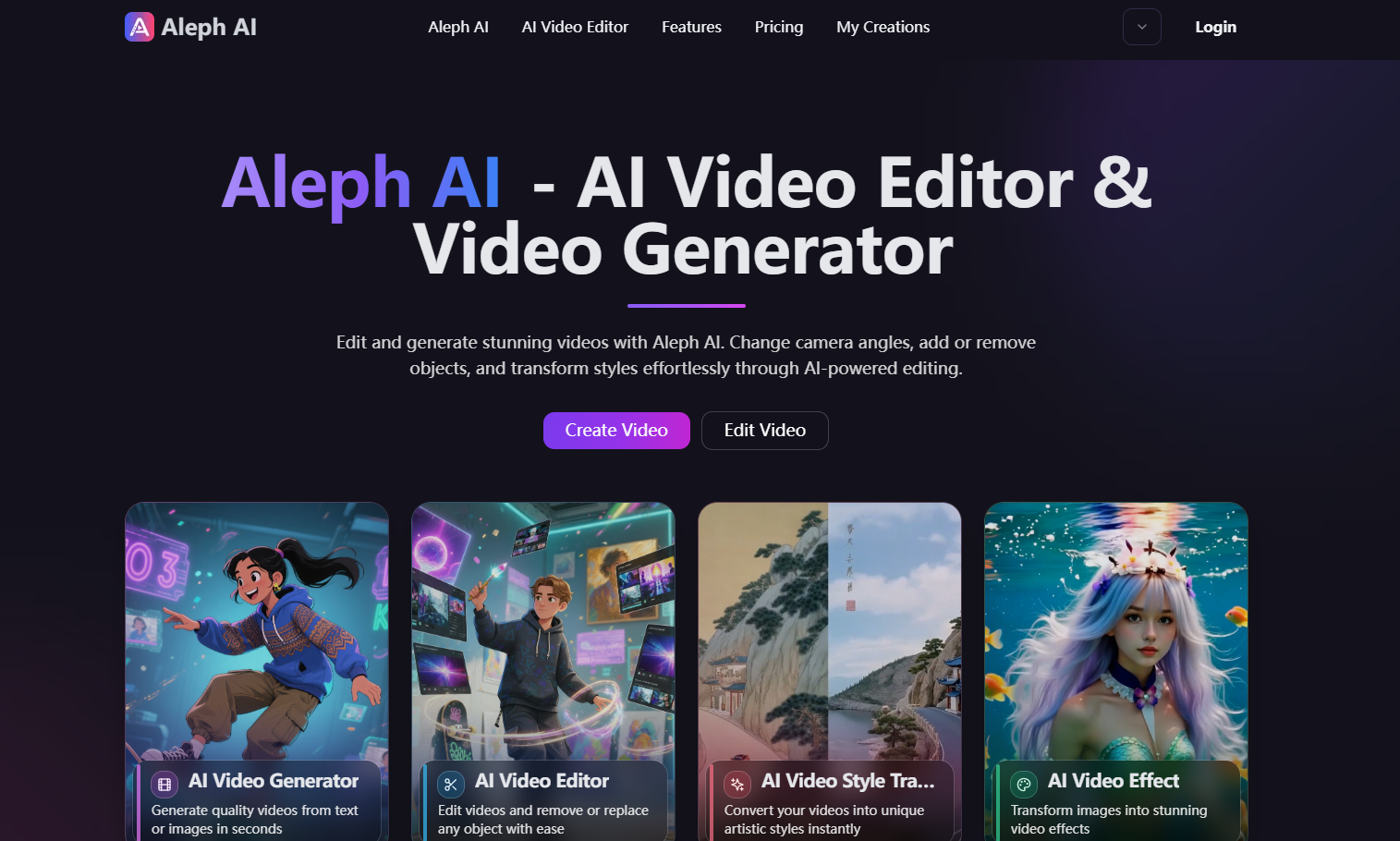
Screenshot archived from the listing page, for preview only.











