
aivideoflux
Multi-model AI video generatorCinematic video from text or images
Highlights
What you can do with it
- Create promotional video from a text brief
- Animate a product photo for advertising
- Prototype a short film scene from references
How to use it
- 1 Visit aivideoflux.com and register
- 2 Choose text, image, or reference to video
- 3 Enter your prompt or upload materials
- 4 Pick a model and adjust parameters
- 5 Generate, preview, and download the video
Who it is for
Pros
- Sign-up credits with no credit card required
- Multiple models available in one place
- Flexible output settings
Limitations
- Credits expire after three days
- Further payment details are not stated
- The domain is young, so stability is unproven
- Output quality depends on the chosen model
What AiVideoFlux is
AiVideoFlux is an online video creation platform at aivideoflux.com. The site says it turns text or images into cinematic videos using several leading AI models, without requiring professional video production skills. New users receive 100 credits valid for three days, with no credit card required to sign up. Listed features include text-to-video, image-to-video, and reference-to-video modes, a choice of models such as Grok Imagine, MiniMax H3, and Alibaba Wan 3.0, and adjustable parameters for aspect ratio, duration, resolution, and number of outputs. It is aimed at video creators, marketers, and social media users who need regular visual content.
What you can do with it
- Generate video from a written description
- Animate a still image into cinematic footage
- Use reference video, audio, or images as guides
- Compare output across different models
Who it is for
- Video creators producing short content
- Marketers making product promotions
- Social media creators needing regular clips
What to watch out for
Sign-up credits expire after three days, so the free window is short, and other payment models are not detailed in the listing, so confirm current pricing on the official page before you need more credits. The domain is young, which means service stability and long-term availability are unproven, so do not build a client workflow on it until it has proven reliable. Output quality varies by model and by prompt, so plan to generate several versions and pick the best rather than expecting a perfect result immediately. Rendering happens on external infrastructure, so uptime and file handling are outside your control. Test with a small project first, keep your own copies of anything you plan to publish, and treat the free credits as a trial rather than an ongoing free tier.
FAQ
Is AiVideoFlux free?
New users get 100 credits valid for three days with no credit card required. Other pricing is not detailed.
Which models can I use?
The site lists Grok Imagine, MiniMax H3, and Alibaba Wan 3.0 among the options.
What can it create?
Videos from text, images, or reference materials, with adjustable ratio, duration, and resolution.
What should I keep in mind?
Trial credits expire quickly and the domain is young, so test early and do not build a workflow on it before it proves stable.
Why it is free
What the official page says: no credit card
Free limits, trial length and features are decided by the official site and can change at any time.
Product preview
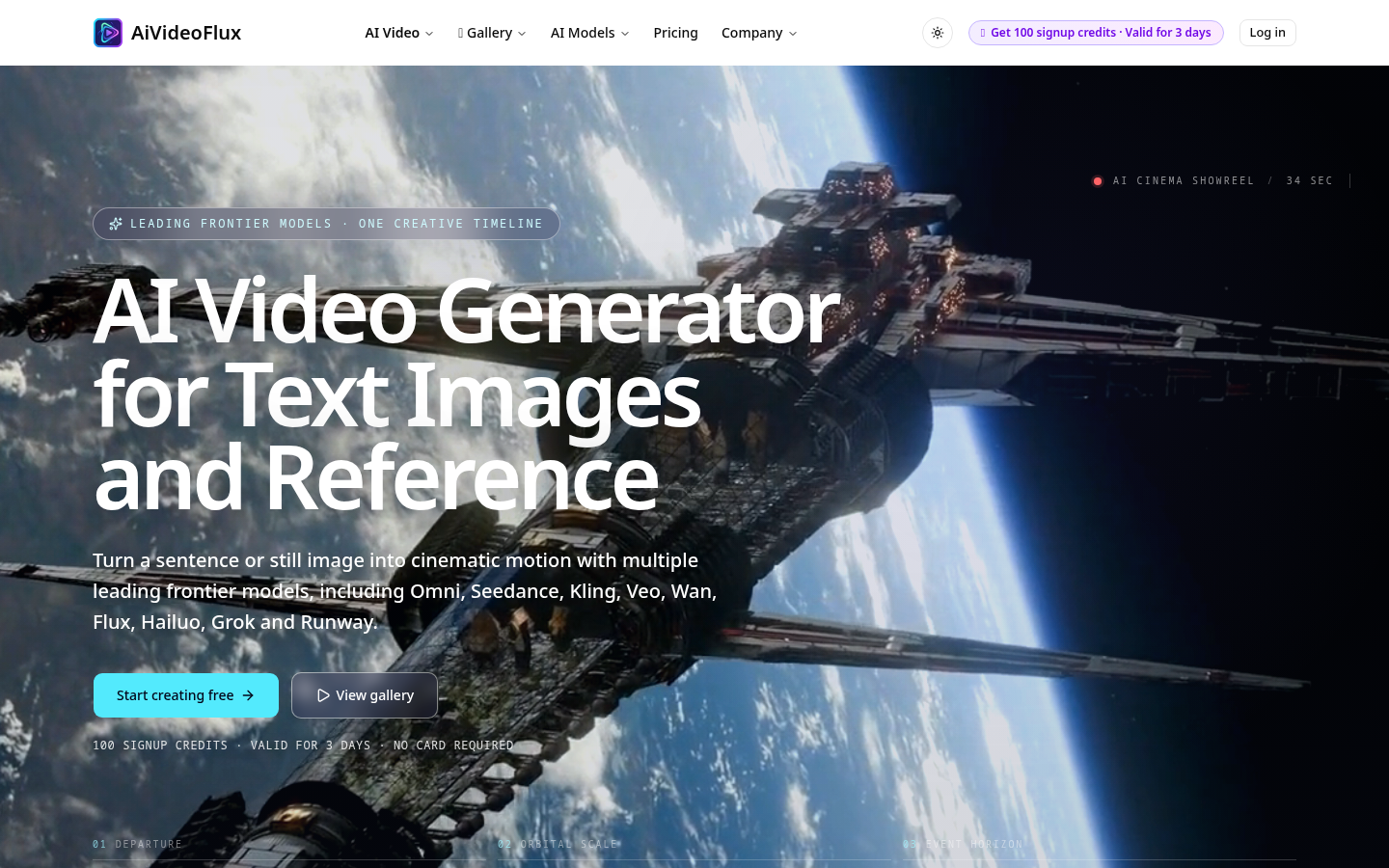
Screenshot archived from the listing page, for preview only.











