
AITuber
Create faceless AI videos with 1300+ voices and auto visuals.Make monetizable faceless videos without editing skills.
Highlights
What you can do with it
- A YouTuber makes a short funny animal video quickly with AI voice and effects
- A company makes multilingual promo videos for different markets
- A developer adds video creation to an app through the API
How to use it
- 1 Open aituber.app and start the free trial, no card needed
- 2 Pick the video's theme, style, and language
- 3 Enter your text so the platform matches voice, visuals, and subtitles
- 4 Preview and adjust voice, visuals, and subtitles
- 5 Export or share directly to YouTube and TikTok
Who it is for
Pros
- Free trial with no credit card to test quality
- Huge voice library and automatic visuals and subtitles
- Multilingual output and an API for integration
Limitations
- Post-trial pricing is not listed, so cost is unclear
- Faceless, automated video can feel generic without a human touch
- Reusing AI voices and visuals raises originality and consent questions
What AITuber is
AITuber is a video creation platform built around AI for faceless videos. It gives creators more than 1300 AI voices to dub content, automatically generates AI visuals and subtitles, and adds seamless transitions so clips feel smooth without manual editing. The goal is to let people make monetizable short and long videos for platforms like YouTube and TikTok without professional editing skills. It supports multilingual creation to reach global audiences and offers an API so developers can build video creation into their own apps, and it can integrate with tools like Claude. A free trial is offered without a credit card, though later pricing is not listed.
What you can do with it
- Create faceless videos with 1300+ AI voices
- Auto-generate AI visuals and subtitles with seamless transitions
- Make videos in multiple languages for different markets
- Add video creation to your own app through the API
Who it is for
- Content creators on YouTube and TikTok who post often
- Marketers making promo and product videos in several languages
- Developers who want to embed video creation via the API
What to watch out for
Post-trial pricing is not listed, so confirm costs before you rely on it for regular output. Fully automated, faceless video can read as generic, so a human pass on script and choices helps it stand out. Reusing AI voices and stock visuals also raises originality and consent questions, so check platform rules and rights before you publish at scale. Run one full task end to end first, then expand once you are comfortable with the workflow and the result quality. Behavior may vary across browsers and devices, so test before production use and consult the help docs if errors appear.
FAQ
Is there a free trial?
Yes, you can start a free trial without credit card information.
How many voices are there?
The page lists more than 1300 AI voices.
Can I use it for monetizable videos?
It is aimed at creating short and long videos for platforms like YouTube and TikTok.
Why it is free
What the official page says: free trial
Free limits, trial length and features are decided by the official site and can change at any time.
Product preview
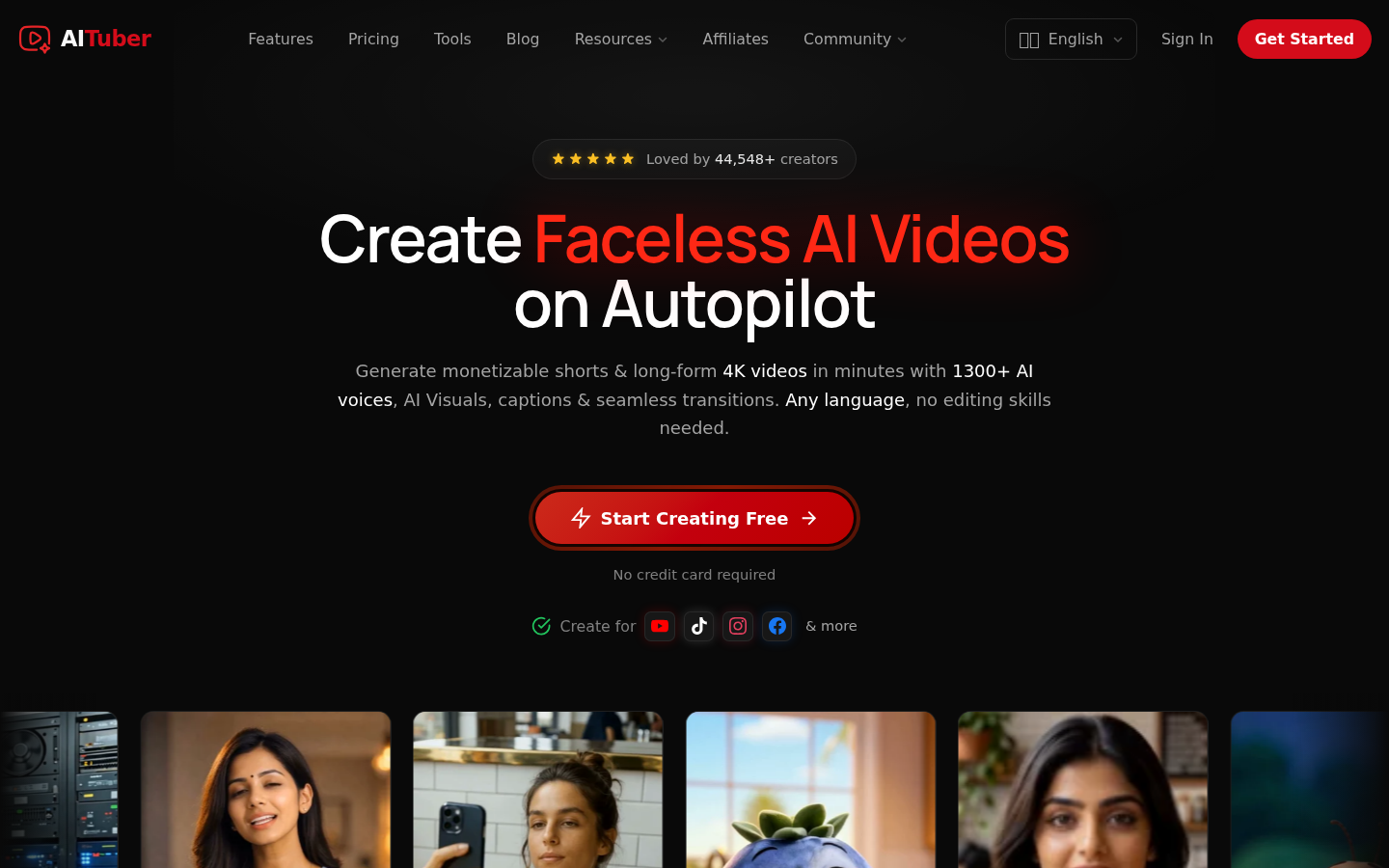
Screenshot archived from the listing page, for preview only.











