
AITattoo
AI tattoo design toolTurn an idea into a tattoo design
Highlights
What you can do with it
- Design a personal font or handwriting style tattoo
- An artist explores several styles for a client brief
- Preview a birth flower bouquet design before committing
How to use it
- 1 Open the AITattoo site and go to the generator page
- 2 Type your tattoo idea into the input box
- 3 Choose a shape and a style such as blackwork or watercolor
- 4 Click create and preview the generated design
- 5 Save or print the design for reference or for your artist
Who it is for
Pros
- No design skills needed to get a usable concept
- Free generation with a daily check-in bonus
- Preview lets you judge a design before it is permanent
Limitations
- Free generation is limited to five per day after check-in and that rule can change
- Output quality depends on the input description and the underlying model
- It is a concept tool, not a replacement for a tattoo artist
What AITattoo is
AITattoo is a browser based AI tattoo design generator. You describe an idea, choose a shape such as a square, pick a style like blackwork or watercolor, and press create to get a design back. The tool also handles font based tattoos and handwritten text, and it keeps an inspiration gallery for people who arrive without a clear idea. There is no professional design background required, and the whole flow is described as a few clicks rather than a design session. The listing states that usage is free, and that a daily check-in gives you five free design generations, which is the practical ceiling for casual users. Previews let you judge a result before you commit to anything permanent.
What you can do with it
- Turn a written idea into a tattoo design in a few clicks
- Switch between styles such as blackwork and watercolor
- Pick a shape that fits the body part you have in mind
- Preview font and handwritten text tattoos before deciding
Who it is for
- Tattoo enthusiasts exploring an idea before they commit
- Tattoo artists who need quick concept options for a client
- People interested in script, font, or handwritten designs
What to watch out for
Free access here is quota based rather than open ended. Five generations a day after check-in is what the page describes, and a free rule on a small site can change without notice, so do not build a workflow around it. Generated designs are starting points: line weight, detail, and how a motif sits on skin are decisions a tattoo artist still makes. Results vary with how precisely you describe the idea, and the tool does not check whether a design is safe, practical, or permitted to ink in your area. Treat the output as inspiration to bring to a professional, not as a finished stencil.
FAQ
How many free designs do I get?
The listing says a daily check-in grants five free tattoo design generations.
Do I need design experience?
No. You type an idea, choose a style and shape, and the tool generates the design for you.
Can I use the result as a real tattoo?
The design is meant as a reference or starting point. Final placement and inking still belong to a professional tattoo artist.
Why it is free
What the official page says: 免费使用免费
Free limits, trial length and features are decided by the official site and can change at any time.
Product preview
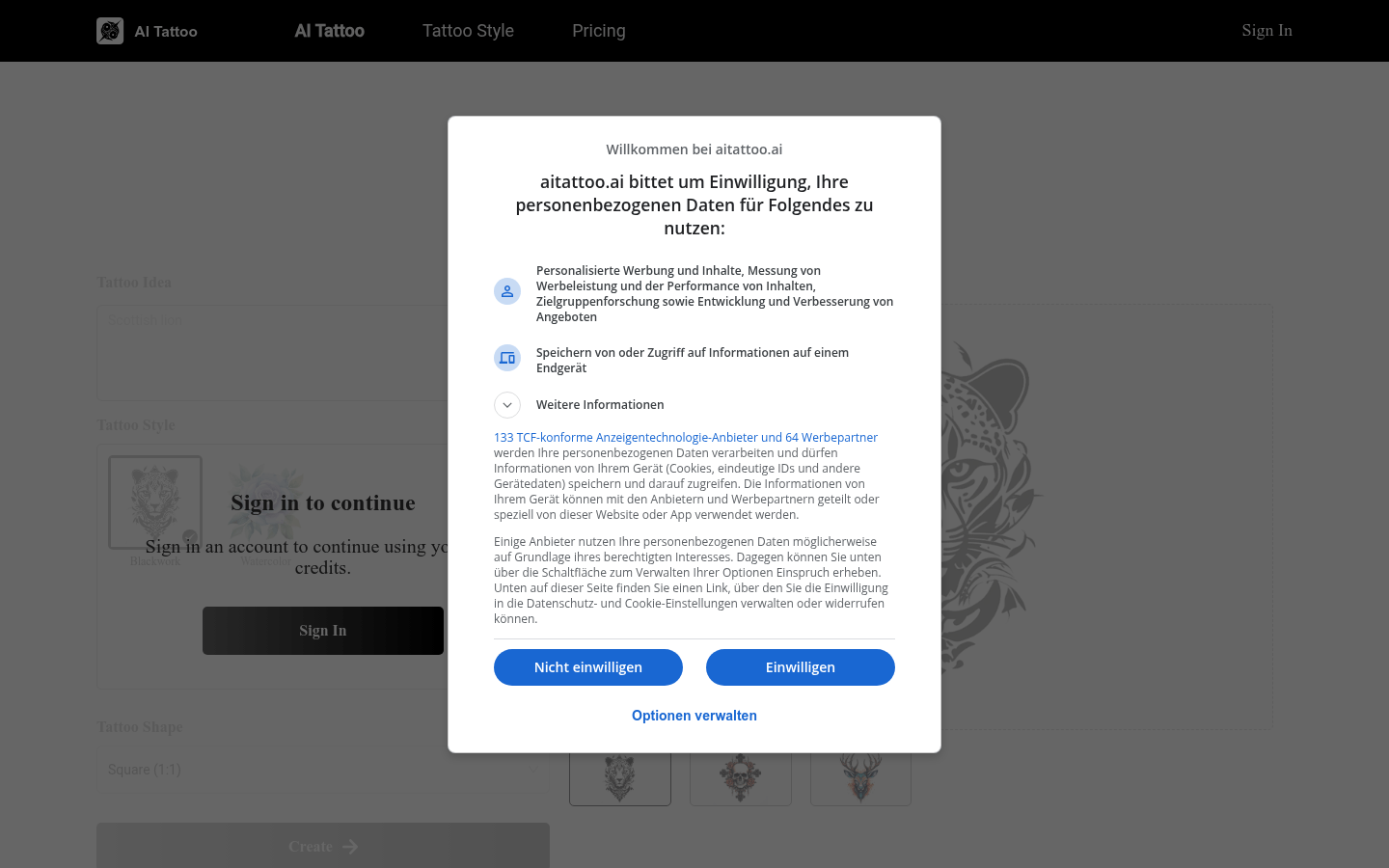
Screenshot archived from the listing page, for preview only.











