
AISmartCube
Low-code platform for building automated AI applicationsBuild AI apps with drag-and-drop nodes and ready templates
Highlights
What you can do with it
- Businesses creating customer service chatbots to improve satisfaction
- Content creators producing articles and social media content quickly
- E-commerce teams automating product information and marketing
How to use it
- 1 Visit the AISmartCube website and register for an account
- 2 Choose or create a new AI application project
- 3 Use the graphical interface to drag and drop nodes and plugins
- 4 Configure node parameters, such as selecting a large model or setting data scraping rules
- 5 Add tools to the AI assistant and connect the shared knowledge base for fresh content
- 6 Start from an official template if you want a quicker deployment
- 7 Use free credits to explore, then buy credits as your usage grows
Who it is for
Pros
- No coding background required to get started
- Many models, plugins, and templates in one place
- Credit-based pricing plus free credits for exploration
Limitations
- Credit-based costs grow with usage, and free credits only cover exploration
- Building a useful application still takes planning and testing
- Very complex requirements may not fit a low-code approach
- Credit rules and template availability can change as the platform evolves
What AISmartCube is
AISmartCube is a low-code AI platform for building automated applications without heavy programming. It offers a graphical interface and more than 100 official templates, so you can automate everyday work scenarios by connecting nodes instead of writing large amounts of code. The platform integrates large models such as ChatGPT, Claude, and Gemini, and provides plugins for images, voice, and data scraping. You can create AI assistants that call tools during chats, and connect a shared knowledge base so your applications use the latest high-quality online content. Pricing is credit-based, and free credits are available for exploring the platform before you commit to paid usage.
What you can do with it
- Drag and drop nodes and plugins on a graphical interface
- Connect large models like ChatGPT, Claude, and Gemini
- Use plugins for image, voice, and data scraping tasks
- Build AI assistants that invoke tools during conversations
- Start from 100+ official templates instead of a blank page
Who it is for
- Non-technical users who want to build AI applications
- Businesses automating customer service and internal workflows
- Content creators and e-commerce teams producing assets and managing product data
What to watch out for
AISmartCube uses a credit-based pricing model, so costs grow with usage and the free credits are only enough for exploration. Building a useful application still takes planning, and the quality of what you create depends on the models and plugins you connect. As a low-code platform, it handles common automation scenarios well but may not replace custom development for very complex requirements. Credit rules and template availability can also change as the platform evolves. For team use, agree on naming and editing conventions in advance to avoid version conflicts or duplicated work.
FAQ
Do I need coding skills to use AISmartCube?
No. It is a low-code platform where you build applications with a graphical interface and templates.
Which AI models can I connect?
It integrates large models such as ChatGPT, Claude, and Gemini.
How does pricing work?
Pricing is credit-based, so you buy credits as needed, and free credits are available for exploring the platform.
Why it is free
What the official page says: free credits
Free limits, trial length and features are decided by the official site and can change at any time.
Product preview
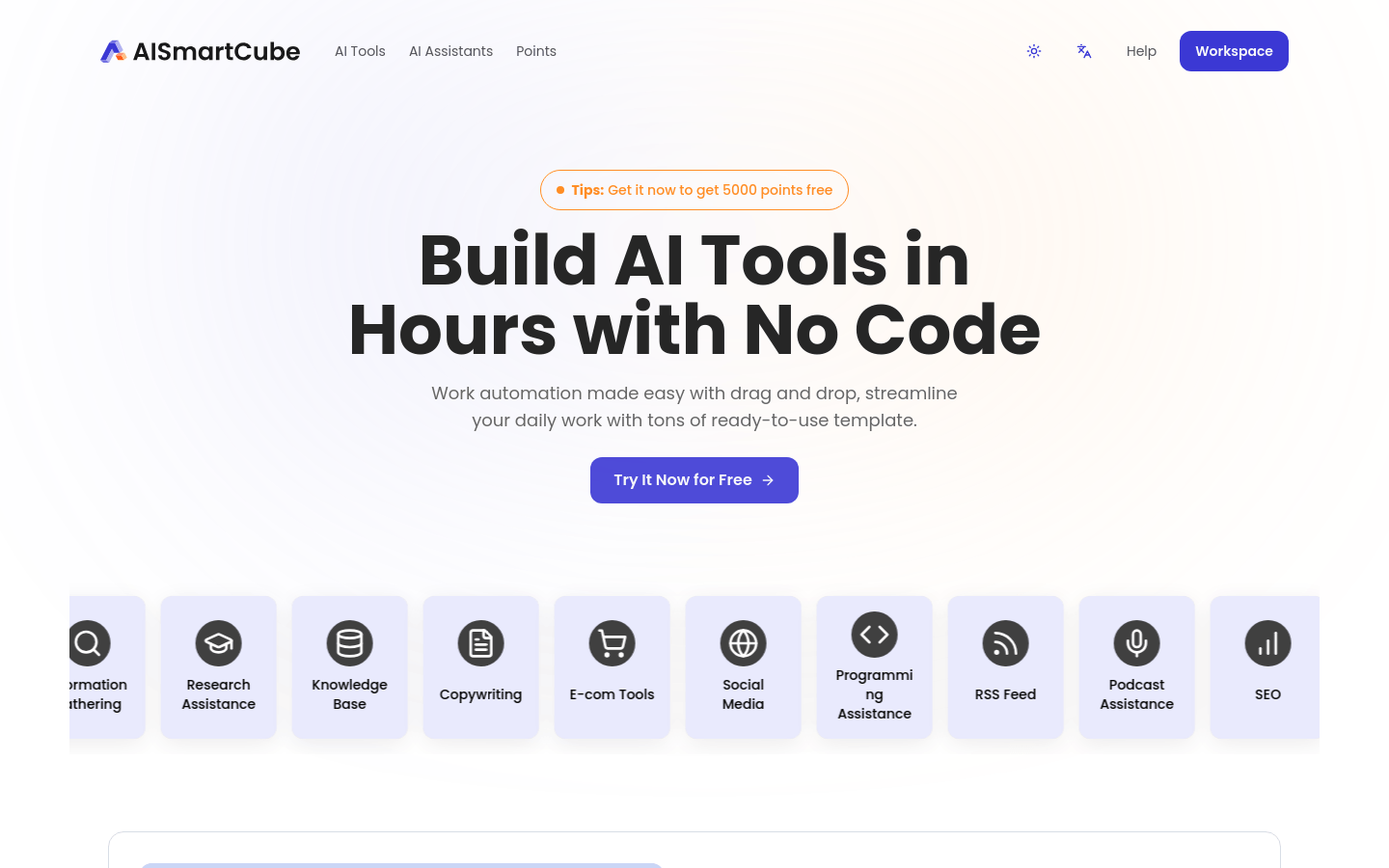
Screenshot archived from the listing page, for preview only.











