
AISFXGen
AI sound effect generatorSound effects from text or video
Highlights
What you can do with it
- Add rain or wave effects to a short video
- Create explosion or magic sounds for animation
- Build a background bed for an advertisement
How to use it
- 1 Open the AISFXGen website.
- 2 Choose text or video based generation.
- 3 Describe the effect you need or upload a reference video.
- 4 Generate and preview the sound.
- 5 Download the effect or adjust and regenerate.
Who it is for
Pros
- Saves time searching sound libraries
- No audio engineering background required
- Works from text or video references
- Free trial to test quality
Limitations
- Free trial is limited in the number of generations
- Commercial use requires a paid plan
- Generated effects may need editing to fit a timeline
- Quality and variety vary by prompt
What AISFXGen is
AISFXGen is an AI sound effect generator. Instead of digging through a library or recording and editing audio yourself, you describe the sound you need or give it a video as a reference, and it produces an effect. The pitch is speed and customization for people who do not have audio engineering skills. A free trial version is available that allows a limited number of generations, while paid plans unlock more features and commercial usage rights.
What you can do with it
- Generate effects from a written description.
- Generate effects that match a video reference.
- Add environmental sounds such as rain or waves to a clip.
- Create synchronized effects for animation or advertising.
Who it is for
- Video creators who need effects on a deadline.
-Animators and game developers building audio for scenes.
- Advertising producers who want a custom audio bed.
What to watch out for
The free trial only covers a limited number of generations, so evaluate quickly and budget if you need more. Commercial usage rights sit behind paid plans, so read the license before using output in client or monetized work. Generated effects are a starting point: they may not fit your timeline perfectly and often need trimming, leveling or layering. Finally, quality varies with how precisely you describe the sound, so vague prompts tend to produce vague results. Processing speed depends on file size and network conditions, so retry later if a task stalls during peak hours. Run one full task end to end first, then expand once you are comfortable with the workflow and the result quality. Save a backup of the original file before large batch jobs, and keep an exported copy of key results in case the page or service becomes temporarily unavailable.
FAQ
What does AISFXGen do?
It generates custom sound effects from text descriptions or video references using AI.
Is there a free trial?
Yes. The free trial version allows a limited number of sound effect generations.
Do I need audio skills?
No. The tool is designed to be usable without professional skills.
Can I use the output commercially?
Commercial usage rights are listed as a benefit of paid plans, so check the terms before commercial use.
Why it is free
What the official page says: free trial
Free limits, trial length and features are decided by the official site and can change at any time.
Product preview
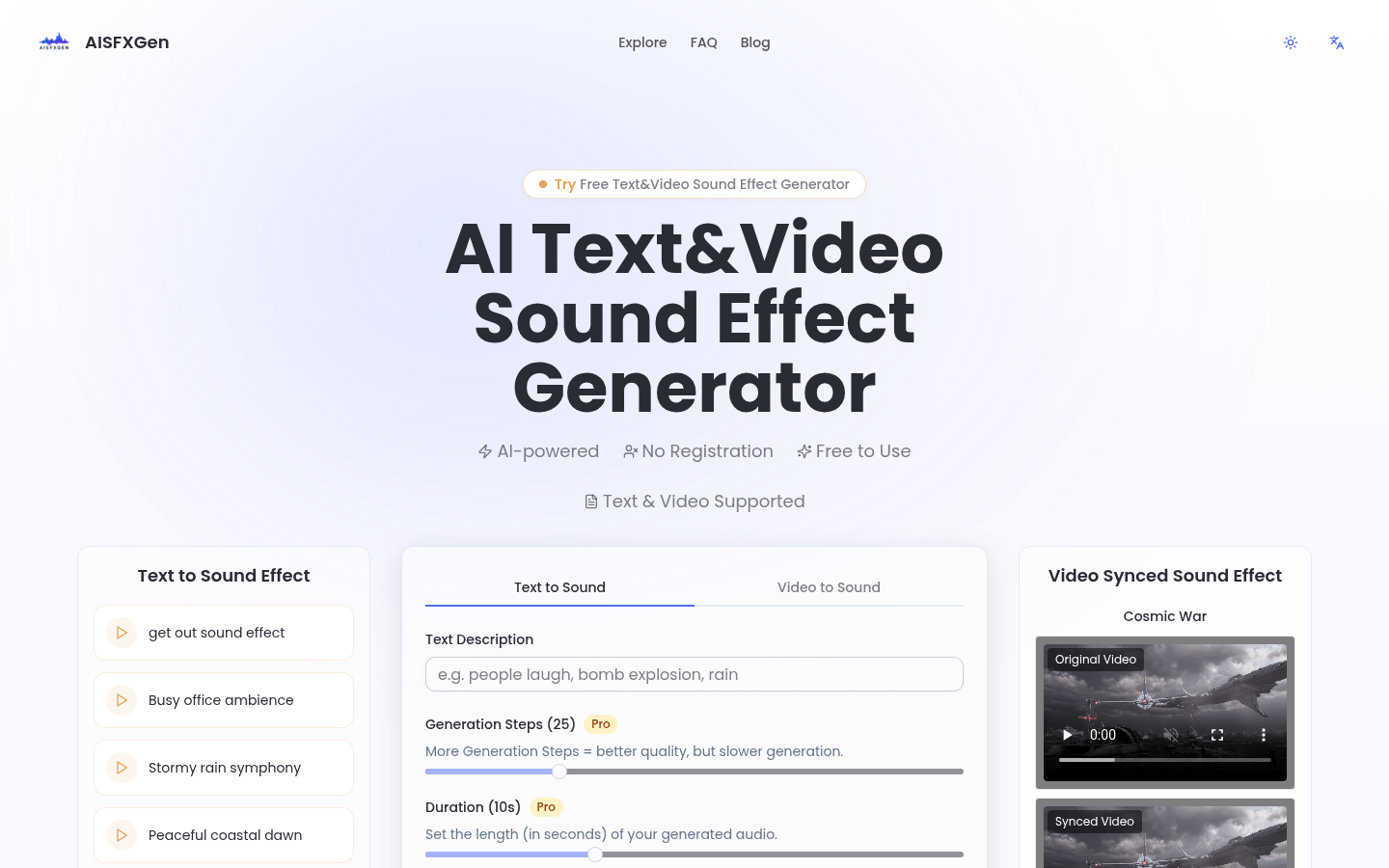
Screenshot archived from the listing page, for preview only.











