
AiPose
All-in-one AI image and video creation platformCreate images and videos with AI, no design skills needed
Highlights
What you can do with it
- Creators generate fantasy-style images for personal art portfolios.
- Designers turn product photos into cartoon-style promo posters.
- Businesses create product introduction videos for social media campaigns.
How to use it
- 1 Open the AiPose website in your browser and log in.
- 2 Pick a tool such as image generation, video creation, or image editing.
- 3 Enter a text prompt or upload the image you want to work with.
- 4 Adjust style and color settings, then click generate.
- 5 Download the finished image or video when you are happy with it.
Who it is for
Pros
- Many tools in one place, from image generation to video.
- Free to use, so you can try AI creation for free.
- Simple workflow that does not require design training.
Limitations
- Free access can change, so features or limits may shift over time.
- Quality of generated faces and edits varies with the source image.
- Some advanced editing still needs practice to get clean results.
What AiPose is
AiPose is an all-in-one AI platform for creating images and videos. It brings image generation, photo editing, and video creation together in one browser-based workspace, so you can produce visual content without design training. You can generate avatars and styled art from text, remove backgrounds or unwanted objects from photos, change colors, expand image borders, and turn text or pictures into short videos. The platform is free to use, which lowers the cost of trying AI creation. You start by choosing a tool, uploading a file or typing a prompt, adjusting the style and color, then downloading the result. The same workspace handles both still images and moving video, so you do not have to switch apps mid-project. It is aimed at creators, designers, and businesses that need quick, polished visuals.
What you can do with it
- Generate images and avatars in different styles from text prompts
- Edit photos by removing backgrounds, watermarks, and unwanted objects
- Turn text or images into short videos for social and promo use
- Apply artistic styles and playful filters such as virtual clothing or hairstyle changes
Who it is for
- Creators who want artistic images and portfolio pieces without deep design skills
- Designers editing product photos and building promotional visuals
- Businesses producing images and videos for marketing and social media campaigns
What to watch out for
Free access is real today, but the features and limits behind it can change, so do not assume every tool will stay free forever. The quality of generated faces and edits depends heavily on the source image, so blurry or low-quality uploads tend to give weak results. Some edits, like clean object removal or natural style transfer, still take practice to get right. For anything you plan to publish, review the output closely before you share it. Treat AiPose as a fast way to prototype and produce visuals, and keep your expectations realistic on the hardest edits.
FAQ
Is AiPose free?
Yes, the platform offers free service, which lowers the cost of trying AI image and video creation.
Do I need design skills?
No. It is built so that simple prompts and uploads produce results without professional design training.
What can I make with it?
You can generate and edit images, apply styles and filters, and turn text or photos into short videos.
Why it is free
What the official page says: 免费使用免费
Free limits, trial length and features are decided by the official site and can change at any time.
Product preview
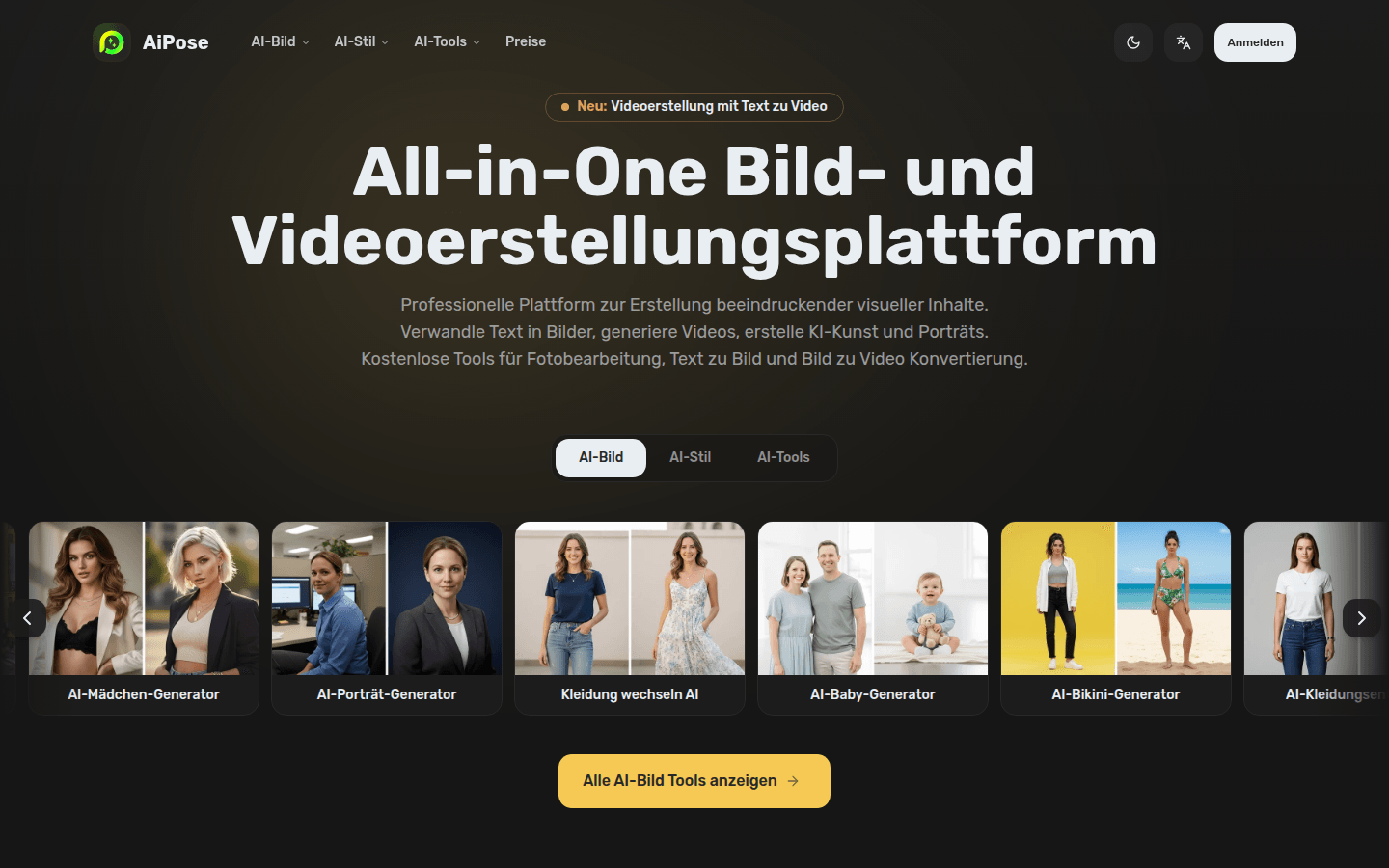
Screenshot archived from the listing page, for preview only.











