
aiphoto.studio
AI avatar generator from one photoOne photo in, several styled avatars out
Highlights
What you can do with it
- Generating a profile picture for a social account
- Using an avatar instead of a real photo in chat apps
- Creating an anonymous avatar for a forum account
How to use it
- 1 Open the aiphoto.studio site
- 2 Upload one photo
- 3 Wait for the avatars to generate
- 4 Browse the styles and pick one
- 5 Download the avatar you want
Who it is for
Pros
- Single photo is enough to start
- Several styles from one upload
- Free entry point listed
- Refund guarantee reduces trial risk
Limitations
- Free access and refund terms can change
- Likeness quality depends on the source photo
- Uploading a face means sending biometric-adjacent data
- Scope is avatars, not broader photo editing
What aiphoto.studio is
aiphoto.studio is an AI avatar generator. You upload one photo, and the tool returns multiple avatars in different styles, varying lighting, backgrounds, and poses so you have options rather than a single take-it-or-leave-it result. The listing describes the technology as accurate and detailed and mentions a full refund guarantee if you are not satisfied, which is an unusual but useful signal for a paid service of this kind. The entry is also tagged as free to try, so there is an entry point that does not require payment up front. The common use is a profile picture, which is really a question of presentation and anonymity at the same time.
What you can do with it
- Turn one photo into several styled avatars
- Compare different backgrounds, poses, and styles
- Use the result as a profile picture on social accounts
- Keep an avatar instead of a real photo in chat or forums
Who it is for
- People who want a stronger profile picture
- Users who would rather not show a real photo online
- Anyone who wants one consistent avatar across platforms
What to watch out for
Free access and the refund guarantee are marketing terms and can change, so read the current policy before you pay anything, and note that refunds usually depend on you not having used the output. Likeness quality depends almost entirely on the source photo, so a blurry or heavily filtered selfie will not improve. Uploading a face means sending biometric-adjacent data to someone else's server, so check how images are stored and whether they are used for training. Scope is avatar generation; this is not a general photo editor and it will not retouch your original.
FAQ
Is it free?
The listing is tagged as free to try, and the site also mentions a full refund guarantee if you are not satisfied.
How many photos do I need?
The description says you upload a photo and the generator produces multiple style avatars.
What can I use the avatars for?
Social media profiles, chat applications, and anonymous forum accounts are listed.
What affects quality?
The source photo matters, since avatars are generated from different lighting, backgrounds, and poses based on it.
Why it is free
What the official page says: 免费
Free limits, trial length and features are decided by the official site and can change at any time.
Product preview
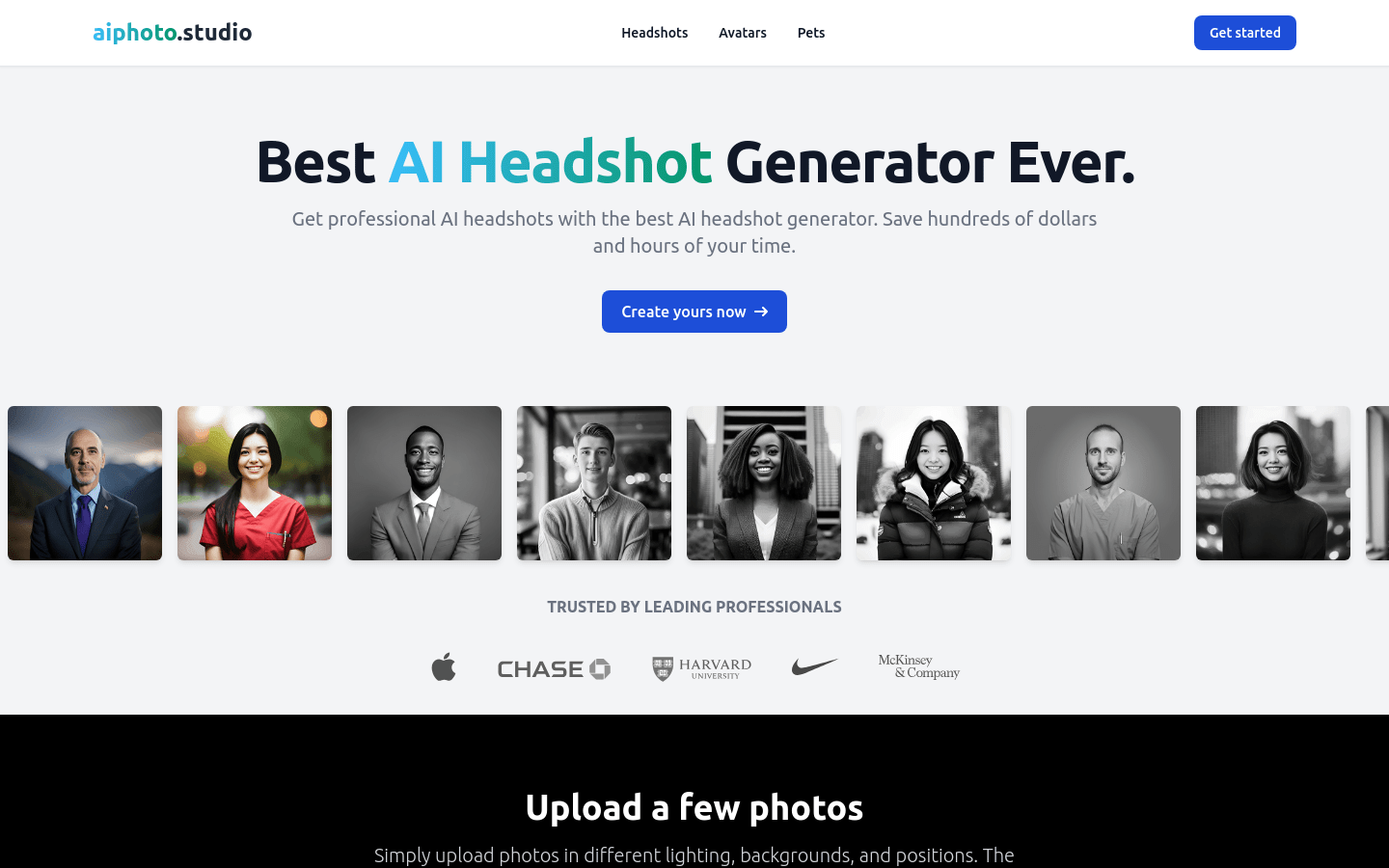
Screenshot archived from the listing page, for preview only.











