
AIhelper
GPT-4 helper on any website for writing, code, and summaries.Bring GPT-4 to any page for content, code, and quick summaries.
Highlights
What you can do with it
- Draft or rewrite content while browsing any web page
- Generate code snippets and Excel formulas without leaving the site
- Summarize articles or research for faster reading
How to use it
- 1 Install the AIhelper app on macOS or Windows
- 2 Add your own ChatGPT API key during setup
- 3 Type the help command on any page and enter your query
- 4 Read the generated answer and use it where you need it
Who it is for
Pros
- Works inside any website, so there is no tab switching
- Covers writing, coding, and summarizing in one tool
- One-time purchase avoids recurring subscription fees
Limitations
- It is sold as a one-time purchase (listed around $29.19, with a higher price planned), not a free tool
- It depends on your own ChatGPT API key, so usage cost and access rely on OpenAI
- The listing is very new, so verify the site is live and terms are current before buying
What AIhelper is
AIhelper is a desktop tool that puts GPT-4 on any website you visit. Instead of opening a separate chat window, you type a short command on the page itself and the tool returns an answer right there. It is built for macOS and Windows and can handle writing, coding, and summarizing in one place. Rather than a subscription, it is sold as a one-time purchase that the seller says includes free future updates, and buyers are allowed to resell it. Setup is two steps: install the app and add your own ChatGPT API key.
What you can do with it
- Generate or rewrite high-quality content on any web page
- Write code snippets and Excel formulas without leaving the site
- Rewrite and summarize research or long passages for faster reading
- Answer quick questions inline while you browse
Who it is for
AIhelper suits people who move between many tabs. Writers and researchers who draft and rewrite across websites can keep their flow without losing focus. Programmers and analysts who need a fast formula or code snippet save time by staying on the page. Anyone who already has a ChatGPT API key and wants GPT-4 embedded in daily browsing will find the format straightforward and quick to learn.
What to watch out for
AIhelper is not a free tool: it is sold as a one-time purchase, and the listing price may rise over time, so confirm the current cost before buying. Because it relies on your own ChatGPT API key, both access and running cost depend on that account and on the rules of the model provider. The listing is also very new, so check that the site is live and the terms are current. Support and refund options may be limited for such a fresh product, so buy with that in mind.
FAQ
Is AIhelper free?
No. It is sold as a one-time purchase rather than a subscription. The listing shows a price of about $29.19 with a higher price planned later.
Do I need anything else to use it?
Yes. You need your own ChatGPT API key, so access and running cost depend on that account.
What can it do?
It can generate content, write code and Excel formulas, rewrite research, and summarize text from any website.
Why it is free
What the official page says: 免费
Free limits, trial length and features are decided by the official site and can change at any time.
Product preview
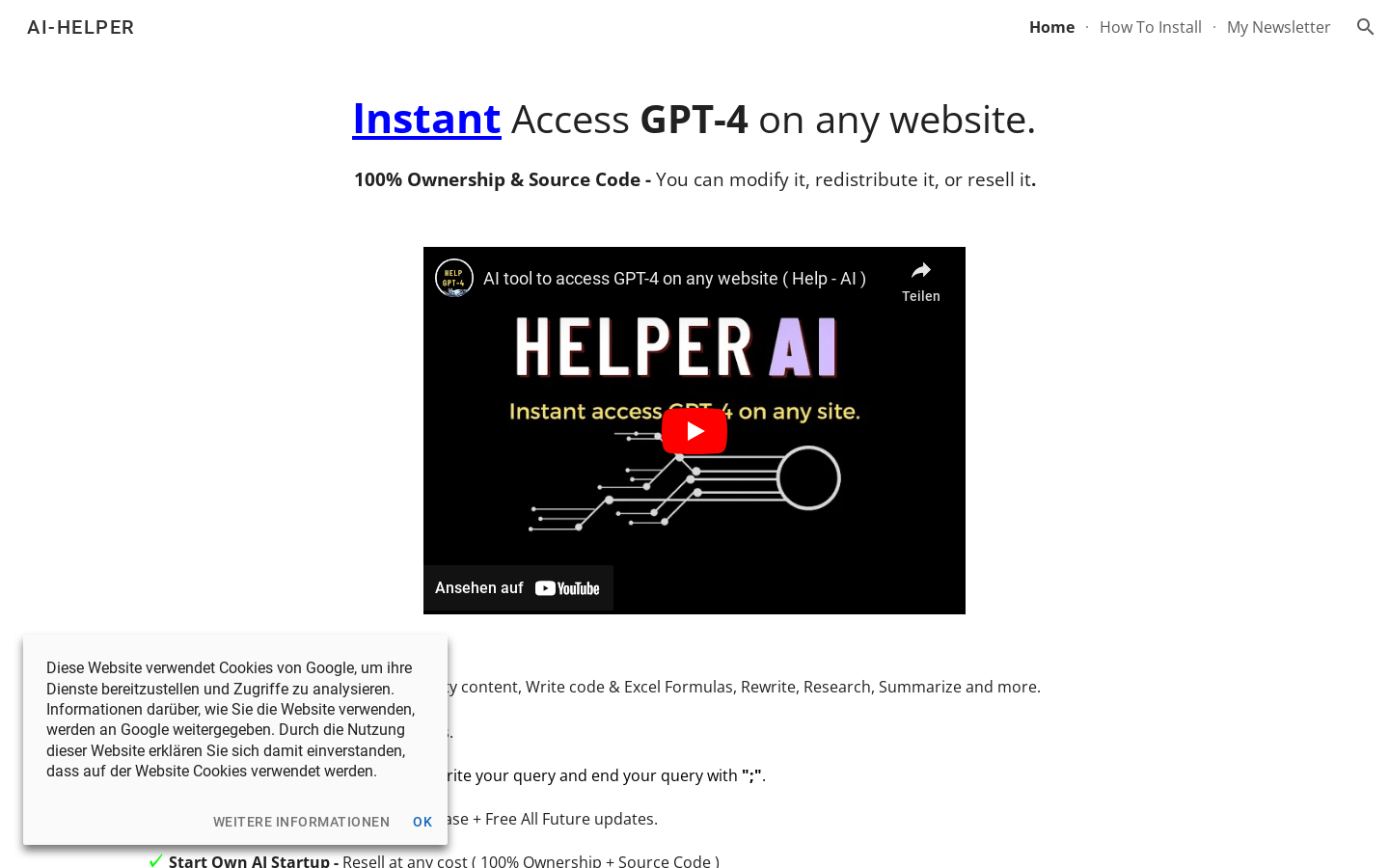
Screenshot archived from the listing page, for preview only.











