
AIGIF
AI face swap GIF maker for selfiesPut your face into popular GIFs
Highlights
What you can do with it
- Social media users making personalized reaction GIFs
- Content creators producing viral marketing clips
- Friends making chats more lively with custom GIFs
How to use it
- 1 Open the site and browse the GIF library
- 2 Upload a clear, frontal selfie taken in good light
- 3 Let the AI replace your face in the chosen GIF
- 4 Preview, download, and share, or upgrade to Pro for watermark-free output
Who it is for
Pros
- Fast output, results in seconds
- Large curated GIF library
- Simple upload, preview, download flow
- Privacy statement that photos are not stored
Limitations
- Using someone's likeness without consent can break platform rules and local law, and the consequences fall on you
- Pro features such as watermark-free output need a paid account
- A clear frontal photo in good lighting is required for a clean result
What AIGIF is
AIGIF is an online platform for making personalized GIFs with AI face swapping. You pick a GIF from its library, upload a clear frontal selfie, and the tool replaces the face in the clip while trying to keep expressions and movements natural. The library includes popular GIFs, movie scenes, and viral moments, so there is a reasonable range to choose from. Output can be downloaded in one click and shared on social media or in messaging apps. The site says photos are processed instantly and not stored. There is a free level, plus a paid Pro level for watermark-free files and priority processing.
What you can do with it
- Upload a selfie and swap your face into a chosen GIF.
- Browse a library of popular GIFs, movie scenes, and viral moments.
- Preview the result and download it for sharing.
- Upgrade to Pro if you want watermark-free output and faster processing.
Who it is for
- Social media users who want custom reaction GIFs.
- Content creators and marketers making short promotional clips.
- Anyone who wants a personal GIF to send in chats.
What to watch out for
Face swapping is not a neutral toy. Putting a real person's face into a clip without their permission can break the rules of the platforms you post on and can raise legal issues around likeness and portrait rights, and those consequences land on you, not the tool. Only use images you have the right to use, and get clear consent when the face belongs to someone else. Output quality depends on a clear frontal photo in good light, so expect to retry more than once. The free level is limited compared with Pro, and the site does not publish detailed terms for the free tier, so limits could change.
FAQ
Is AIGIF free?
There is a free level, and a paid Pro level that adds watermark-free output and priority processing.
How long does a GIF take?
The site says you see results within seconds after uploading your photo.
Are my photos stored?
The platform states photos are processed instantly and not stored.
Why it is free
What the official page says: 免费
Free limits, trial length and features are decided by the official site and can change at any time.
Product preview
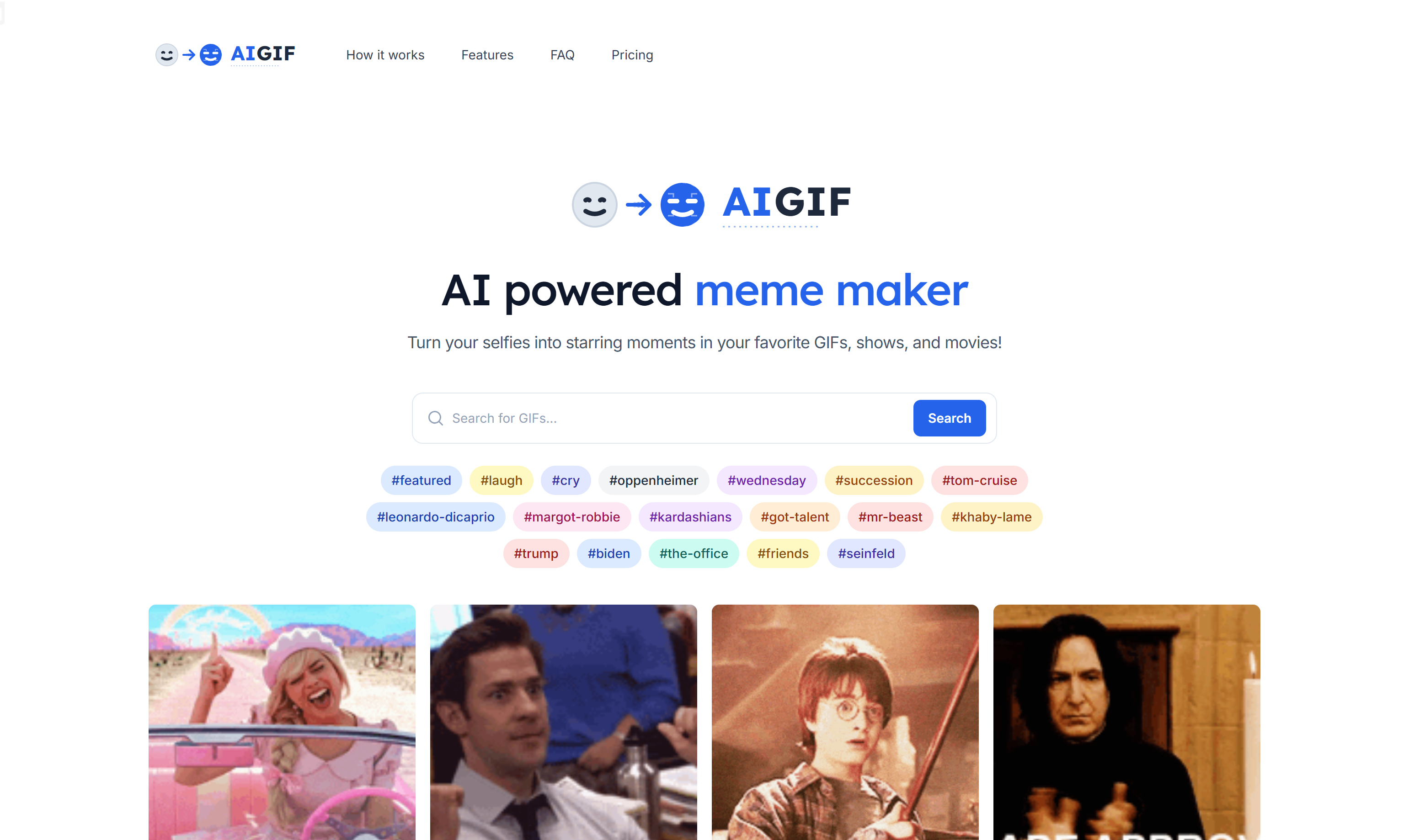
Screenshot archived from the listing page, for preview only.











