
AIgardendesign
AI garden design tool that turns yard photos into plansUpload a courtyard photo, explore garden designs for free
Highlights
What you can do with it
- A homeowner uploaded a backyard photo, chose a modern style, and compared design plans
- A gardening enthusiast explored flower varieties and layouts for an existing bed
- A landscape designer generated a quick visual plan to show a client
How to use it
- 1 Upload a clear photo of a yard, patio, or flower bed
- 2 Select the design area by click, circle, or outline
- 3 Set style, city, hardiness zone, sunlight, and slope
- 4 Read the generated plan, adjust it in plain language, and generate again
Who it is for
Pros
- Starts from a real photo of your own space
- Climate and light conditions shape plant suggestions
- Three free generations without an account
Limitations
- Free generations are limited to three, and paid rules can change
- Output is a visual concept, not a planting or construction plan
- Results depend on photo quality and the conditions you enter
What AI Garden Design is
AI Garden Design is an image-guided planning tool for outdoor spaces. You start with a real photo of a front yard, backyard, patio, side yard, or flower bed, then mark the area you care about by clicking, drawing a circle, or outlining a shape. Next you set conditions such as garden style, city, hardiness zone, sunlight exposure, and slope, and the AI picks plants and materials that suit them. The page lists eighteen garden styles, including formal, natural, climate-adaptive, and activity-oriented directions, and it says anonymous users get three free final image generations before any login.
What you can do with it
- Turn a courtyard photo into a realistic design concept.
- Mark lawn or flower bed areas with smart selection tools.
- Set local climate and light conditions so plant choices make sense.
- Adjust the design in plain language and generate again until it fits.
Who it is for
- Homeowners who want to test a look before buying plants or hiring work.
- Gardening enthusiasts exploring beds, edible planting, and layout options.
- Landscape designers and property teams that need quick visuals for clients.
What to watch out for
The output is a visual concept, not a planting plan or a construction drawing, and real work still needs local knowledge about soil, water, and climate. Anonymous use is limited to three free final generations, and paid rules or free limits can change at any time. The result also depends heavily on the photo you upload and the conditions you enter, so a blurry image or wrong zone will skew the suggestions. For team use, agree on naming and editing conventions in advance to avoid version conflicts or duplicated work.
FAQ
Is AI Garden Design free?
Anonymous users get three free final image generations, and you can log in to continue afterwards.
What conditions can I set?
Garden style, city, hardiness zone, sunlight exposure, and terrain slope.
How many styles are there?
The page lists eighteen garden styles, including formal, natural, and activity-oriented options.
Can I use it to talk to a landscaper?
Yes. The page positions it as a visual planning step for quick weekend work or first talks with professionals.
Why it is free
What the official page says: for free
Free limits, trial length and features are decided by the official site and can change at any time.
Product preview
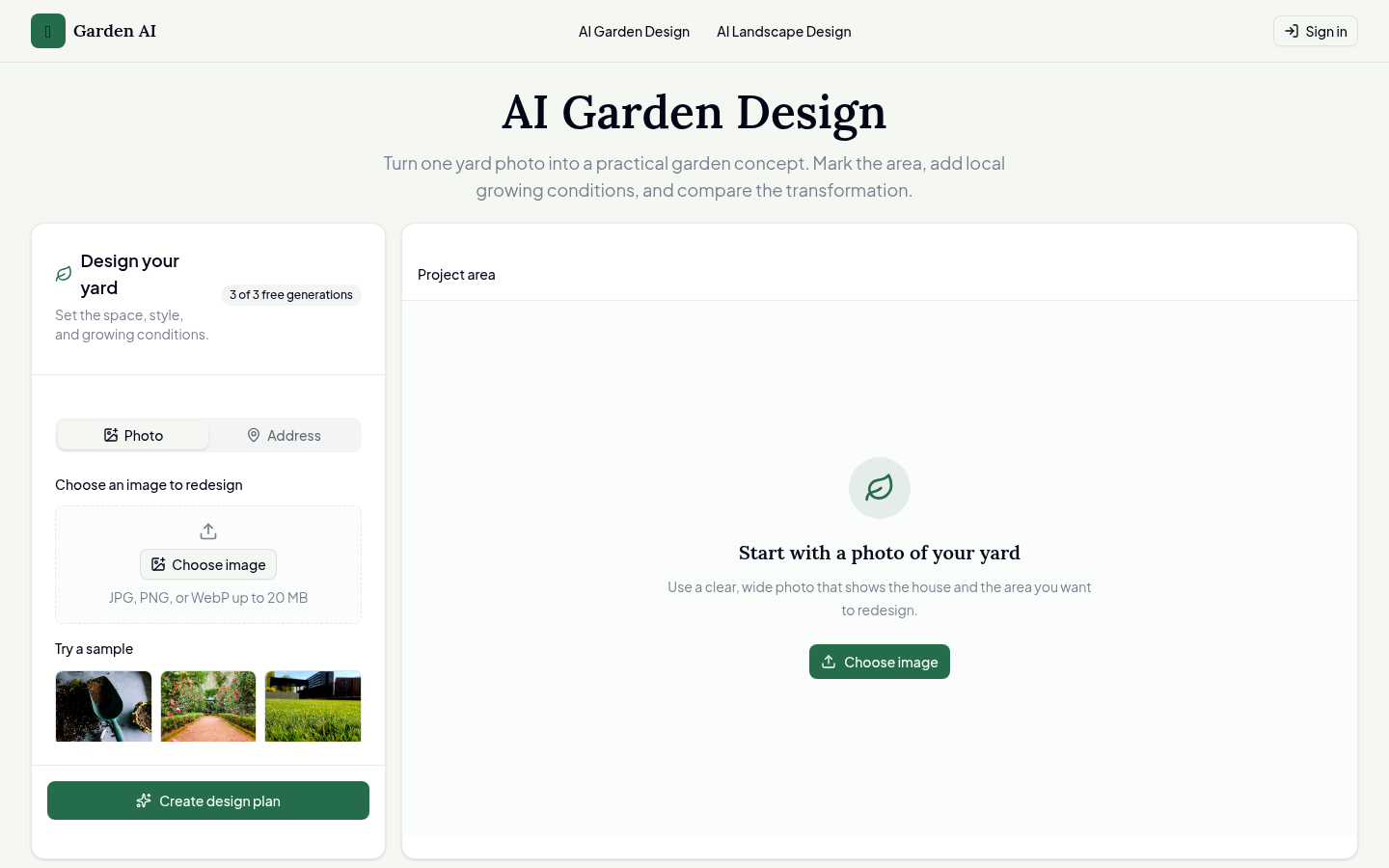
Screenshot archived from the listing page, for preview only.











