
Aiexcelsheet
Free AI assistant for Excel formulas and analysisTurn plain words into formulas and reports
Highlights
What you can do with it
- Building a complex formula without memorising every function
- Analysing a large dataset and turning it into a report
- Creating financial reports from scratch
How to use it
- 1 Open the site and describe the task you want the spreadsheet to do
- 2 Copy the generated formula into your Excel or Google Sheets cell
- 3 Ask follow-up questions if the result needs adjusting
- 4 Use the template and reporting tools for recurring work
Who it is for
Pros
- Works with both Excel and Google Sheets
- Explains formulas, so you learn while you work
- Free access lowers the barrier for occasional users
Limitations
- Accuracy still needs checking, since formulas depend on your exact data layout
- Free rules and usage limits can change over time
- Complex, multi-sheet models may still need manual editing
What Aiexcelsheet is
Aiexcelsheet is a free AI assistant built around spreadsheets. It handles Excel formula generation, data analysis and template creation, and it works with both Microsoft Excel and Google Sheets. The pitch is simple: describe the task in ordinary words and the assistant returns a formula you can paste into a cell, plus an explanation of what that formula actually does. For anyone who opens a spreadsheet a few times a week, that removes the pressure to memorise hundreds of functions and their arguments.
What you can do with it
- Generate formulas for Excel and Google Sheets from a plain description
- Run data analysis and produce reports from existing sheets
- Create Excel templates for recurring tasks
- Get explanations so you understand the formula instead of only copying it
Who it is for
- Office staff and analysts who need a working formula quickly
- Students and learners building spreadsheet skills for coursework
- Small teams producing financial or operational reports on a schedule
What to watch out for
Formula output is only as good as the description you gave and the structure of your data, so always test results on a copy of the file before trusting them on live numbers. Expect to adjust ranges, references and absolute markers by hand on anything beyond a simple lookup or sum, because the assistant cannot see how your workbook is laid out. Very large or heavily linked models may still need manual clean-up. The free offering may change its rules, quotas or features over time, so treat it as a convenience rather than a guarantee, and confirm the current terms on the official site before you rely on it for important work.
FAQ
Is Aiexcelsheet free?
The listing describes it as a free AI assistant for Excel formulas and data analysis.
Does it work with Google Sheets?
Yes, it generates and explains formulas for both Excel and Google Sheets.
Can it create whole templates?
It creates various Excel templates alongside formulas and reports.
Why it is free
What the official page says: 免费
Free limits, trial length and features are decided by the official site and can change at any time.
Product preview
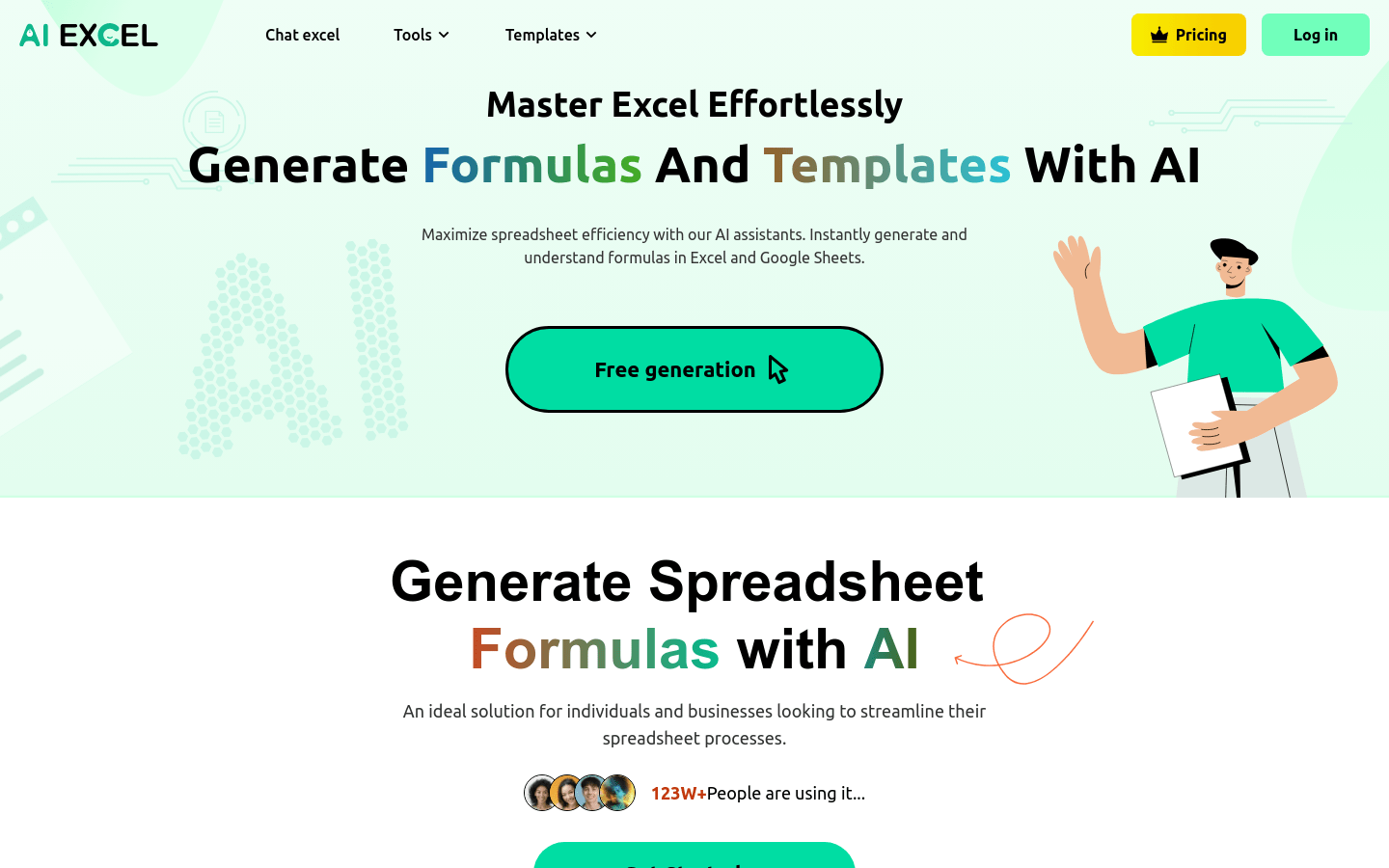
Screenshot archived from the listing page, for preview only.











