
AIEmojiGenerator
Free AI emoji generator from textTurn words into custom emojis
Highlights
What you can do with it
- Type a word like Kitten to get a cartoon cat emoji
- Create an expression or character emoji for a specific mood
- Design custom emojis for chats and social apps
How to use it
- 1 Open the AIEmojiGenerator website.
- 2 Type a word or short phrase into the input box.
- 3 Click to generate the emoji.
- 4 Browse the keyword library for more ideas if you want.
- 5 Save the emoji you like for use in chats or posts.
Who it is for
Pros
- Free and simple, with one-click generation
- Fast output built on a well-known AI model
- A keyword library helps spark new emoji ideas
Limitations
- Output style and quality can vary from prompt to prompt
- Free access may change or add limits over time
- It depends on the underlying Stable Diffusion model staying available
What AIEmojiGenerator is
AIEmojiGenerator is a free tool that turns text into custom emoji using AI. Powered by the Stable Diffusion model, it takes a short text prompt and produces a unique emoji in a single click. It aims for consistent quality and fast generation, and it includes a large emoji keyword library with smart search to suggest more ideas. It is for anyone who wants to enrich digital communication, explore emoji art, or add fun to social apps, and it is offered for free.
What you can do with it
- Turn a single word or phrase into a custom emoji in one click
- Create character and mood emojis for specific situations
- Browse a keyword library to discover new emoji ideas
- Use the results in chats, posts, and social apps
Who it is for
- People who want custom emojis for messaging and social apps
- Creators exploring the artistic side of emoji
- Anyone who enjoys playful and personalized digital communication
What to watch out for
Output can vary from prompt to prompt, so you may need several tries to get the look you want. The tool is free now, but free access can change or gain limits over time. It also depends on the underlying Stable Diffusion model, so if that service changes, generation could be affected. Treat results as fun, casual graphics rather than guaranteed, pixel-perfect designs. Behavior may vary across browsers and devices, so test before production use and consult the help docs if errors appear. Features and interface details may change between versions, so review the latest notes on the page before you start. For team use, agree on naming and editing conventions in advance to avoid version conflicts or duplicated work.
FAQ
Is AIEmojiGenerator free?
Yes. It is offered for free to the public.
How do I make an emoji?
Type a word or short phrase and click generate. The AI creates a custom emoji from your text.
What model does it use?
It is built on the Stable Diffusion model to generate emojis from text.
Why it is free
What the official page says: for free
Free limits, trial length and features are decided by the official site and can change at any time.
Product preview
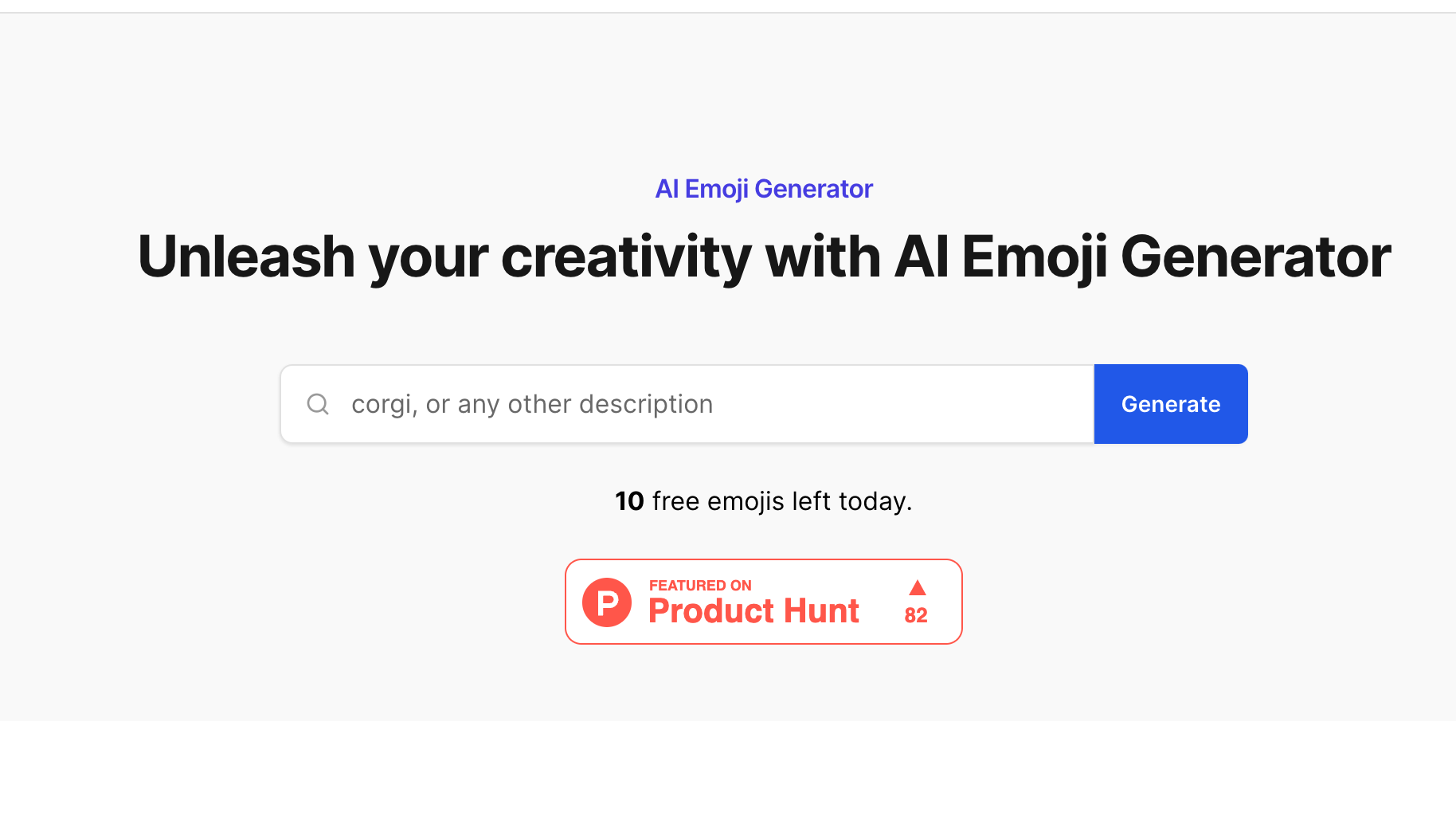
Screenshot archived from the listing page, for preview only.











