AIDetector
Free AI text detectorSpot AI text, no signup
Highlights
What you can do with it
- Check a draft before submitting it for assessment
- Screen a freelancer's article for originality
- Review team reports for uncredited AI text
How to use it
- 1 Paste your text or upload a supported file.
- 2 Click the detect button.
- 3 Read the report that marks the AI sections.
- 4 Download the report if you need a copy.
Who it is for
Pros
- Free with no signup
- Handles common document formats directly
- Fast results with a readable report
Limitations
- Detection is probabilistic, so results are guidance rather than proof
- The humanizer can be misused to hide AI use, which may violate school or platform rules and the penalty is yours
- Free access and limits can change
What AIDetector is
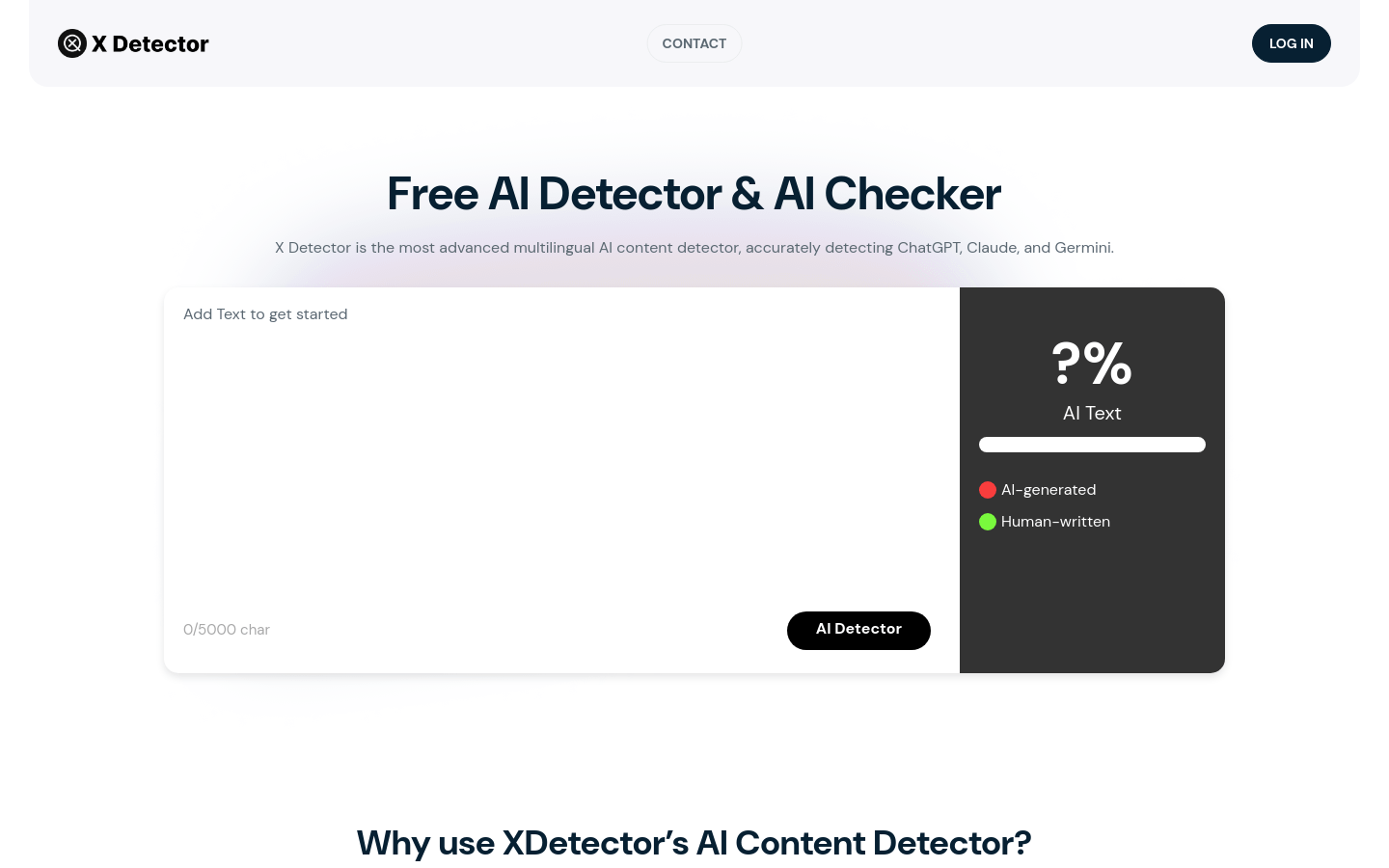
AIDetector is a free online tool that checks whether a piece of text was written by an AI model. You paste text or upload a PDF, Word, PPT, or TXT file up to 40MB, click detect, and within seconds you get a report that marks the sections the tool believes are AI generated, with short explanations. There is no registration step and the site states there are no hidden usage limits. It also includes a humanizer that can rewrite flagged passages in one click. The stated audience covers students, researchers, content creators, freelancers, editors, business professionals, marketers, and SEO specialists.
What you can do with it
- Check a draft for AI generated passages before submitting it.
- Screen a freelancer or contributor's article for originality.
- Review internal reports and proposals for uncredited AI text.
- Download a full report for your records.
Who it is for
- Students who want to check their own work before handing it in.
- Editors and publishers screening incoming submissions.
- Marketers and writers who need to verify originality.
What to watch out for
Detection is probabilistic, not definitive, so a report is a guide rather than proof, and no detector should be the sole basis for an accusation. The humanizer raises a real ethical problem: rewriting text to disguise AI involvement can breach school rules, journal policies, or platform terms, and the consequences land on you, not the tool. Uploading documents also means sending them to a third party, so avoid anything confidential. Free access, file size limits, and detection accuracy can all change without notice. Generated suggestions are for reference only, so verify anything that affects professional judgment or important data.
FAQ
Which models can it detect?
It is described as identifying text from models such as GPT, ChatGPT, Claude, and Gemini.
What files can I upload?
PDF, Word, PPT, and TXT files are supported, up to 40MB, as well as pasted text.
Can I use it to hide AI writing?
It includes a humanizer, but using it to disguise AI text can breach school or platform rules and the consequences fall on you. Detection is also not certain.
Why it is free
What the official page says: no registration
Free limits, trial length and features are decided by the official site and can change at any time.
Product preview
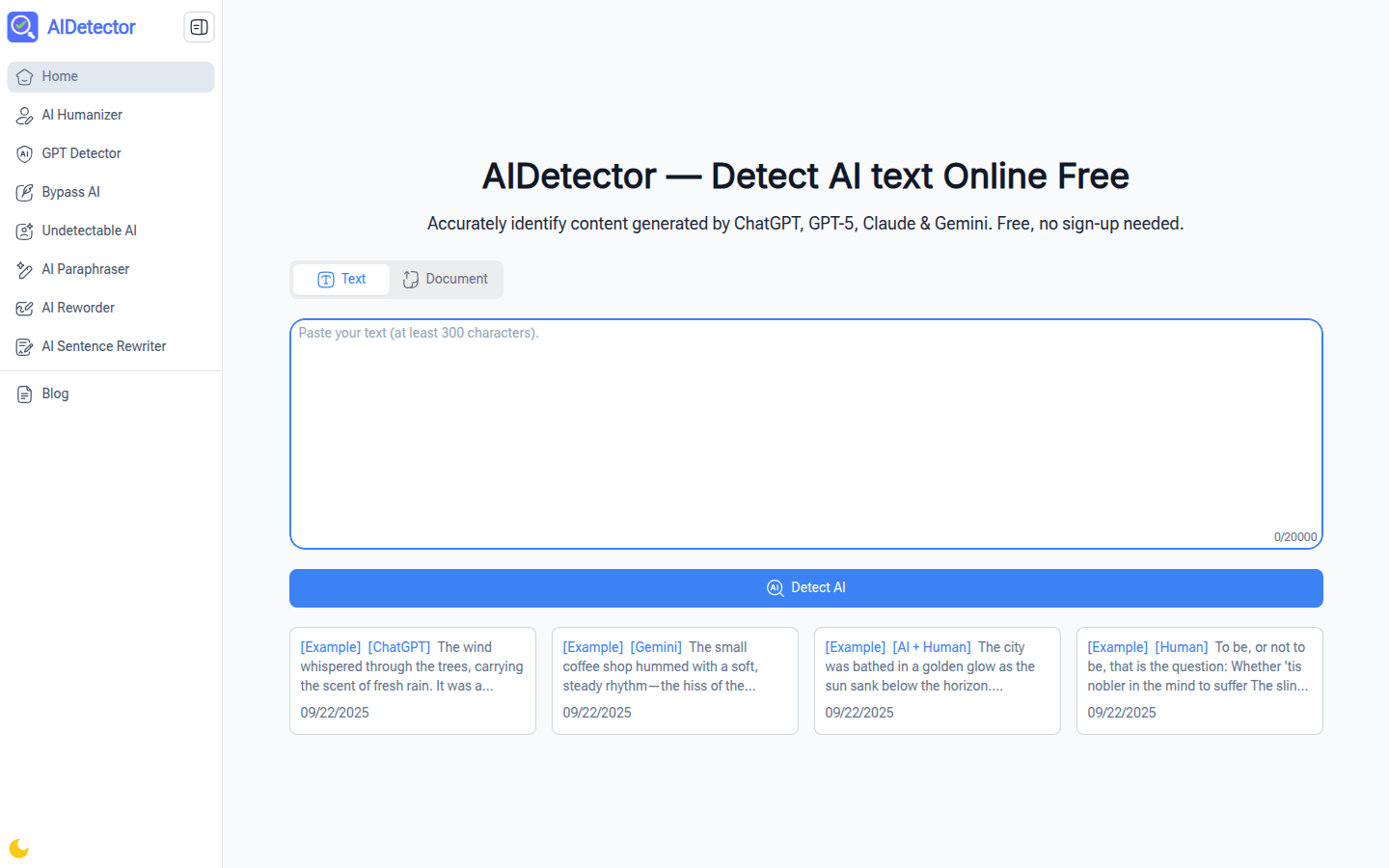
Screenshot archived from the listing page, for preview only.