
Aider.chat
Terminal AI pair programming assistantEdit and commit code with LLMs in your terminal
Highlights
What you can do with it
- Create a simple Flask application with Aider
- Modify open-source game code in the local codebase
- Fix complex multi-file errors with AI help
How to use it
- 1 Install Python 3.8 to 3.13, then install Aider.
- 2 Initialize Aider and open your project directory.
- 3 Start Aider with your chosen model and API key.
- 4 Describe the change you want in the terminal.
- 5 Let Aider edit the code and commit, then review the result.
Who it is for
Pros
- The tool is free and open source
- Edits real files in your local codebase
- Works with several LLM providers and languages
Limitations
- You pay for the LLM API you connect, so usage has a cost
- Needs command-line comfort and Python setup
- AI changes should be reviewed before you merge them
What Aider is
Aider is an AI-assisted programming tool that brings pair programming into the terminal. It connects to large language models and helps developers complete tasks inside their local codebase, understanding complex requests and editing files directly rather than just suggesting snippets. It supports several languages such as Python, JavaScript, and TypeScript, and it can connect to multiple LLMs including Claude, DeepSeek, and OpenAI. It also auto-commits changes through Git for easier version control, supports voice programming, and accepts input from images and web content. The tool itself is currently free and open source, which lowers the barrier to trying AI pair programming.
What you can do with it
- Edit files in your local codebase with AI help
- Handle tasks like new features, bug fixes, and refactoring
- Auto-commit changes through Git
- Connect to the LLM provider of your choice
Who it is for
- Developers comfortable working in a terminal
- Programmers who want AI help editing a real codebase
- Teams that want automated Git commits for AI changes
What to watch out for
While the tool is free and open source, you pay for the LLM API you connect, so usage has a running cost. It needs command-line comfort and a Python setup to get started. AI edits are not guaranteed to be correct, so review the diff before you merge, especially for changes that touch multiple files. Start with a small sample to confirm the output meets your expectations before processing the full batch. Free tiers and usage limits can change, so check the current rules on the official page before relying on it long term. Free tiers and usage limits can change, so check the current rules on the official page before relying on it long term.
FAQ
Is Aider free?
The tool is currently free and open source, but you pay for the LLM API you connect to it.
Which LLMs does it support?
It can connect to multiple models, including Claude, DeepSeek, and OpenAI.
Does it work with Git?
Yes. It can automatically commit changes to help with version control.
Why it is free
What the official page says: 免费
Free limits, trial length and features are decided by the official site and can change at any time.
Product preview
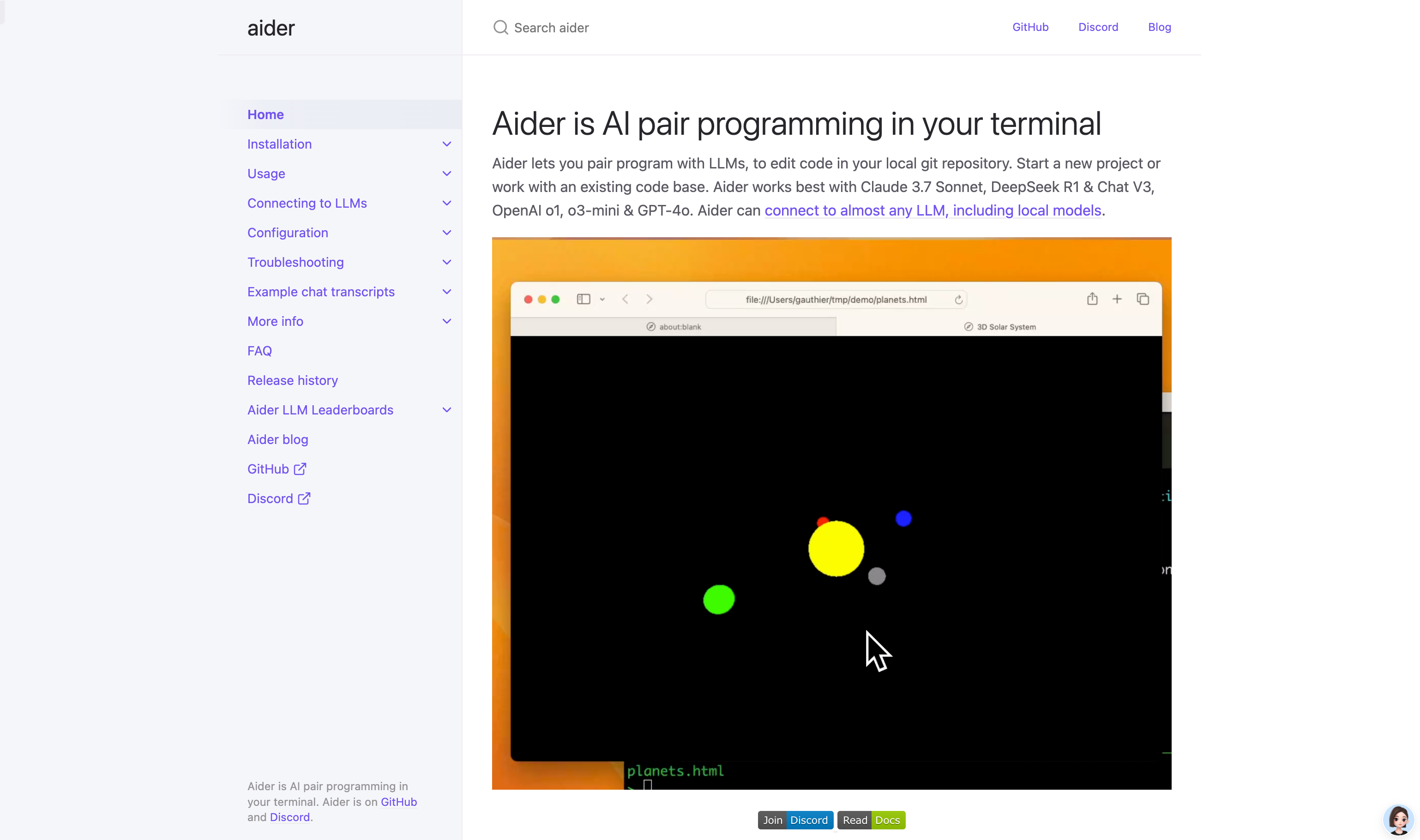
Screenshot archived from the listing page, for preview only.











