
AICO
YouTube to short video clipperTurn YouTube links into short videos
Highlights
What you can do with it
- Turn a YouTube video into short clips for a channel
- Add translated subtitles for foreign-language video
- Insert YouTube comments into the short video
How to use it
- 1 Paste a YouTube link into AICO
- 2 Let it generate short video options
- 3 Pick a preset and adjust the edit
- 4 Publish or download the finished short
Who it is for
Pros
- Fast three-step short creation from a link
- Face-aware cropping and speaker-aware subtitles
- Free to try with no credit card
Limitations
- The free try may be limited and fuller use can cost extra
- Output depends on YouTube source access and quality
- Auto-edits still need review before publishing
What AICO is
AICO is an AI video editing tool that turns YouTube links into short videos in about three steps. It offers AI-generated clips, presets for quick creation, and an all-in-one platform for editing and publishing. It can detect and translate foreign languages, auto-crop around faces, and insert YouTube comments, and it identifies each speaker to give them distinct subtitle effects. It also recommends engaging titles. You can try AICO free on the website without providing credit card information.
What you can do with it
- Turn a YouTube link into short video options
- Edit and publish from one platform
- Auto-crop around faces and add speaker-aware subtitles
- Translate foreign-language audio and insert comments
Who it is for
- Creators repurposing YouTube into shorts
- Channels reaching foreign-language viewers
- Editors who want quick, preset-based cuts
What to watch out for
The free try may be limited and fuller use can cost extra, so confirm current terms. Output depends on the source YouTube video, so access and quality affect results. Automatic edits such as cropping and subtitles still need review before you publish, since mistakes are visible to viewers. Because it relies on external video sources, availability can change over time. Run one full task end to end first, then expand once you are comfortable with the workflow and the result quality. Behavior may vary across browsers and devices, so test before production use and consult the help docs if errors appear. Save a backup of the original file before large batch jobs, and keep an exported copy of key results in case the page or service becomes temporarily unavailable. Save a backup of the original file before large batch jobs, and keep an exported copy of key results in case the page or service becomes temporarily unavailable.
FAQ
Is AICO free?
You can try it free on the website without providing credit card information. Confirm current limits on the site.
How does it make shorts?
You give it a YouTube link and it retrieves AI-generated short video options you can edit and publish.
Does it translate languages?
Yes. It can automatically detect and translate foreign languages.
Why it is free
What the official page says: for free
Free limits, trial length and features are decided by the official site and can change at any time.
Product preview
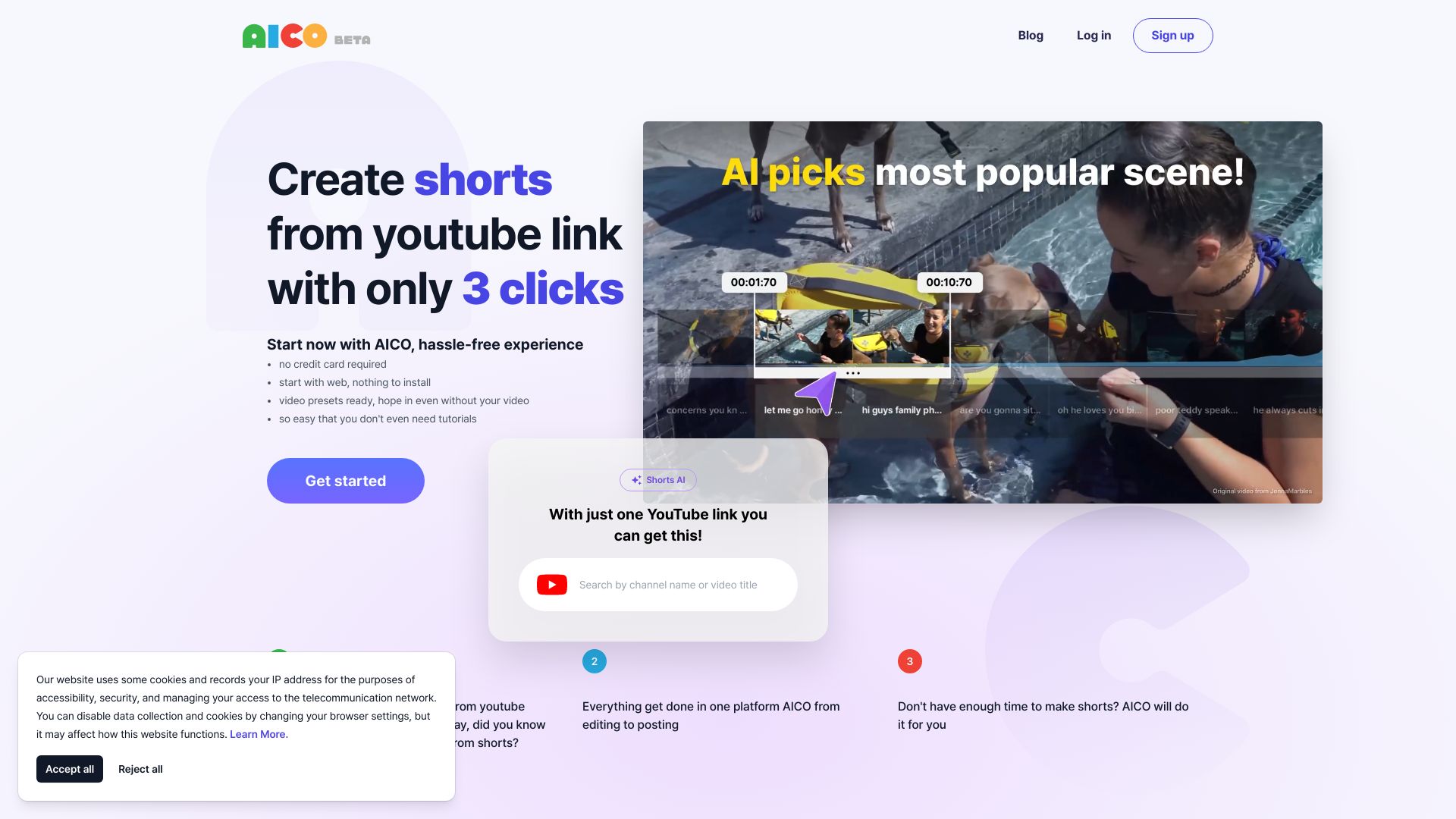
Screenshot archived from the listing page, for preview only.











