
AiCanvas
AI canvas for images and videoGenerate and edit visuals on one canvas
Highlights
What you can do with it
- A designer generates an image and edits it in place without switching tools
- A creator imports a lottie animation into a canvas project
- A team member sketches by hand on top of generated content
How to use it
- 1 Open AiCanvas and start a new canvas project
- 2 Generate images or text with AI, or import existing assets
- 3 Upload gif, video, lottie or rive files if you need animation
- 4 Search for and import gifs, stickers, shapes and photos
- 5 Draw or erase by hand where you want manual control
- 6 Export and download the finished image or video
Who it is for
Pros
- Generation and editing sit in the same canvas, so no app hopping
- Animation support covers gif, video, lottie and rive
- Built-in asset search saves time looking for stickers and shapes
Limitations
- Plans are tiered, so the free entry point is limited
- The site was returning errors when this entry was checked
- Editing a complex canvas can take practice to get right
What AiCanvas is
AiCanvas is a design tool that puts AI generation and manual editing on the same canvas. You can generate images and text with AI and then keep working on them in place, instead of bouncing between a generator and an editor. Animation is handled by importing gif, video, lottie and rive files, which is useful if your work depends on motion assets. There is also a search that pulls gifs, lotties, stickers, shapes and photos from the internet, plus free drawing and erasing for the parts that need a human hand. Finished work exports and downloads quickly as either images or video. The site lists Basic, Advanced and Professional plans, so the free entry point is limited and the paid tiers carry more.
What you can do with it
- Generate images and text with AI on a shared canvas
- Edit generated content in place rather than exporting it elsewhere
- Import gif, video, lottie and rive files as animation
- Search for and import gifs, stickers, shapes and photos from the web
- Draw and erase by hand where automatic output needs a touch-up
- Export and download the finished image or video
Who it is for
- Individual creators who want generation and editing in one tool
- Designers who work with animation formats like lottie and rive
- Teams that need a shared surface for visual projects
What to watch out for
The free entry point is limited by the tiered plan structure, so a serious project will likely need a paid plan. The site was returning errors when this entry was checked, so confirm it is live and review the current plan details before you rely on it. Because the tool mixes generation, asset import and hand editing, a complex canvas takes some practice to keep organized, and the learning curve is steeper than a single-purpose generator. Check the export formats against what your final destination needs, since not every target accepts every animation type.
FAQ
What can AiCanvas generate?
It generates images and text with AI, and it can also edit them afterward on the same canvas. Animation can be imported from gif, video, lottie and rive files.
Can I bring my own assets?
Yes. You can upload gif, video, lottie and rive files as animation, and there is a search that imports gifs, lotties, stickers, shapes and photos from the internet.
How much does it cost?
The site lists Basic, Advanced and Professional pricing plans. The free option is limited, and the paid tiers unlock more capability, so check the current plans before you commit.
Is it suitable for a team?
The site describes it as suitable for individuals, teams and businesses, but the collaboration details are not spelled out, so confirm what the plan you choose actually includes.
Why it is free
What the official page says: for free
Free limits, trial length and features are decided by the official site and can change at any time.
Product preview
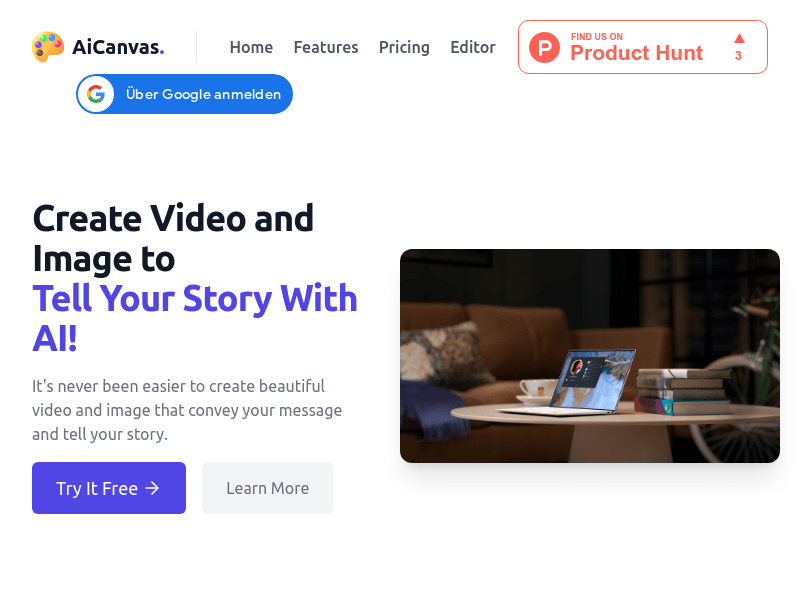
Screenshot archived from the listing page, for preview only.











