
AI2image
Online AI image generatorBrief prompt, custom image
Highlights
What you can do with it
- Images for blog posts and websites
- Graphics for social media posts
- Quick visual mockups for an idea
How to use it
- 1 Open AI2image in your browser
- 2 Write a short description of the image
- 3 Pick libraries for style, coloring, and composition
- 4 Set the size and style options
- 5 Generate and download the result
Who it is for
Pros
- Quick generation from a short prompt
- Library presets reduce prompt guesswork
- Browser based with no install
- Free trial to test output quality
Limitations
- Only a 7-day free trial
- Licensing and commercial rights are not described
- Output quality varies with the prompt
- Cost after the trial is not stated
What AI2image is
AI2image is an online AI image generator. You write a brief description and it produces an image, which is the basic function. What separates it from a bare text-to-image box is the library system: you select from collections covering coloring, backgrounds, art styles, angles, and positions, then adjust size and style before generating. That structure exists because writing a good image prompt is a skill, and the presets supply the visual direction that beginners usually miss. The listing positions the output for websites, blogs, and social media rather than print or fine art. Access is a 7-day free trial.
What you can do with it
- Generate an image from a short text description
- Apply style, coloring, and background presets from the libraries
- Control angle and composition through the position options
- Adjust size and style before generating
- Download images for web, blog, or social use
Who it is for
Bloggers who need an article image without a stock subscription are the obvious audience. Social media managers producing graphics at volume benefit from the preset libraries, since consistency across posts is mostly a style choice. Designers who need quick visual options to show a client can generate several variations in the time it would take to sketch one.
What to watch out for
The free window is seven days, which is short for evaluating whether a generator fits your workflow, and the listing does not state the cost afterward. Licensing and commercial rights are not described at all, which is a significant gap if the images will appear on a commercial site or in paid social ads; confirm the terms before publishing. Quality also varies with the prompt, and the preset libraries help but do not guarantee a usable result, so plan to generate several options and pick. Resolution limits are not stated, so check whether the output is large enough for your intended use.
FAQ
Is AI2image free?
It offers a 7-day free trial. Ongoing use is paid.
What can I customize?
You can pick from libraries covering coloring, backgrounds, art styles, angles, and positions, and adjust size and style.
What is it used for?
The listing points to images for websites, blogs, social media, and similar uses.
Do I need a detailed prompt?
No. It is designed to work from a brief description, with the libraries supplying much of the style direction.
Why it is free
What the official page says: free trial
Free limits, trial length and features are decided by the official site and can change at any time.
Product preview
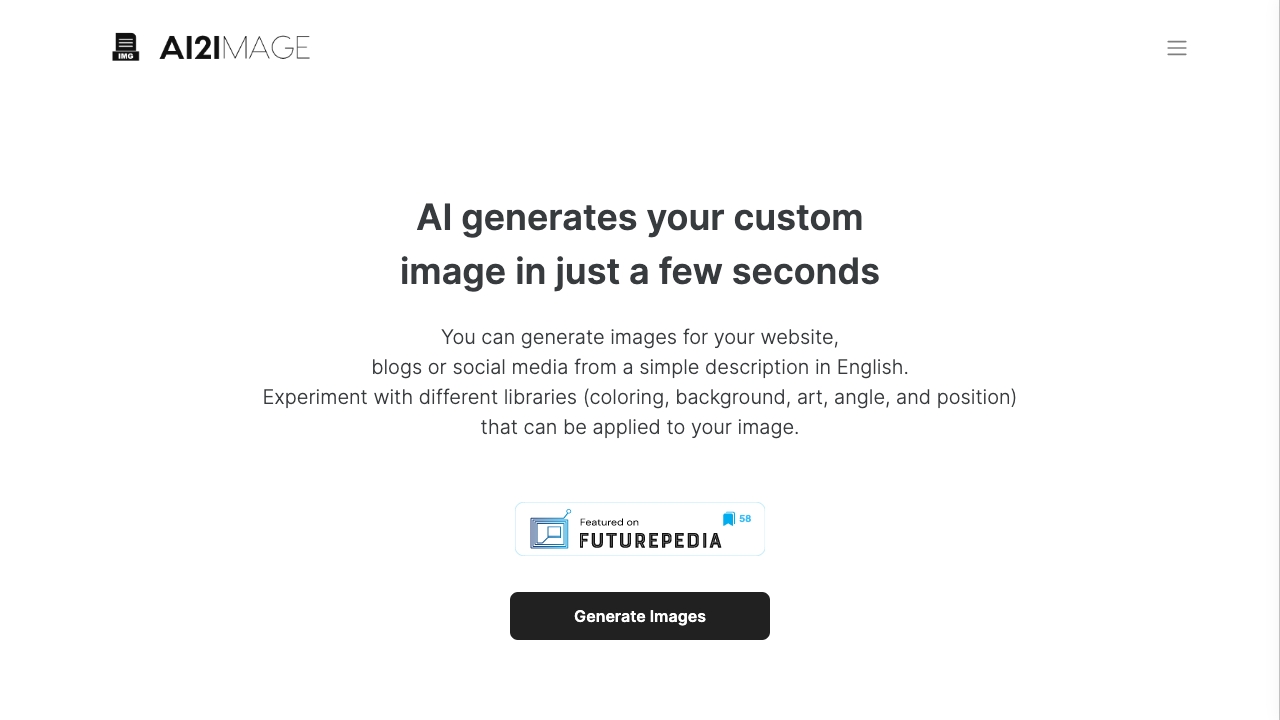
Screenshot archived from the listing page, for preview only.











