
AI Watermark Remover
Free online AI watermark removerRemove watermarks from photos online
Highlights
What you can do with it
- Clean images for design projects
- Remove watermarks from photos you own
- Prepare images for personal sharing
How to use it
- 1 Upload the photo to the site
- 2 Let the AI detect the watermark, or mark it manually
- 3 Adjust the brush size if needed
- 4 Download the cleaned image
Who it is for
Pros
- Free to use online with no install
- Smart and manual modes for different cases
- Does not store your uploaded files
Limitations
- Only use it on content you own or have rights to
- Removing others' watermarks can break copyright rules
- Video and batch removal are not available yet
What AI Watermark Remover is
AI Watermark Remover is a free online tool that removes watermarks from photos. It uses AI to find and erase watermarks without complex editing skills, and it adds a manual brush so you can mark tricky areas yourself. It supports common image formats such as PNG, JPEG, WEBP, and BMP, and the site says it does not store your uploaded files. Video watermark removal and batch processing are listed as features planned for later, so for now the focus is single photos.
What you can do with it
Here is what you can do with the tool:
- Remove a watermark from a photo in one click
- Use the manual brush to mark areas the AI missed
- Work with common formats like PNG, JPEG, WEBP, and BMP
- Download the cleaned image without a new watermark
Who it is for
It fits a few groups:
- Designers cleaning images for projects
- Social media users tidying photos they own
- Anyone who needs a quick, free removal on a single image
What to watch out for
Only use this tool on content you own or have the rights to edit; removing a watermark from someone else's work can break copyright and platform rules, and any consequences fall on you. Free access can change, and the tool depends on an external service you do not control. Results are not always perfect, so a heavily textured background may still show traces. Video and batch removal are not available yet, so plan accordingly for larger jobs. For team use, agree on naming and editing conventions in advance to avoid version conflicts or duplicated work.
FAQ
Is it free?
Yes, it is a free online tool for removing photo watermarks.
What formats does it support?
It supports common formats like PNG, JPEG, WEBP, and BMP.
Can I remove watermarks from any image?
You should only use it on content you own or have the rights to edit.
Why it is free
What the official page says: 免费
Free limits, trial length and features are decided by the official site and can change at any time.
Product preview
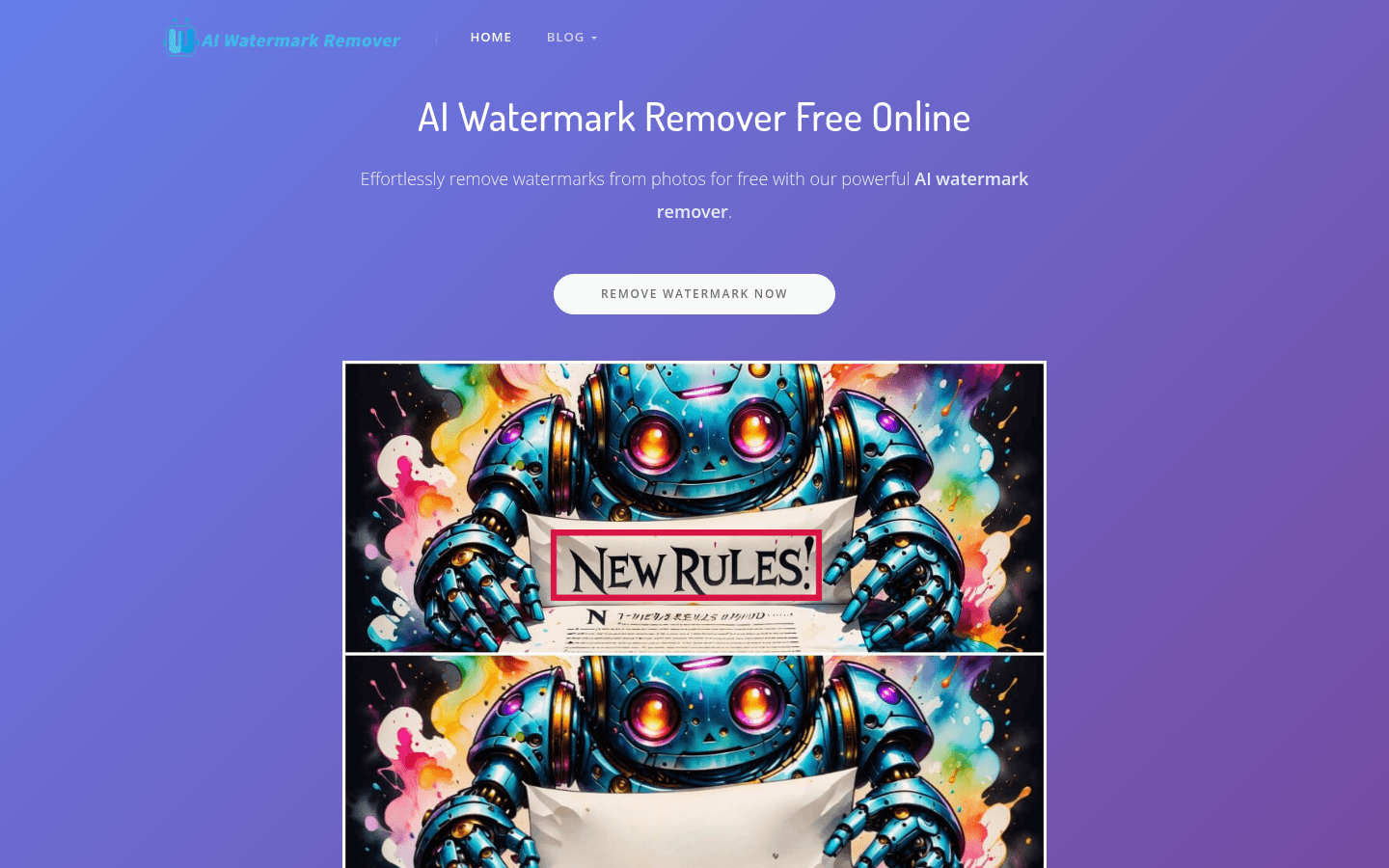
Screenshot archived from the listing page, for preview only.











