
AI Watercolor Generator
Turn photos and prompts into watercolor artWatercolor styles, chat refinement, reusable assets
Highlights
What you can do with it
- Turn family photos into watercolor keepsakes for home decoration
- Create pet watercolor portraits for pet shops and local promotions
- Convert wedding venue photos into paintings for invitations and prints
How to use it
- 1 Upload a photo or describe your idea in text
- 2 Pick a style example or write your own prompt, then choose model, ratio, and resolution
- 3 Refine the result through chat and mark areas that need edits
- 4 Save references to the asset library and branch into new creative directions
Who it is for
Pros
- Simple flow from photo or prompt to a finished watercolor piece
- Chat refinement keeps editing in plain language
- Asset library and branching reduce repeated uploads
Limitations
- The free plan is capped at five 1K Watercolor Lite images per day
- Higher resolutions and more models require paid plans
- Generated art may still need manual touch-ups for fine detail
What AI Watercolor Generator is
AI Watercolor Generator is an online tool that turns photos or text prompts into watercolor-style artwork. The workflow starts with an upload, such as a portrait, pet, house, or venue photo, or with a written description when you want a scene built from scratch. From there you choose a watercolor style and an image model, and the system produces a painting you can keep refining. Access includes a free plan that covers five 1K-resolution Watercolor Lite images per day, with paid tiers for people who need more volume or higher output.
What you can do with it
- Convert photos of people, pets, houses, and venues into watercolor pieces, or generate scenes from text alone.
- Choose between watercolor style examples and models such as Watercolor Lite and GPT Image.
- Refine results in chat by asking for softer edges, richer pigment, or changes to faces, colors, paper texture, and composition.
- Save reference images to an asset library and branch from any conversation to test new palettes and compositions.
- Start from editable prompt recipes for portraits, pets, architecture, weddings, plants, and landscapes, or mark specific areas of a result for targeted edits.
Who it is for
- Individuals who want family keepsakes, pet portraits, or house paintings without hiring an illustrator.
- Designers who need watercolor looks for commercial projects and quick client mockups.
- Illustrators and wedding professionals who want to test styles and produce invitation artwork.
What to watch out for
The free plan is deliberately small: five 1K-resolution Watercolor Lite images per day, and anything beyond that needs a paid plan. Results are generated, so fine details such as hands, text, or exact likenesses can drift, and manual touch-ups may still be needed. Because reference images and works live in the platform's asset library and workspace, check the retention and privacy terms before uploading sensitive photos. Pricing and model availability can change, so confirm the current plan details before committing to a subscription.
FAQ
Is the tool free to use?
There is a free plan with five 1K-resolution Watercolor Lite images per day; paid tiers add more capacity and more models.
What can I upload?
Portraits, pets, houses, venue photos, and similar images, or you can skip uploads and write a text prompt instead.
Can I edit after generating?
Yes, you can chat with the tool to adjust edges, pigment, faces, colors, paper texture, and composition, and mark specific areas for edits.
Why it is free
What the official page says: free plan
Free limits, trial length and features are decided by the official site and can change at any time.
Product preview
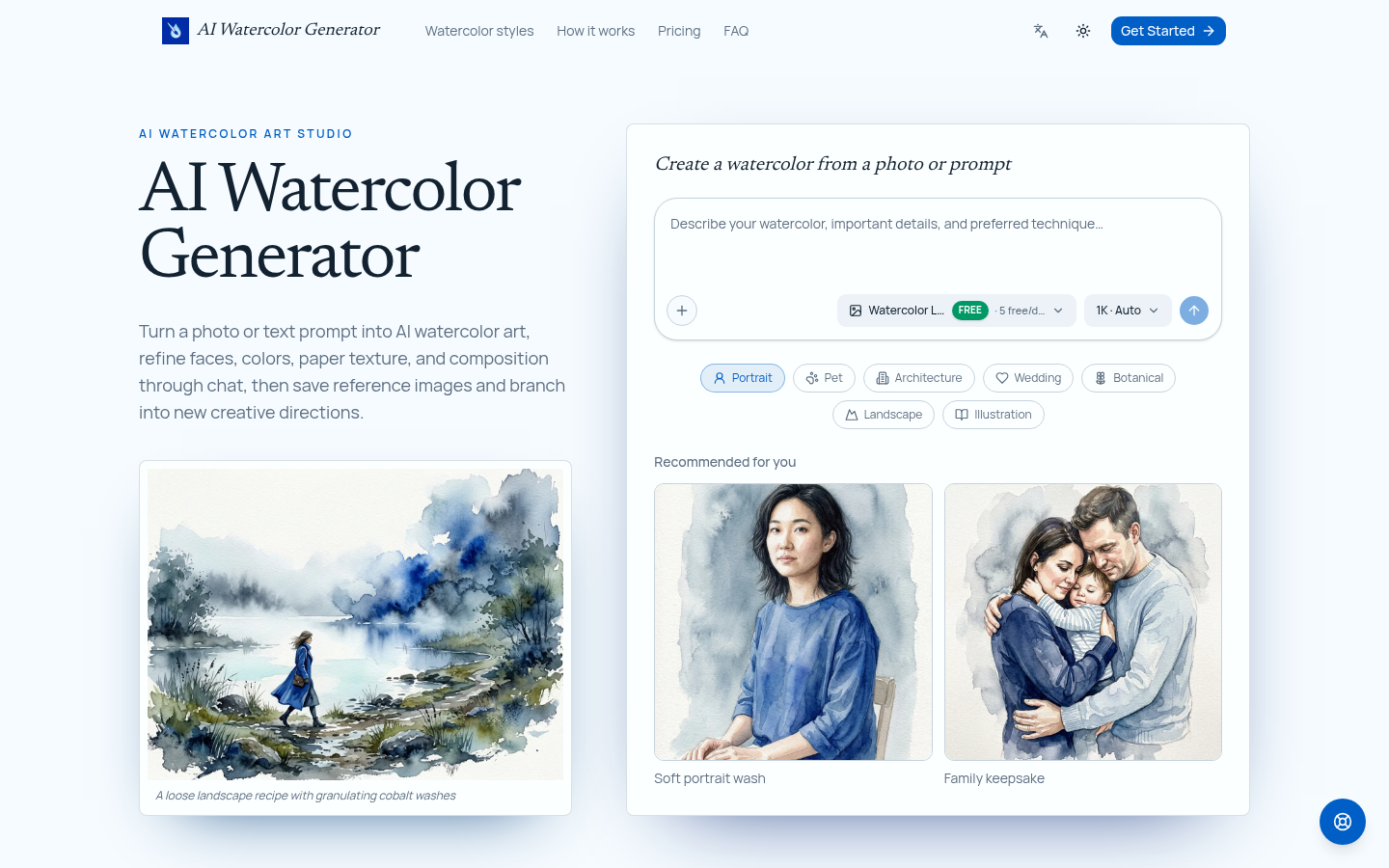
Screenshot archived from the listing page, for preview only.











