
AI Video Extender
Extend short video clips with AIAdd 3 to 10 seconds to a clip automatically
Highlights
What you can do with it
- Lengthen a short social video for more content
- Extend a product demo without a reshoot
- Add a few seconds to course or explainer footage
How to use it
- 1 Upload an MP4, MOV, or AVI clip
- 2 Set the extension length and resolution
- 3 Generate and download the extended video
Who it is for
Pros
- Two engines for speed or quality
- No reshoot needed to add footage
- Handles common video formats
Limitations
- Credit-based cost rises with length and resolution
- Extension is short, only 3 to 10 seconds
- New-user discount does not remove later costs
What AI Video Extender is
AI Video Extender is a tool that extends short video clips using two engines, WAN 2.5 and Veo 3.1. WAN 2.5 is faster and cheaper, while Veo 3.1 targets higher-end, cinema-like quality with better audio. You can add 3 to 10 seconds to a clip, up to 1080p, and the tool keeps style and audio in sync so the added part looks natural. It accepts MP4, MOV, and AVI files, and pricing is credit-based by resolution, with a 20 percent trial offer for new users. It is made for creators and teams that need a little more footage without a reshoot.
What you can do with it
- Add 3 to 10 seconds to a short clip.
- Choose a fast engine or a higher-quality one.
- Keep audio and visuals in sync across the extension.
- Export up to 1080p from common video formats.
Who it is for
- Social creators who need longer short-form clips.
- Marketing teams extending product demos.
- Educators adding length to course or explainer videos.
What to watch out for
The extension is short, only 3 to 10 seconds, so it is for small additions rather than long stretches of new footage. Cost is credit-based and rises with length and resolution, so a 1080p, 10-second add costs more than a short, low-resolution one, and the new-user discount does not remove later costs. Because it generates content, the added seconds may not always match perfectly, so review the result before you publish. Credit pricing and trial offers can also change over time. Free tiers and usage limits can change, so check the current rules on the official page before relying on it long term.
FAQ
How long can it extend a video?
Between 3 and 10 seconds per extension.
What engines does it use?
WAN 2.5 for speed and Veo 3.1 for higher quality.
How is it priced?
By credits and resolution, with a 20 percent offer for new users.
Why it is free
What the official page says: free trial
Free limits, trial length and features are decided by the official site and can change at any time.
Product preview
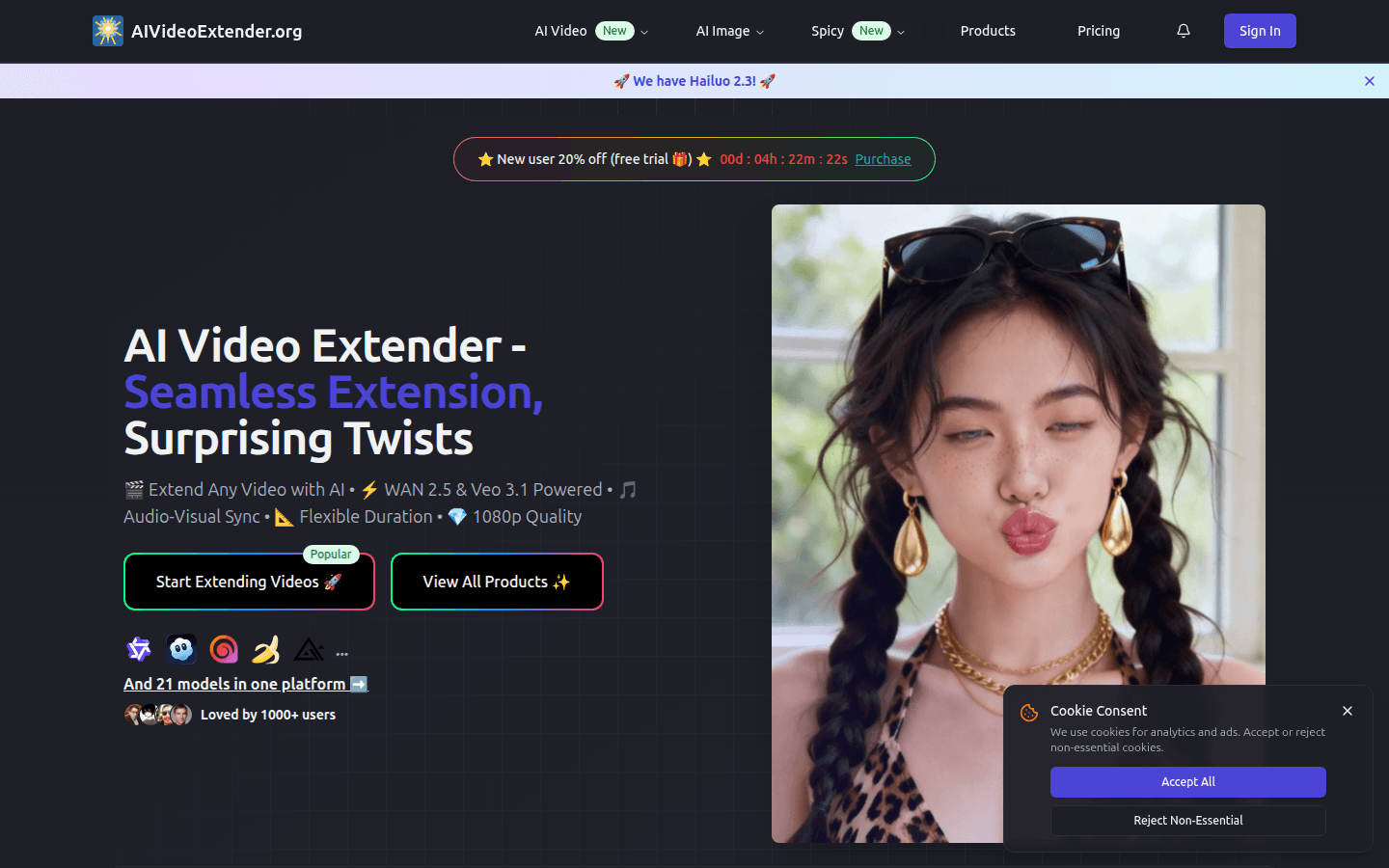
Screenshot archived from the listing page, for preview only.











