
AI Video Enhancer
Upscale and clean up video to 4K or 8KMake old video look better, free to use
Highlights
What you can do with it
- Upscale old home video for modern screens
- Clean up grainy low light footage
- Improve client video before delivery
How to use it
- 1 Open the AI Video Enhancer page or desktop app
- 2 Import the video you want to improve
- 3 Choose an enhancement such as upscale or denoise
- 4 Process the video and export the result
Who it is for
Pros
- Upscaling, denoising, and restoration in one tool
- Online and desktop options
- Described as free to use
Limitations
- Pricing details are not listed on the site
- Free usage rules may change
- Upscaling cannot add detail that was never recorded
What AI Video Enhancer is
AI Video Enhancer is a Wondershare tool for improving video quality, and it works either online or as a desktop application. The site says the core features run on AI and that the tool can raise video resolution to 4K or 8K, denoise footage, and restore old recordings. That combination is aimed at two very different users, people cleaning up personal clips and professional creators preparing material for delivery, and the site markets it to both. It describes the tool as free to use. Because upscaling, denoising, and restoration sit in one place, it suits a single cleanup pass rather than a detailed grade.
What you can do with it
- Upscale old or low resolution footage for modern screens.
- Reduce noise in grainy or low light recordings.
- Restore degraded video so it is watchable again.
Who it is for
- Families digitizing and cleaning up old home video.
- Creators stuck with low quality source footage.
- Professionals who need a quick improvement before delivery.
What to watch out for
Upscaling enlarges what is already there; it cannot invent detail the camera never captured, so a heavily compressed or badly degraded source will still look soft at 8K. Processing long or high resolution files takes time and system resources, and the online and desktop versions may differ in what they handle, so check which one covers your file. The site describes the tool as free to use but does not list pricing details, so confirm current terms before you commit to a large project. Keep the original file untouched and export a new version, since going back is not always possible.
FAQ
What can it improve?
The site lists resolution up to 4K or 8K, denoising, and restoring old video.
Is it free?
The site describes the tool as free to use, though it does not list pricing details.
Can I use it online?
Yes, it supports both online and desktop use.
Why it is free
What the official page says: 免费使用免费
Free limits, trial length and features are decided by the official site and can change at any time.
Product preview
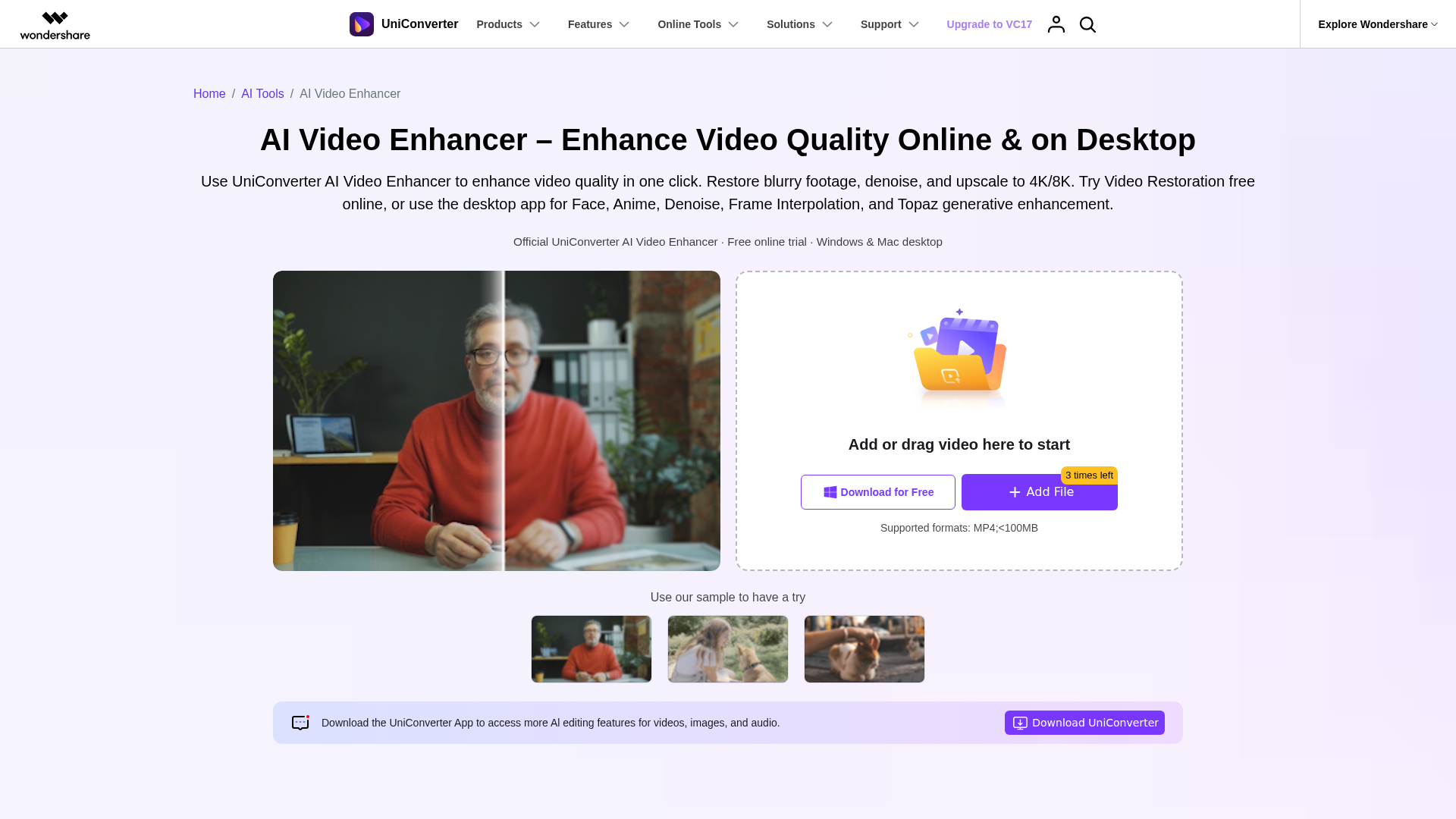
Screenshot archived from the listing page, for preview only.