AI Timeline
AI timeline and mind map generatorEvents laid out as a timeline
Highlights
What you can do with it
- Teachers show the development of historical events to a class
- Researchers organise the progress of a project over time
- Project managers plan milestones and key tasks visually
How to use it
- 1 Open AI Timeline in your browser
- 2 Enter the events or information you want to lay out
- 3 Pick a timeline theme
- 4 Generate the timeline or mind map
- 5 Adjust the content and export or share the visual
Who it is for
Pros
- Free online tool with no installation required
- Produces both timelines and mind maps
- Several themes for different presentation contexts
- Turns dense text into something scannable at a glance
Limitations
- Visual options are limited to the themes provided
- Detailed timelines usually need manual adjustment after generation
- Free availability of an online tool can change over time
What AI Timeline is
AI Timeline is an online tool that uses AI to visualise events as a timeline. Rather than reading a paragraph of dates, you get a horizontal layout where the order and the spacing of events are visible immediately. The tool also produces mind maps, which covers the case where information branches rather than runs in a line, and it offers multiple timeline themes so the same content can look formal or casual depending on where it is going. Everything happens in the browser, so there is nothing to install.
What you can do with it
- Turn a list of events into a timeline visual
- Generate a mind map when the information branches instead
- Switch between themes to match the presentation context
- Use the output for teaching, research updates, or project planning
Who it is for
- Teachers showing students how a period or process developed
- Researchers laying out the progress of a project over time
- Project managers mapping milestones, deadlines, and key tasks
What to watch out for
The theme selection defines how much visual control you have, so if you need a specific brand style or an unusual layout you will be working within preset options. Generated timelines are also a starting point: dense or contested material, where dates overlap or sources disagree, normally needs manual tidying before it goes in front of an audience. As a free online tool, its availability and feature set can change, so keep a local copy of anything important rather than assuming it stays online. When quality matters, export a small draft first to confirm the result before producing the final file.
FAQ
Is AI Timeline free?
It is presented as a free online tool. Check the site for the current status before relying on it.
Does it only make timelines?
No. It also creates mind maps alongside timeline visuals.
Who uses it?
Teachers, researchers, and project managers are the examples given, but anyone laying out a sequence can use it.
Why it is free
What the official page says: 免费
Free limits, trial length and features are decided by the official site and can change at any time.
Product preview
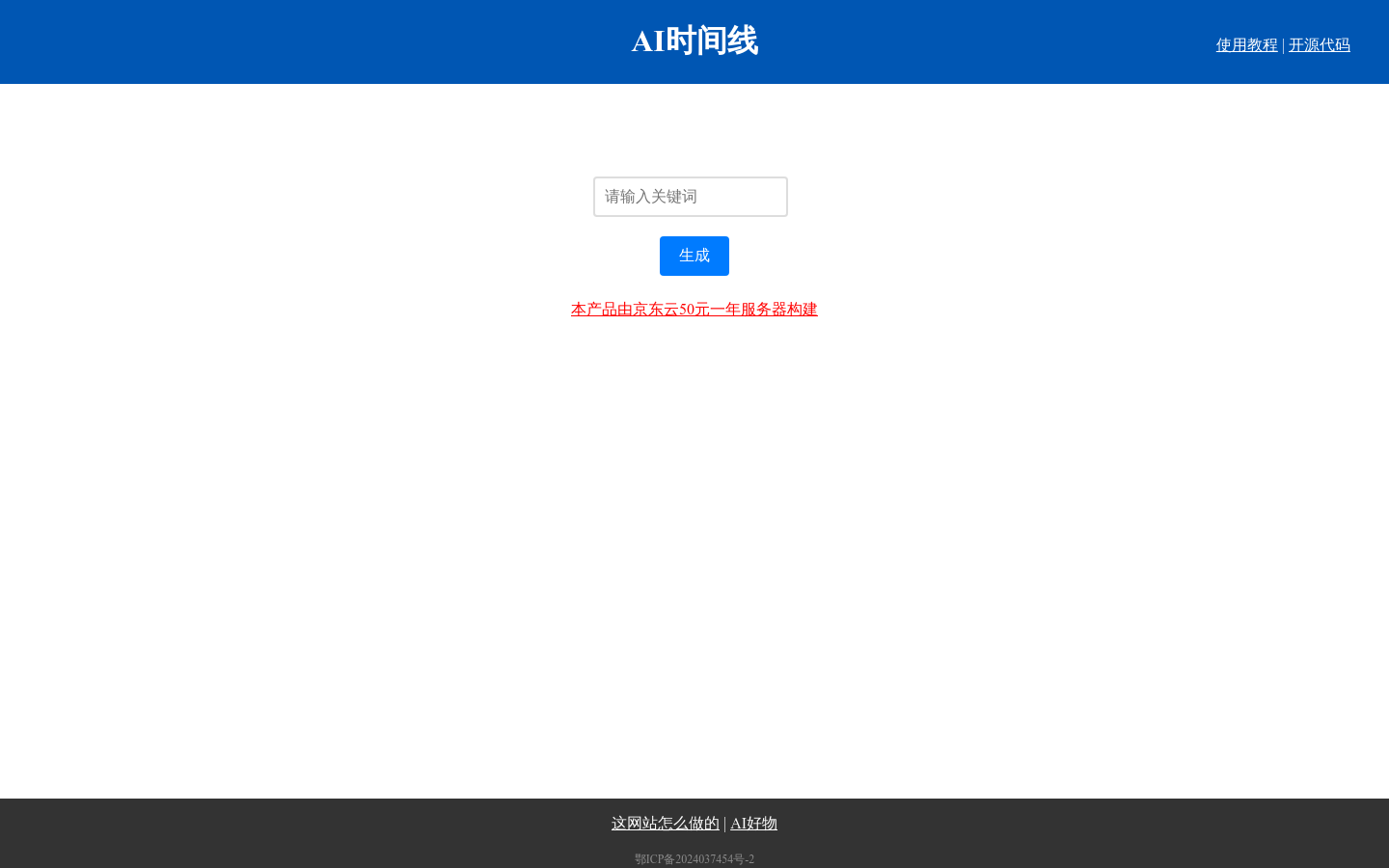
Screenshot archived from the listing page, for preview only.