
AI Tech Packs
AI tech pack generator for fashion teamsFactory-ready tech packs in minutes
Highlights
What you can do with it
- A new brand builds packs for a whole collection
- A first-time designer produces a competition pack
- A merchandise company handles high order volume
How to use it
- 1 Upload clothing references such as photos or flats.
- 2 Let the AI draft the pack with specs and BOM.
- 3 Edit measurements, materials, and notes.
- 4 Export as PDF or Excel and send it to the factory.
Who it is for
Pros
- Minutes instead of hours for a first draft
- Reduces reliance on specialist design software
- Output formatted for factory handover
Limitations
- Draft data must be verified before production
- Free access covers basics, agency work is paid
- Illustrator editing needs the Designer plan
What AI Tech Packs is
AI Tech Packs is an AI-driven generator for fashion technology packs. The workflow starts with a reference: you upload photos, sketches, or flats of a garment, and the system drafts a pack that includes specifications, measurement data, a bill of materials, and construction notes. From there you edit the numbers and materials, run the built-in completeness check for missing specs or duplicate materials, and export a factory-ready PDF or Excel file. The stated goal is to cut the time and workload of producing packs, reduce dependence on specialist software such as Illustrator and Excel, and give manufacturers information they can actually work from. Basic functions can be tried free, and a paid agency service exists for teams that would rather outsource the work.
What you can do with it
- Turn clothing photos or flats into a draft tech pack
- Edit specifications, measurements, and the BOM
- Export factory-ready PDF and Excel files
- Check a pack for missing or duplicated information
Who it is for
- First-time designers learning production documentation
- Growing brands handling more styles each season
- Merchandise companies processing high order volume
- Teams that want to skip manual Illustrator and Excel work
What to watch out for
Treat the draft as a draft. Measurements, tolerances, and material codes are exactly the details that cause costly factory errors, so verify every field against your sample before you send anything, and never let a pack go out unchecked. The free tier covers basic functions, while agency work is paid and continued editing in Adobe Illustrator requires the Designer plan, so the cheapest path is not the full product. The page notes the interface is mainly English and only possibly multilingual, which can matter for overseas factories. Because it is a web service, formats and limits can change, so archive exported packs locally rather than relying on the platform as your only store.
FAQ
What is a tech pack?
It is the document set a factory needs to make a garment: specifications, measurements, bill of materials, flats, and construction notes.
Is it free?
The basic functions can be tried for free, and paid agency services are available for teams without time to use the software.
What can I export?
Factory-ready PDF and Excel files, and teams on the Designer plan can continue editing in Adobe Illustrator.
Why it is free
What the official page says: for free
Free limits, trial length and features are decided by the official site and can change at any time.
Product preview
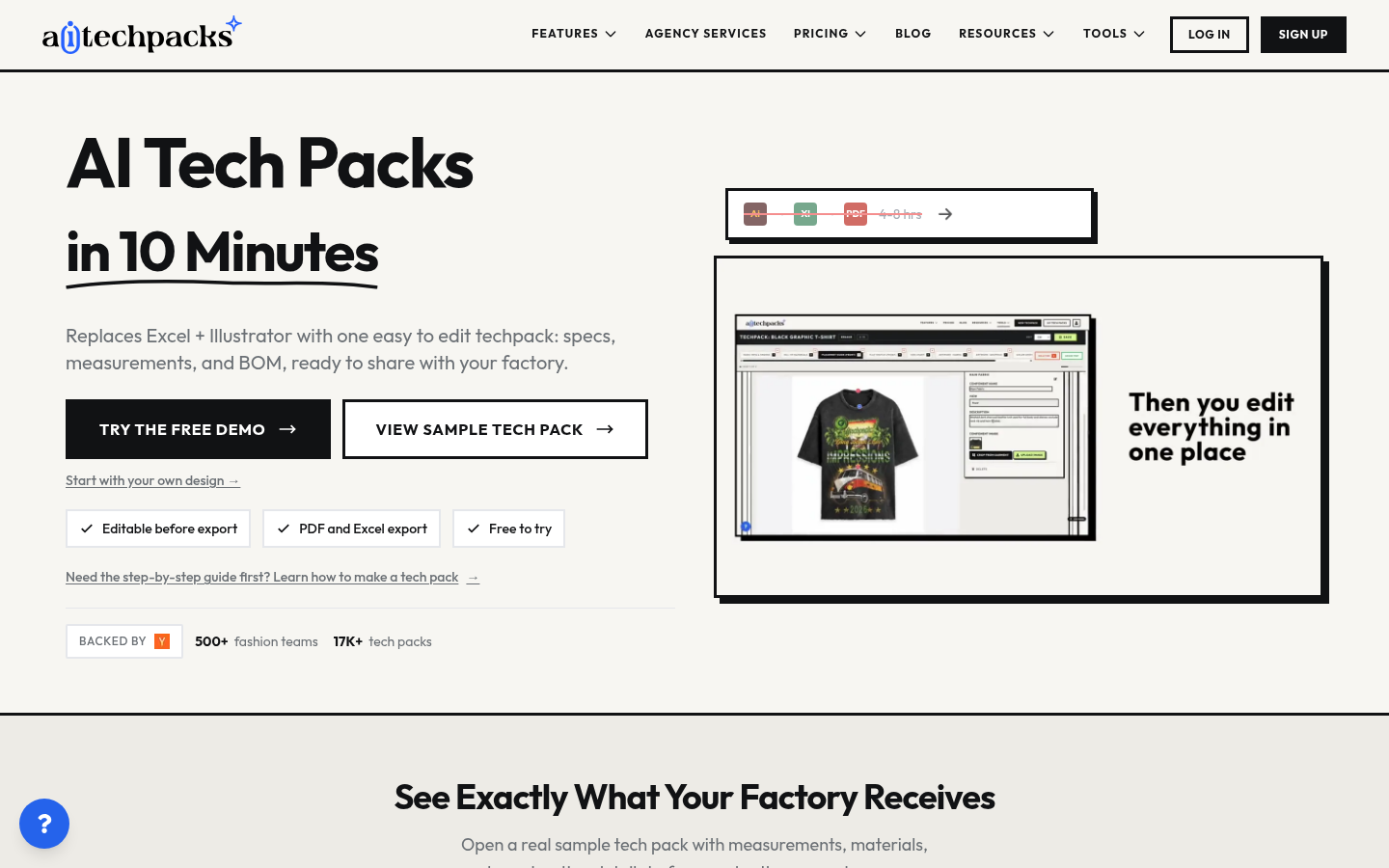
Screenshot archived from the listing page, for preview only.











