
AI Suggests
AI content and copywriting generatorFresh content ideas in seconds
Highlights
What you can do with it
- Writing Instagram captions for a content calendar
- Drafting ad copy variants for a campaign
- Brainstorming names for a new project
How to use it
- 1 Sign up for a free account
- 2 Pick the type of content you need
- 3 Enter your topic or keywords
- 4 Generate options and choose the best
- 5 Use credits to unlock more templates if needed
Who it is for
Pros
- Free to sign up and start
- Covers many short form content types
- Fast output for brainstorming
Limitations
- More templates require buying credits
- Output still needs editing for brand voice
- Short form focus, not long articles
What AI Suggests is
AI Suggests is a content generation tool built for short form copy. It aims to produce fresh, unique text in seconds, and it works whether you are stuck for ideas or just need volume. The output types cover Instagram captions, video titles, tweets, keywords, blog titles, and startup names, along with SEO friendly text, marketing ads, and social media posts. You can sign up for free, and credits unlock additional templates beyond the free set. It is aimed at people who publish constantly and need variants rather than one perfect paragraph, so the value is in speed and breadth rather than depth.
What you can do with it
- Generate captions, titles, and tweets in bulk
- Produce SEO friendly text for pages and posts
- Draft ad copy variants to test
- Brainstorm blog titles and startup names
Who it is for
- Social media managers with a daily posting schedule
- Marketers testing multiple ad variants
- Founders writing landing copy and naming a product
What to watch out for
The free account is the entry point, but the larger template library sits behind credits, so costs rise with volume. Generated copy is a starting point: it rarely matches a brand voice on the first pass, and factual claims need checking. The focus is short form content, so it is not the tool for long articles or detailed reports. Always review output for tone and accuracy before it goes live, and keep a human editing step so your channels do not all start to sound the same. Start with a small sample to confirm the output meets your expectations before processing the full batch.
FAQ
What can it generate?
Instagram captions, video titles, tweets, keywords, blog titles, startup names, SEO text, ads, and social posts.
Is it free?
You can sign up for free and buy credits for more templates.
Who is it for?
Marketers, social media managers, and founders who need lots of short copy.
Why it is free
What the official page says: for free
Free limits, trial length and features are decided by the official site and can change at any time.
Product preview
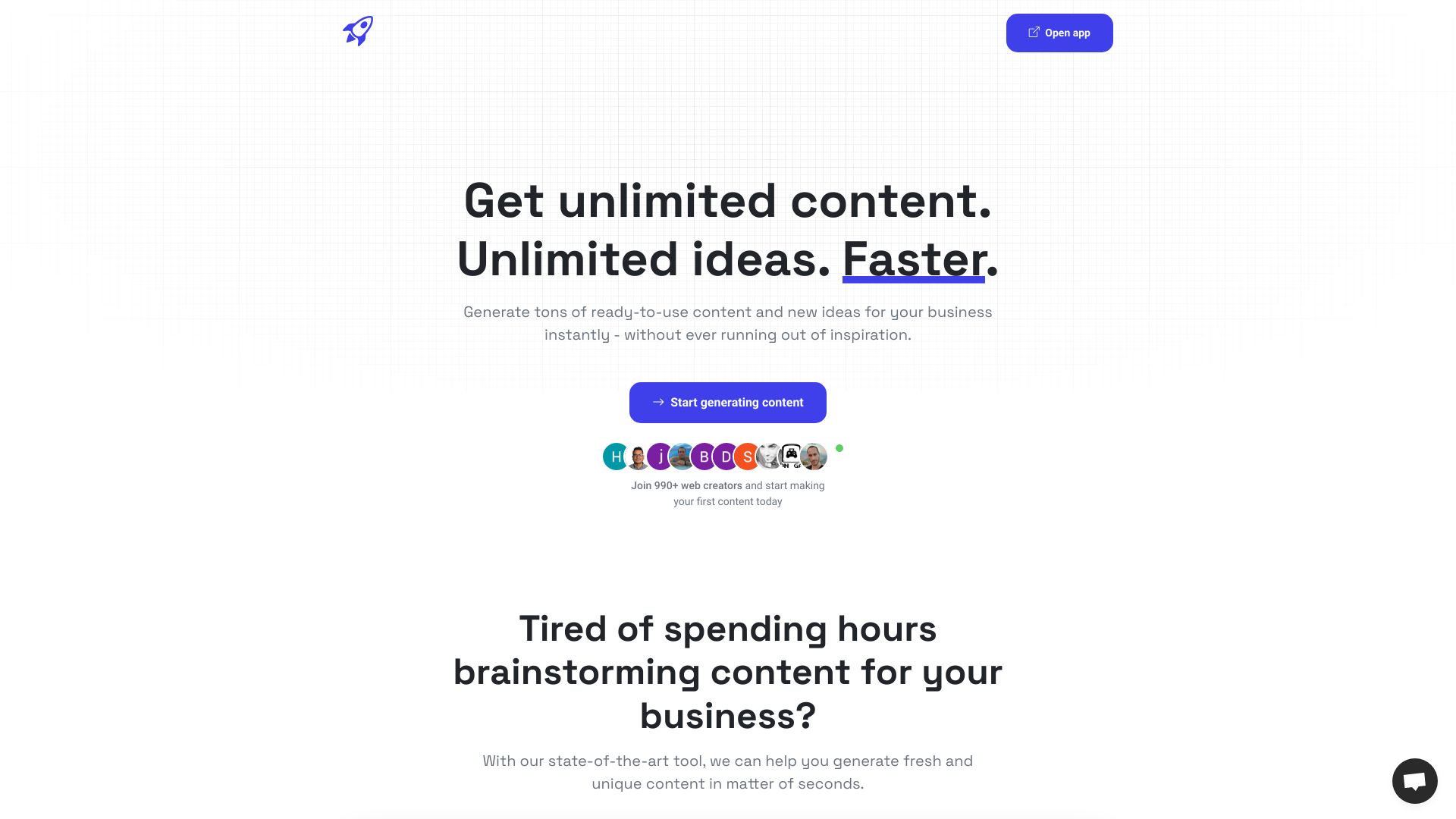
Screenshot archived from the listing page, for preview only.











