
AI Studios.com
One-stop AI video generation platformAI avatars, voices, and translation
Highlights
What you can do with it
- A bank introducing an AI presenter for customer service
- An educator producing a lesson video
- A marketing team localizing an ad in several languages
How to use it
- 1 Register and log into the platform
- 2 Choose the video type you want to make
- 3 Input a script and pick an avatar and language
- 4 Add elements and collaborate with your team
- 5 Generate, translate, and share the video
Who it is for
Pros
- Very broad language coverage
- Translation and avatars in one platform
- Templates speed up production
- Team workspaces for shared work
Limitations
- Free trial then paid, so ongoing production costs money
- Avatar and voice generation needs consent and carries misuse risk
- Rendering time and credit limits apply to longer videos
- Template results need customization to avoid looking generic
What AI Studios.com is
AI Studios is an AI video generation platform that covers the whole production path in one place. You start from text prompts, choose an AI avatar, and generate a video, with text-to-speech available in more than 80 languages. The platform can translate an existing video into several languages at once, which is the feature that matters most for international distribution. Editable templates cover common formats, conversational avatars can be wired to large language models for interactive use, and teams can work together in shared workspaces. Typical uses are educational videos, commercial ads, and news style content. A free trial is available.
What you can do with it
- Generate a video from a text prompt with an AI avatar.
- Use text-to-speech in more than 80 languages.
- Translate one video into multiple languages.
- Build conversational avatars and collaborate in a team workspace.
Who it is for
- Educators producing lesson and explainer videos.
- Businesses using AI presenters for customer-facing content.
- Marketing teams localizing video for several markets.
What to watch out for
A free trial is a trial: production work needs a paid plan, and longer videos consume credits and rendering time, so plan schedules accordingly. Avatars and synthetic voices raise consent questions, especially when a real person's likeness or voice is involved, and misuse can break platform rules and local law with the consequences on you. Template output is fast but generic, and if you do not customize it your video will look like everyone else's. Test the avatar and voice pairing on a short clip before you commit to a full production run. For team use, agree on naming and editing conventions in advance to avoid version conflicts or duplicated work.
FAQ
Is there a free trial?
Yes, the platform offers a free trial with paid tiers above it.
How many languages does it support?
Text-to-speech is available in over 80 languages.
Can teams work together?
Yes, there are teams and workspaces for collaboration.
Why it is free
What the official page says: free trial
Free limits, trial length and features are decided by the official site and can change at any time.
Product preview
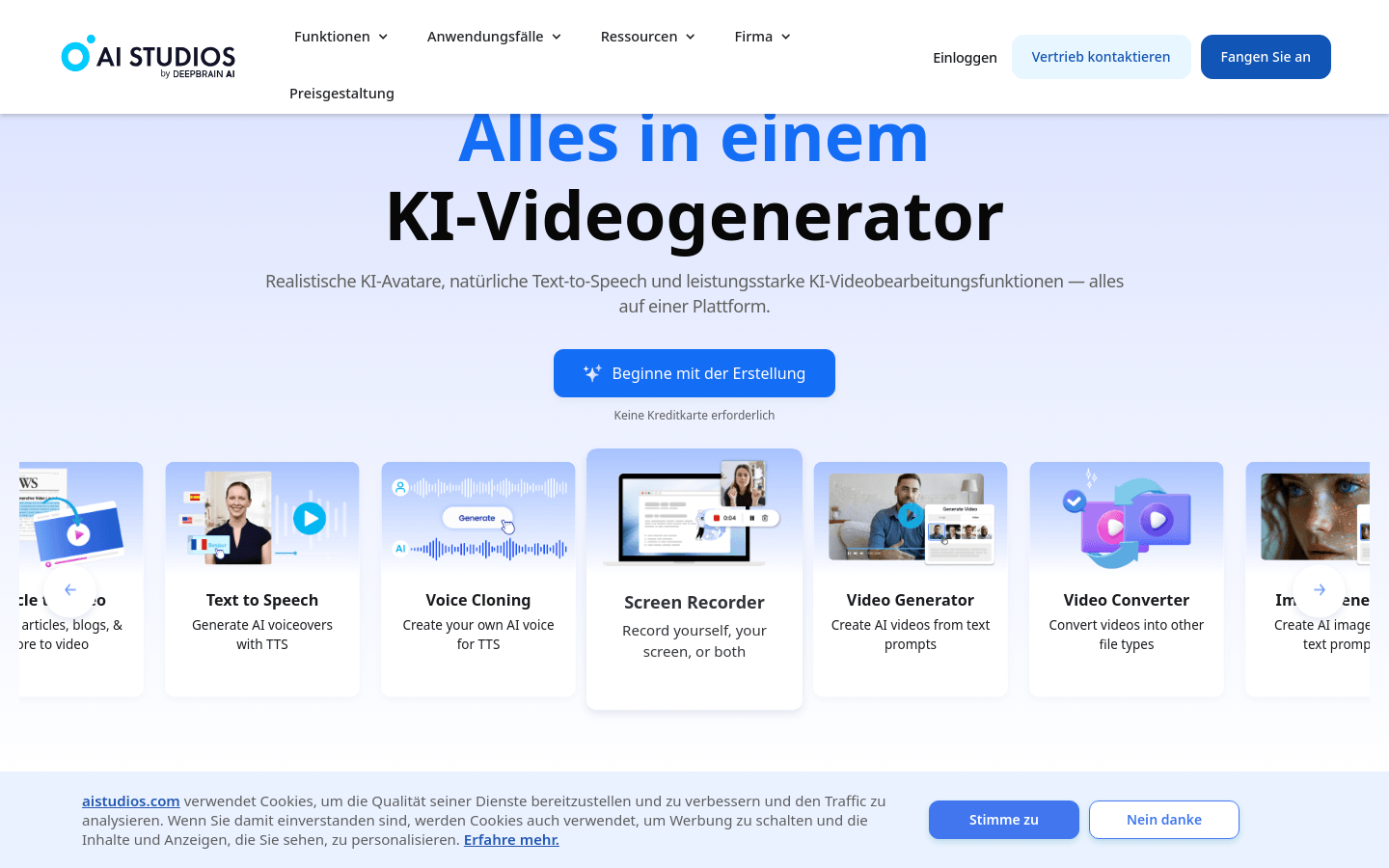
Screenshot archived from the listing page, for preview only.











