
AI Smart Image Segmentation
Figma plugin for click-based AI image segmentationExtract design elements from a photo in a few clicks
Highlights
What you can do with it
- Extract a product from a photo for marketing material
- Pull an object out of a landscape shot for an illustration
- Cut out a model image for an advertisement layout
How to use it
- 1 Open Figma and install the Segment Anything plugin.
- 2 Select the image you want to segment and open the plugin.
- 3 Add positive and negative points to guide the cut.
- 4 Watch the preview and adjust the points.
- 5 Use multiple mask mode for complex areas, then export to the canvas.
Who it is for
Pros
- Free and open source
- Real-time preview makes the cut predictable
- Runs inside Figma, so no separate tool needed
Limitations
- Complex edges still need manual cleanup
- Depends on the upstream plugin and model staying available
- Requires Figma, so it is not a standalone editor
What AI Smart Image Segmentation is
AI Smart Image Segmentation is a Figma plugin that uses the Segment Anything Model together with Transformers.js to cut objects out of images. You click on the picture to add positive points for what you want to keep and negative points for what you want removed, and the segmentation updates in real time as you go. Multiple mask mode handles complicated images where one selection is not enough. The result is exported straight to the Figma canvas with customizable outlines. The plugin is free to use and open source.
The click-based interaction is what makes it faster than a pen tool for rough cutouts. Instead of tracing an edge point by point, you indicate roughly what belongs to the subject and let the model work out the boundary, then refine with a few negative points where it has gone too far. For a product on a plain background this is close to instant, and for a busy scene it still saves most of the manual work.
What you can do with it
- Segment an image by clicking rather than drawing a path
- Refine the selection with positive and negative points
- Handle complex subjects using multiple masks
- Export the cutout into Figma and keep designing
- Work on the image without leaving the design file
Who it is for
- Designers pulling elements out of photos for layouts
- Artists building compositions from existing imagery
- Advertisers preparing product and model cutouts quickly
- Social media creators making quick graphics
What to watch out for
Fine edges such as hair, glass, or soft shadows still need manual cleanup, because a click-based mask is an approximation and the model can bleed into the background. It runs inside Figma, so it is not a standalone image editor and it will not help outside that environment. The plugin depends on upstream model code and the Figma plugin platform, so updates to either can change how it behaves. Because it is open source, check the repository if you need to understand what data the plugin processes before you use it on client work.
FAQ
Where does this plugin run?
Inside Figma, as a browser-based plugin.
How do I control the selection?
By adding positive and negative points that guide the segmentation.
Is it free?
Yes, the plugin is free to use and open source.
Why it is free
What the official page says: free to use
Free limits, trial length and features are decided by the official site and can change at any time.
Product preview
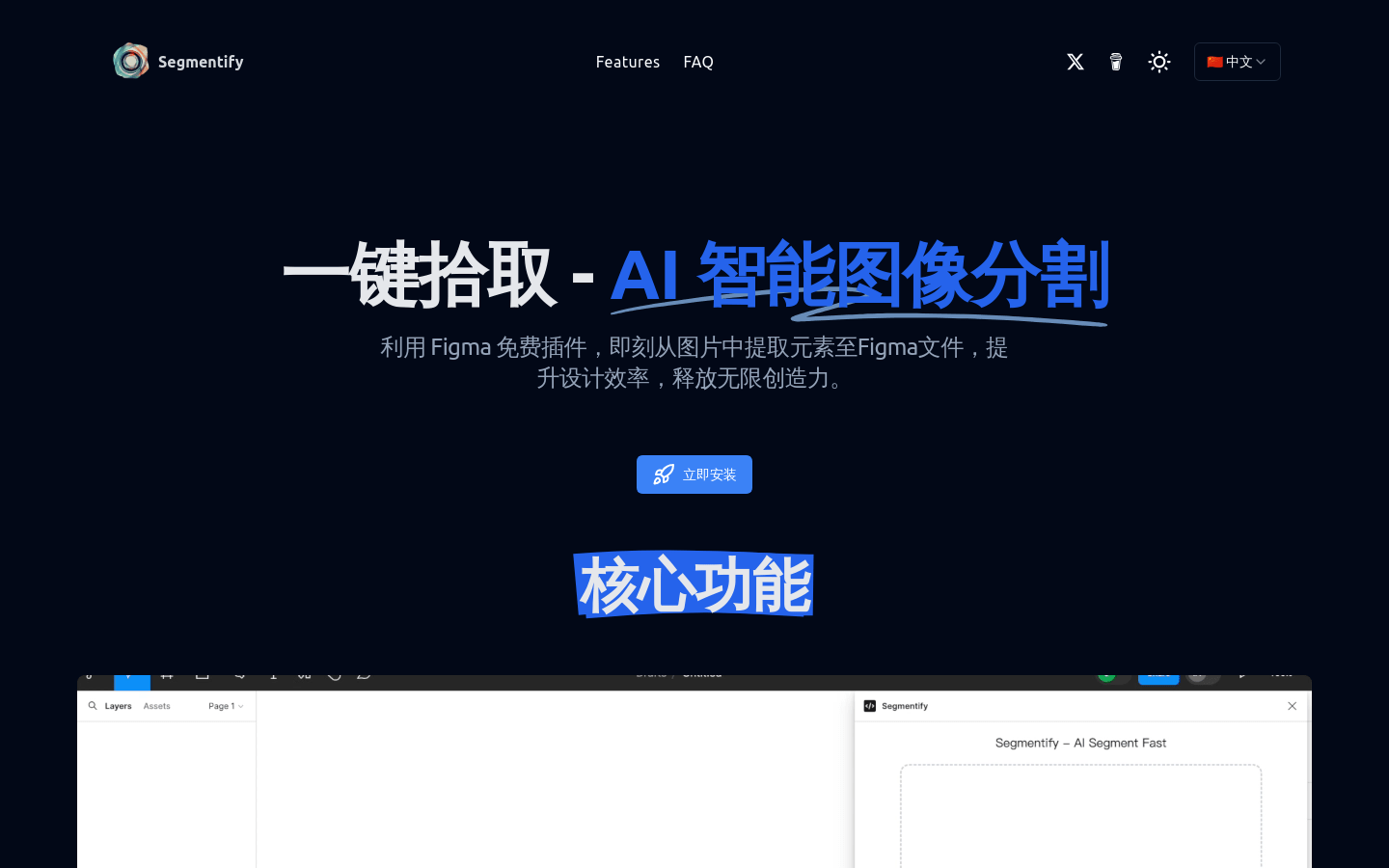
Screenshot archived from the listing page, for preview only.











