
AI Signature Generator
AI signature maker and extractorCreate, edit, and pull out signatures
Highlights
What you can do with it
- A signature was created for digital document signing
- A scanned signature was extracted and cleaned for reuse
- Signature styles were tried before picking one
How to use it
- 1 Open the AI Signature Generator website.
- 2 Choose to create a signature, edit one, or upload a scan to extract.
- 3 Refine the result until it looks right.
- 4 Download the signature for use in documents.
Who it is for
Pros
- Free features cover basic creation and extraction
- Extraction removes the need to retype or redraw
- Quick turnaround on a small task
Limitations
- Pro costs money and pricing can change
- A generated signature is not legal proof of identity
- Extraction quality depends on the scan quality
What AI Signature Generator is
AI Signature Generator is a one-stop signature toolkit. It uses AI models to create personalized signatures, edit signatures you already have, and extract handwritten signatures from paper documents, which covers the three things people usually need when a document has to be signed digitally. The distinction the site draws is against simple font conversion: a generated signature is drawn rather than typed from a typeface, which is meant to look less artificial and more like a real hand. The use case is document signing, where people need a clean signature image without redrawing or scanning the same page over and over. Free features are available, and a Pro upgrade adds priority processing, faster speeds, and higher-quality results.
What you can do with it
- Create a signature from scratch with AI
- Edit and refine an existing signature
- Extract a handwritten signature from a scan or photo
- Download a clean image for digital documents
- Try several styles before choosing one
Who it is for
- Freelancers and office workers signing documents digitally
- Anyone who needs a usable signature image from a paper scan
- People who want to test signature styles before adopting one
- Small teams handling routine contract paperwork
What to watch out for
A generated signature is an image, not identity verification, and it does not by itself make a document legally binding; validity depends on your jurisdiction and the signing process, and many organizations require a proper electronic signature service instead. Pro features cost money and pricing can change. Extraction quality depends on the source scan, and a blurry or low-contrast photo produces a messy result that is worse than redrawing it. Because signatures are sensitive, avoid uploading documents that contain more information than the signature itself, and check what the service retains after processing.
FAQ
What can it do?
It creates signatures with AI, edits existing ones, and extracts handwritten signatures from paper documents.
Is it free?
Free features are available, with a Pro upgrade for priority processing and higher quality.
Is a generated signature legally valid?
No. It is an image, not identity verification, and legal validity depends on your jurisdiction and process.
Why it is free
What the official page says: 免费
Free limits, trial length and features are decided by the official site and can change at any time.
Product preview
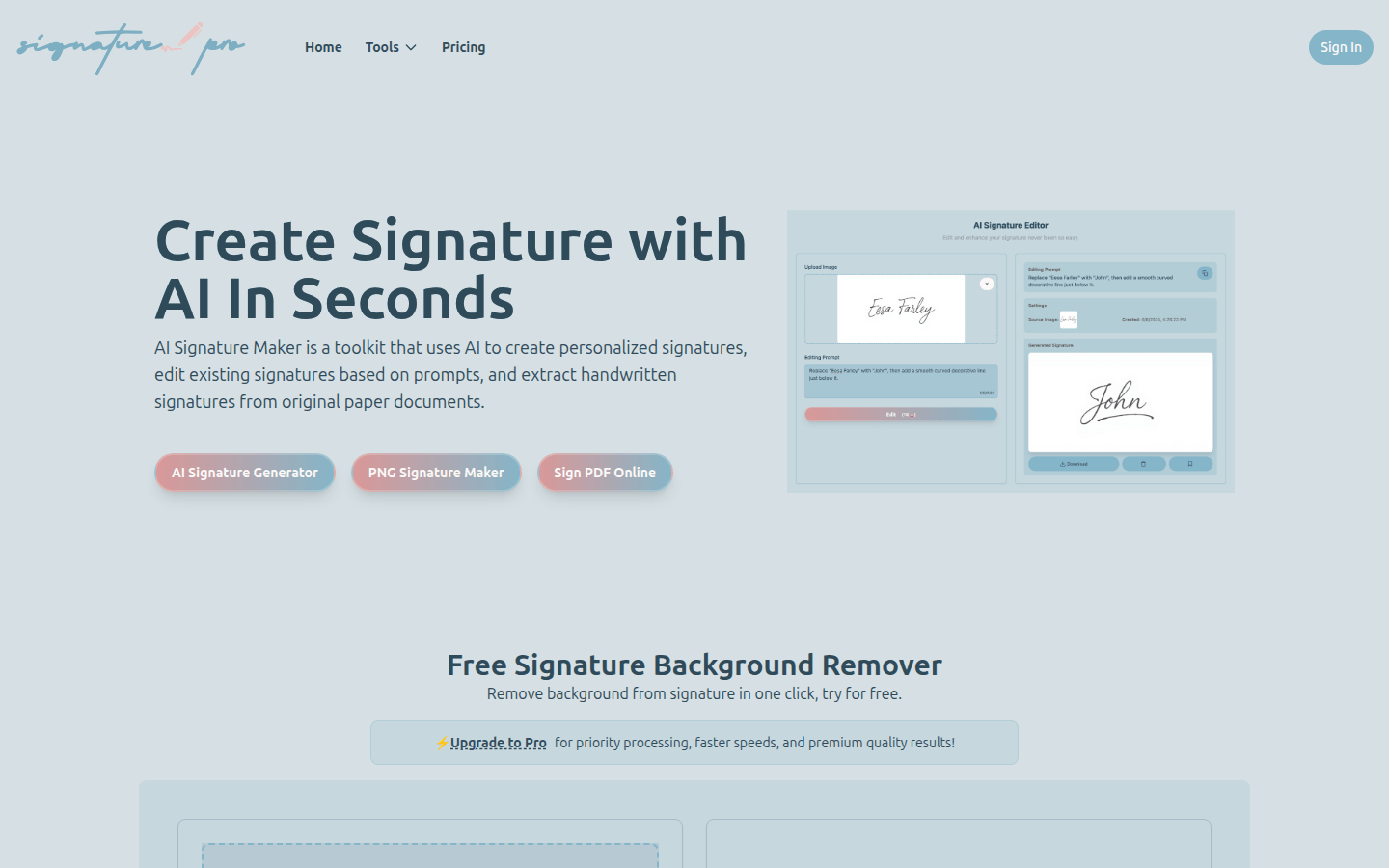
Screenshot archived from the listing page, for preview only.