
AI Product Photos
AI product photo generator for e-commerceAdd AI backgrounds to product photos
Highlights
What you can do with it
- Turn a plain product shot into a professional photo
- Create product images straight from a Shopify store
- Pair product photos with video templates
How to use it
- 1 Open the AI Product Photos site or Shopify app
- 2 Upload or import your product image
- 3 Add an AI background or describe the scene you want
- 4 Generate the image and download the ones you keep
Who it is for
Pros
- Fast, professional product images without a shoot
- Works directly with Shopify
- You only pay for the images you choose to keep
Limitations
- Keeping images requires payment, so it is not fully free
- Backgrounds and lighting may need checks for realism
- Results depend on the quality of your source product photo
What AI Product Photos is
AI Product Photos is a tool that generates sales-oriented product images and photos in seconds. It can turn a plain product image into a professional product photo by adding an AI background, which improves how the item looks to buyers. The generator uses a text-to-image diffusion model that was trained and optimized for sales, so labels stay sharp instead of turning blurry or changing shape. You can generate photos directly from Shopify and combine them with video templates. Generated product images are free to use, and you only pay for the images you truly want to keep.
What you can do with it
- Turn a plain product shot into a professional photo
- Add AI backgrounds and scenes to product images
- Generate photos directly from a Shopify store
- Combine product photos with video templates
Who it is for
- E-commerce sellers who need better product photos
- Shopify store owners
- Marketers making product and ad visuals
What to watch out for
It is not fully free: the images are free to use, but you pay for the ones you choose to keep, and pricing can change. Backgrounds and lighting are AI-generated, so review each image for realism before it goes live, especially for items where color and scale matter. Results depend on the quality of your source photo, so start with a clean, well-lit image. Check the license terms before using images in paid ads or on marketplaces with strict rules. For team use, agree on naming and editing conventions in advance to avoid version conflicts or duplicated work. Name and archive exported files consistently so you can find and reuse them, and keep a backup copy of key data.
FAQ
Is it free to use?
Generated images are free to use, and you pay only for the images you decide to keep.
Does it work with Shopify?
Yes. You can generate photos directly from Shopify.
Will product labels look wrong?
The model is trained to avoid blurry or shape-shifting labels, but you should still review each image.
Why it is free
What the official page says: free to use
Free limits, trial length and features are decided by the official site and can change at any time.
Product preview
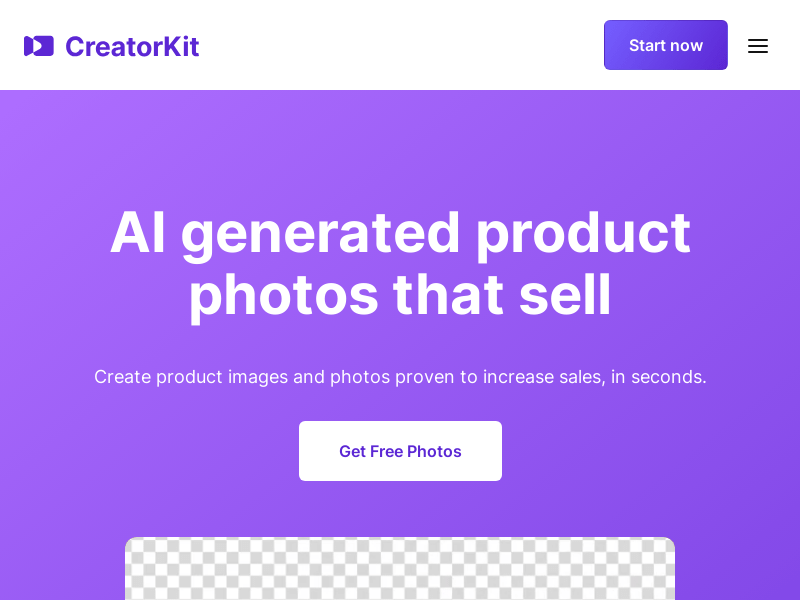
Screenshot archived from the listing page, for preview only.











