
AI Product Photography
Free AI product photo background toolCasual photo to studio shot in seconds
Highlights
What you can do with it
- Electronics sellers creating white studio product images
- Cosmetics merchants producing premium social media visuals
- Toy makers placing products in natural scenery backgrounds
How to use it
- 1 Upload a product photo, even one with a cluttered background
- 2 Choose a preset style such as white studio or marble, or describe a custom background
- 3 Let the AI remove the background, generate the scene, and add lighting
- 4 Download the high resolution PNG
Who it is for
Pros
- Free trial credits to test before buying
- Fast processing in roughly 30 to 90 seconds
- No design skills or registration needed to get a result
Limitations
- Free credits run out and each generation consumes them
- Results depend on the original photo quality
- Trial terms and credit pricing can change at any time
What AI Product Photography is
AI Product Photography is a free online tool that upgrades casual product photos into studio looking images. You upload a photo, and the AI removes the background, generates a professional scene, then adds lighting effects such as shadows and ambient occlusion so the product sits naturally in the frame. The site says the whole process usually finishes within 30 to 90 seconds.
It is aimed at e-commerce sellers and marketing teams that need consistent product imagery without a studio. You can use initial credits for a free trial, and each generation consumes about 22 credits, with additional credits available for purchase. No registration is needed to try it, and the site claims no design skills are required to get a usable result.
What you can do with it
- Remove a background in one click with pixel level edge detection
- Choose preset backgrounds such as white studio, marble, or gradient
- Describe a custom scene for a personalized background
- Add realistic lighting and shadows so the product blends into the scene
- Export high resolution PNG files ready for Amazon, Shopify, Etsy, and other marketplaces
Who it is for
- Amazon and Shopify sellers who need clean, consistent product images
- Etsy and handmade sellers improving casual phone photos
- Marketing teams and photography studios producing volume work
What to watch out for
Free access is credit based, so the trial runs out and continued use means buying credits. Results lean heavily on the source photo: a blurry or badly lit original produces a weaker composite no matter how good the background is. Trial terms and credit prices can change without notice, so check current details before you build a workflow around it. As always, review the generated image for artifacts before it goes on a listing, since small errors around edges are common in automated cutouts.
FAQ
Is AI Product Photography free?
You can use initial credits for a free trial. Each generation consumes credits, and more can be purchased.
How long does processing take?
The site says the full process usually finishes within 30 to 90 seconds.
What formats can I upload?
JPG, PNG, and WebP are supported, and picture links can be used.
Why it is free
What the official page says: for freefree trial
Free limits, trial length and features are decided by the official site and can change at any time.
Product preview
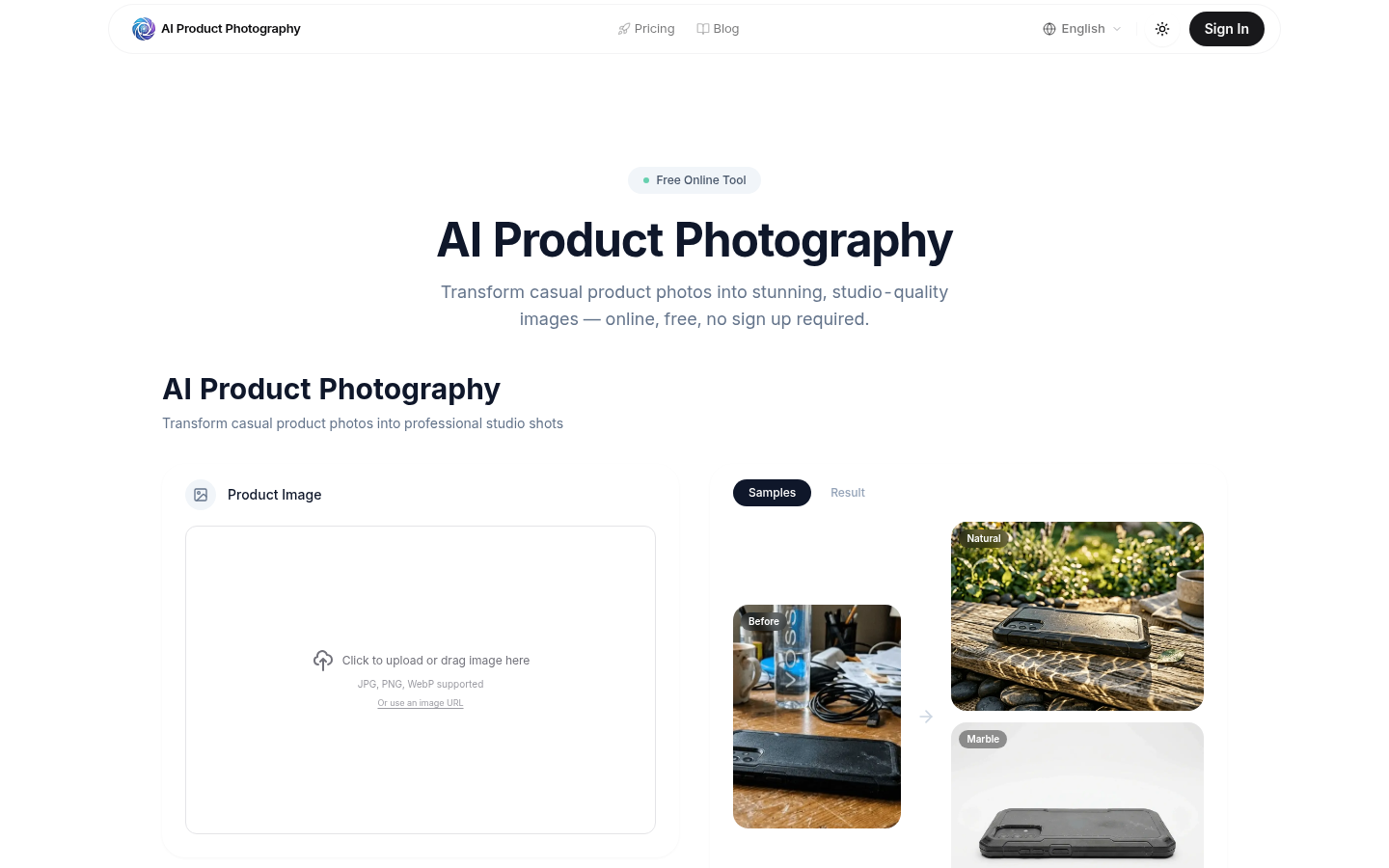
Screenshot archived from the listing page, for preview only.











