
AI PRODUCT PHOTO
AI product photo toolClean product photos without a studio
Highlights
What you can do with it
- A seller turns a rough mug photo into a full Amazon listing set.
- An electronics brand builds a tech-style set for wireless earphones.
- A skincare brand creates beauty scenes for A+ content and comparisons.
How to use it
- 1 Upload a clear product photo in JPG, PNG, or WebP.
- 2 Pick the result you want: background removal, white background, new scene, shadow, or lighting.
- 3 Generate the photo and check the result.
- 4 Download the version you want and reuse the same steps on the next image.
Who it is for
Pros
- It starts from a single image, so no studio shoot is needed.
- Batch workspace and API support automation at volume.
- Some functions are free to try before you pay.
Limitations
- Commercial output needs a paid subscription or credits, and pricing may change.
- The quality of the original photo strongly affects the result.
- The site returned a redirect during review, so access may vary.
What AI PRODUCT PHOTO is
AI PRODUCT PHOTO is an AI product photo generator built for e-commerce. You start from a single product image and the tool handles the edits that used to need a studio and photo software: background removal, white-background placement, new scene generation, product shadows, and lighting optimization. It supports batch tasks in a shared workspace and an API-driven workflow, so a team can automate product photo production at volume. Some functions are free to use, while commercial output requires a valid paid subscription or paid credits. The basic price is 0 dollars, and billing is in US dollars.
What you can do with it
- Remove the background from a product and export a transparent PNG.
- Place the product on a clean white background for storefronts and catalogs.
- Describe a new scene and generate a background while keeping the product as the subject.
- Add shadows, tune lighting, and run batch tasks or automate through the API.
Who it is for
- E-commerce sellers who need a steady stream of clean product images.
- Marketers who prepare product photos for ads, social posts, and campaigns.
- Design teams that lack a full design stack but still need polished output.
- Teams that want to automate product photo production through an API.
What to watch out for
Output quality depends heavily on the original photo, so a rough or poorly lit source will limit how good the final image looks; the tool works best with clear, well-lit uploads. Some functions are free, but commercial output needs a paid subscription or credits, and that pricing may change over time. The site returned a redirect during review, so confirm the live URL and current terms before you build a workflow around it. Batch and API features are better suited to teams than to one-off casual users.
FAQ
What can it do with one product photo?
It can remove the background, set a white background, generate a new scene, add shadows, and optimize lighting.
Can I use the output commercially?
Commercial use requires a valid paid subscription or paid credits.
Does it support batch work?
Yes. The batch workspace handles multiple tasks, and an API workflow can automate the process.
Why it is free
What the official page says: 免费使用免费
Free limits, trial length and features are decided by the official site and can change at any time.
Product preview
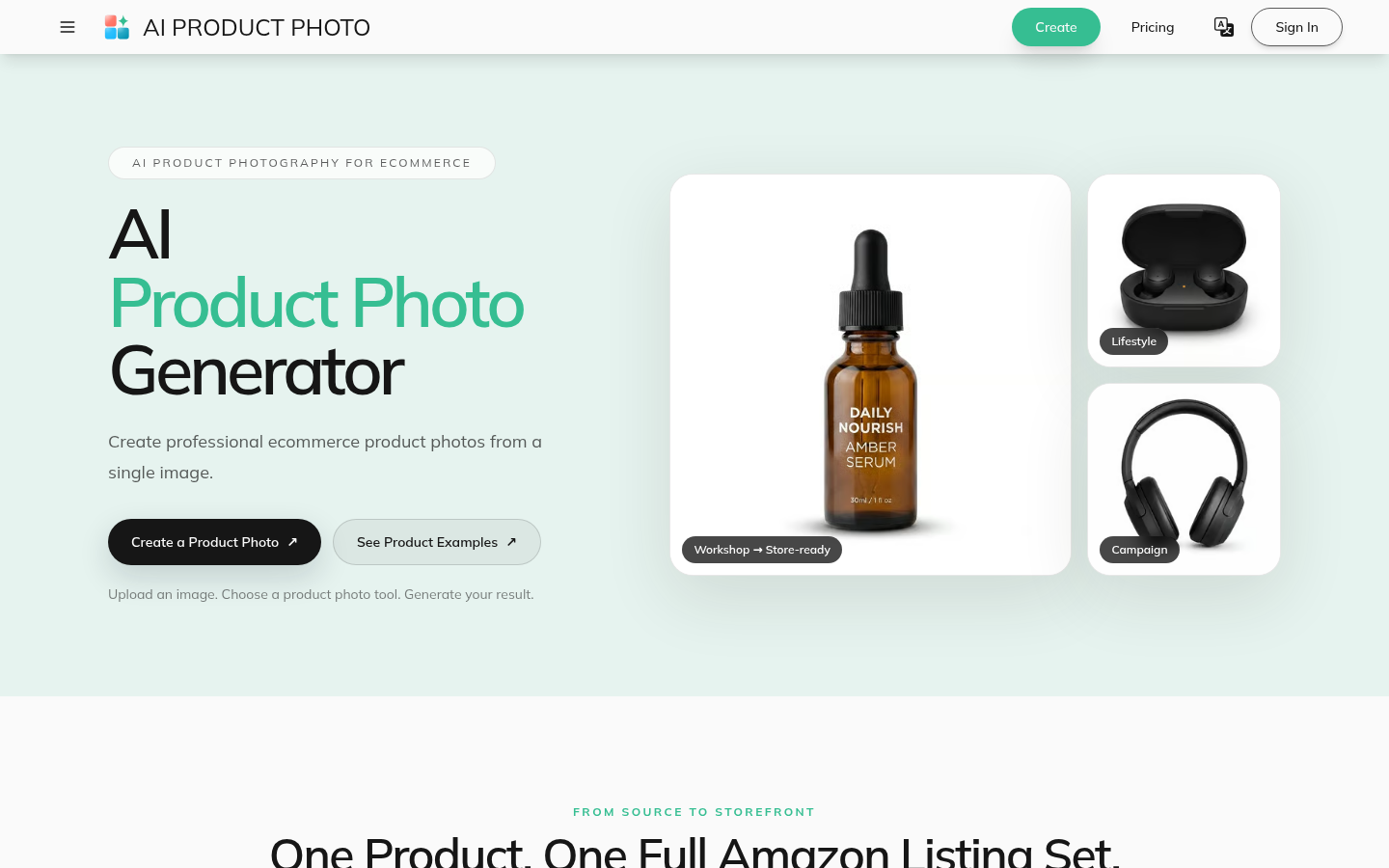
Screenshot archived from the listing page, for preview only.











