
AI Photo Enhancer
Free upscaler that cleans and sharpens photosUpscale, denoise and fix color for free
Highlights
What you can do with it
- Sharpen old family photos before printing them
- Clean up noisy low light shots
- Prepare higher quality images for work files
How to use it
- 1 Open www.aiphotoenhancer.pro
- 2 Upload the photo you want improved
- 3 Let the tool handle resolution, noise, and color
- 4 Download the enhanced image
Who it is for
Pros
- Instant processing without editing skills
- Resolution, noise, and color handled together
- Free output with no watermark
Limitations
- Results depend on the quality of the source image
- Free limits and rules may change
- Upscaling cannot recover detail that was never recorded
What AI Photo Enhancer is
AI Photo Enhancer is a free online tool at www.aiphotoenhancer.pro for improving image quality. You upload a photo and the tool works on three things at once: it raises the resolution, removes noise, and corrects color. The site says no editing skills are required, which is the point, since most people who need this kind of fix do not want to learn curves and masks. It is aimed at two audiences, general users who want old or low quality photos to look decent, and professionals who need a fast quality fix for work. Processing is described as instant, output comes without watermarks, and the tool is described as free to use.
What you can do with it
- Sharpen an old or soft photo before printing or sharing it.
- Reduce noise in a low light or high ISO shot.
- Correct color so a photo looks closer to what you saw.
Who it is for
- Families scanning and restoring old printed photos.
- Anyone holding a blurry, grainy, or badly exposed picture.
- Professionals who need a quick improvement without a full edit.
What to watch out for
Enhancement improves what is already in the file. Upscaling cannot invent detail that the camera never captured, so a very small or heavily compressed image will still look soft once it is enlarged, and heavy processing can shift fine textures. Free limits and rules can change, so check the site if you plan to process a large batch. Keep your original files untouched and save the enhanced version separately, since going back is not always clean. If a photo contains other people, make sure you have the right to edit and share it before you post the result anywhere.
FAQ
Is it really free?
The site describes the tool as free to use and free of watermarks.
What does it fix?
It works on resolution, noise, and color according to the site.
Can it rescue a very damaged photo?
It improves quality, but it cannot add detail the original never captured.
Why it is free
What the official page says: 免费使用免费
Free limits, trial length and features are decided by the official site and can change at any time.
Product preview
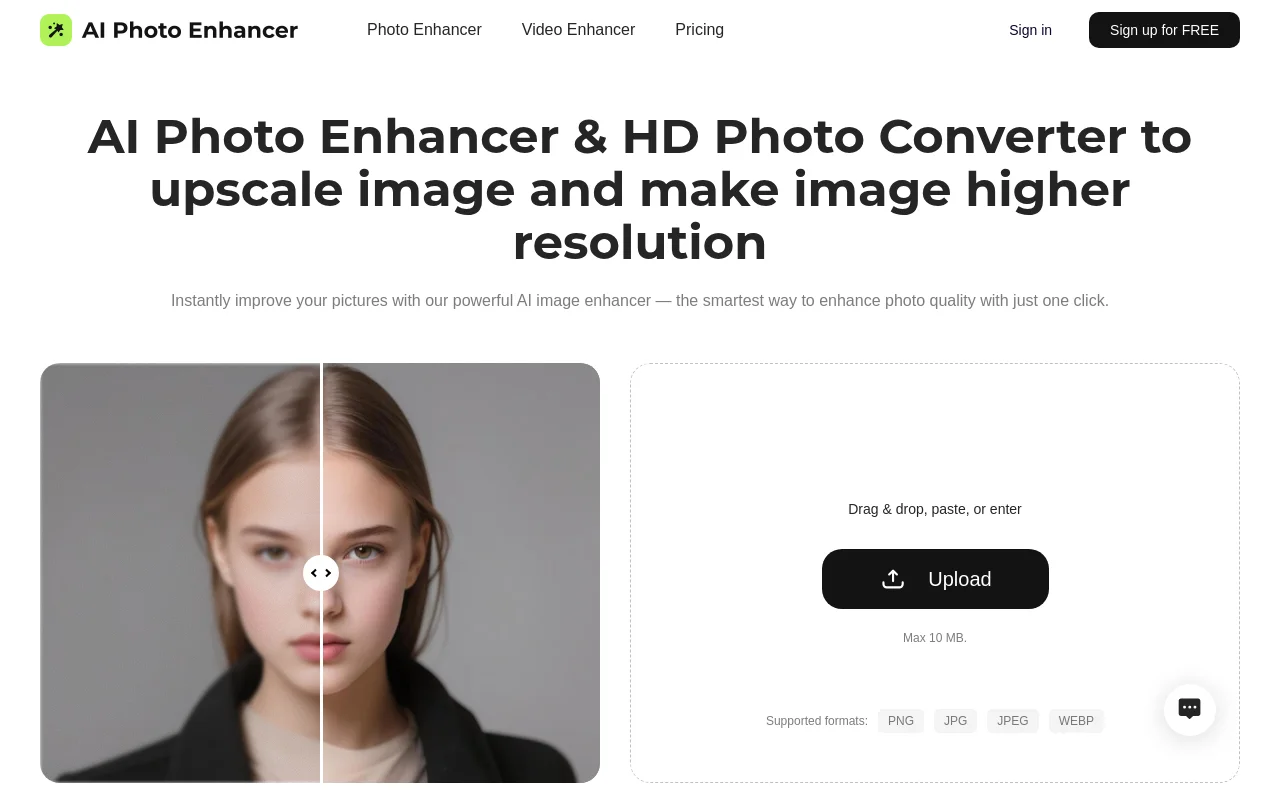
Screenshot archived from the listing page, for preview only.