
AI Photo Enhancer
AI photo enhancement toolSharpen and upscale photos in one click
Highlights
What you can do with it
- Restore clarity to old family photos
- Boost color and contrast in landscape shots
- Improve detail in low-light night photos
How to use it
- 1 Upload your image to the enhancer
- 2 Click enhance and wait for AI processing
- 3 Choose the size and format you want
- 4 Download the enhanced image
Who it is for
Pros
- Simple one-click workflow
- Handles sharpening, noise, color, and upscaling
- Batch processing saves time on many files
Limitations
- Free trial is limited before a paid plan
- Enhancement cannot recreate missing detail
- Trial terms and pricing may change
What AI Photo Enhancer is
AI Photo Enhancer is an online tool that improves photo quality with a single click. It uses advanced algorithms to sharpen blurry images, reduce digital noise, and fix color, all while trying to keep the natural look of the photo. It can also convert low-resolution images into ultra-clear 4K versions suitable for printing and presentations, and it repairs damaged or low-quality pixels. The tool supports PNG, JPG, JPEG, and WEBP files, lets you upload several at once for batch processing, and offers one-click downloads in the size and format you choose. A free trial is available so you can test the results before you pay.
What you can do with it
- Sharpen blurry photos and enhance detail in one click
- Reduce noise in low-light or old images
- Upscale low-resolution photos to 4K for print
- Correct color and repair damaged pixels, then batch process files
Who it is for
- People restoring old or damaged family photos
- Photographers improving color, contrast, and detail
- Anyone who needs high-resolution images for print or slides
What to watch out for
The free trial is a limited window, and continued use requires a paid plan, with terms that may change over time. Enhancement improves what is already there but cannot truly recreate detail that was never captured, so heavily blurred or tiny images have a ceiling. Results can look over-processed if you push settings too far, so preview before you download. It is a focused photo tool, not a full editor, so advanced retouching still needs other software. Name and archive exported files consistently so you can find and reuse them, and keep a backup copy of key data.
FAQ
What does it do?
It sharpens, reduces noise, corrects color, repairs pixels, and can upscale photos to 4K.
Which formats are supported?
PNG, JPG, JPEG, and WEBP.
Is there a free trial?
Yes, a free trial lets you test the tool before paying.
Why it is free
What the official page says: free trial
Free limits, trial length and features are decided by the official site and can change at any time.
Product preview
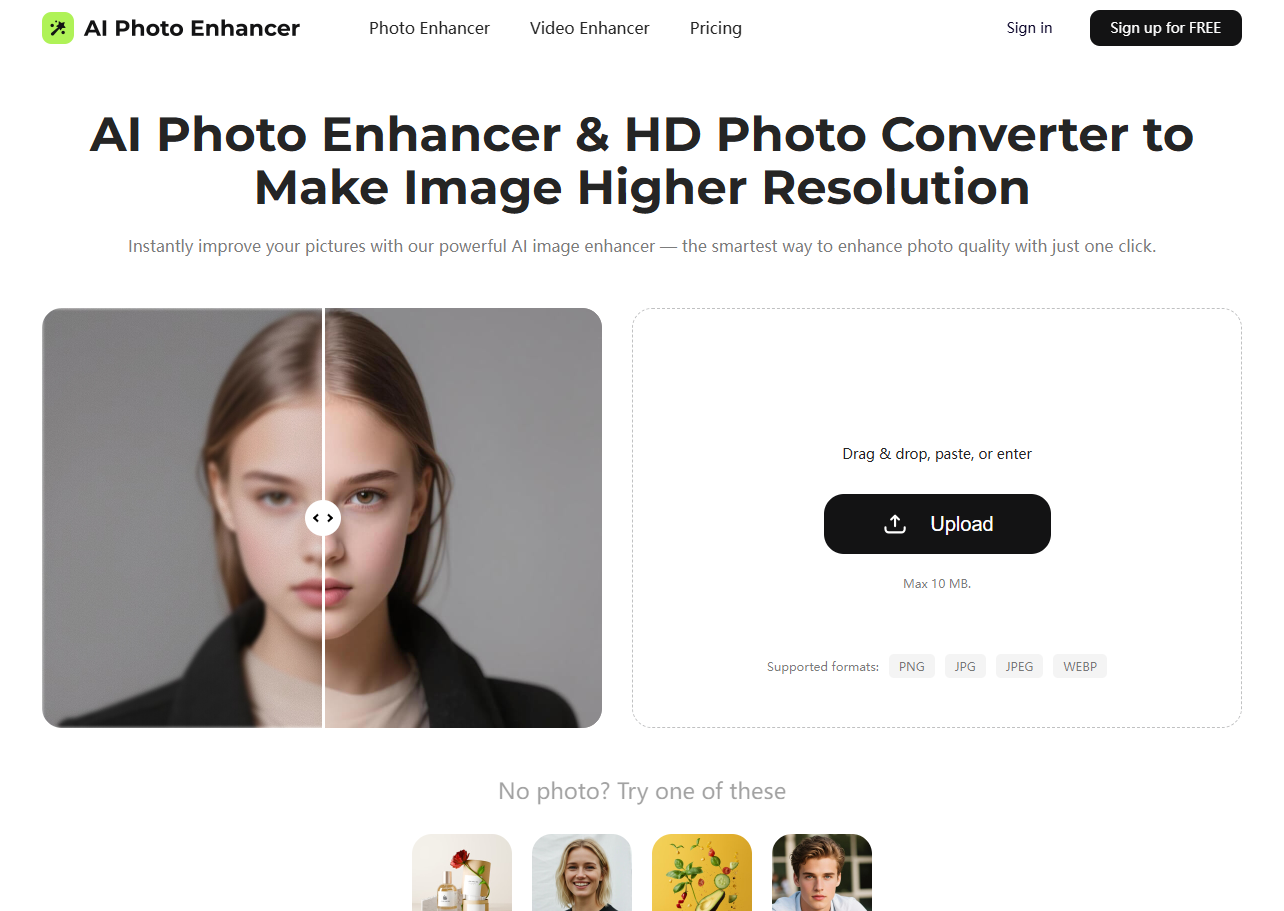
Screenshot archived from the listing page, for preview only.











