
AI Photo Editor Pro
Prompt based AI photo editorDescribe the edit, get the photo
Highlights
What you can do with it
- A photographer enhanced color and detail in landscape shots for exhibition
- A blogger tried different hair styles for comparison content
- An advertising team built poster backgrounds and text from prompts
How to use it
- 1 Open the AI Photo Editor Pro website in your browser.
- 2 Upload the photo you want to change.
- 3 Describe the edit in plain language, such as a new hair color or a cleaner background.
- 4 Set aspect ratio and resolution if the output needs specific dimensions.
- 5 Generate the result, review it, then download or keep editing.
Who it is for
Pros
- No editing skills or software install required
- Free to open and explore before buying credits
- Many edit types available in one place
Limitations
- Generation uses credits and pricing can change
- Face and gender edits raise consent and misuse questions
- Results need review before publishing, especially for client work
What AI Photo Editor Pro is
AI Photo Editor Pro is an online image editor built around natural language prompts. Instead of learning layers, masks, and selection tools, you describe what you want and the AI applies it. The listed edits cover hair style and color changes, overall enhancement of clarity and saturation, adding color to black and white photos, watermark removal, and changing a person's gender presentation in a photo. Multiple reference images can be used, and aspect ratio and resolution are controllable, which matters when output has to fit a specific layout. Several AI models sit behind the scenes. The website can be opened and explored for free, while generating images consumes credits purchased on the pricing page.
What you can do with it
- Edit hair style and color by describing the result
- Enhance clarity, saturation, and contrast in one step
- Add color to black and white photographs
- Remove watermarks and clean up an image
- Control aspect ratio and resolution for a target layout
Who it is for
- Amateur photographers who want better photos without professional software
- Social media users producing content quickly
- Small advertising agencies and individual designers with simple image jobs
- Anyone who finds traditional editors intimidating
What to watch out for
Exploring the site is free, but generating images uses credits, and credit pricing can change, so check the pricing page before you plan a batch. Edits that change a person's appearance, including gender presentation, raise consent and misuse questions, and you should only use photos you have the right to modify. Output quality varies with the source image, and anything going to a client needs a human review pass before delivery.
FAQ
Is it free to use?
The site can be opened and explored for free, while generating images uses credits bought on the pricing page.
What can it edit?
Hair and color, overall enhancement, coloring black and white photos, watermark removal, and gender presentation.
Do I need design skills?
No. You describe the change in natural language instead of using layers and masks.
Why it is free
What the official page says: for free
Free limits, trial length and features are decided by the official site and can change at any time.
Product preview
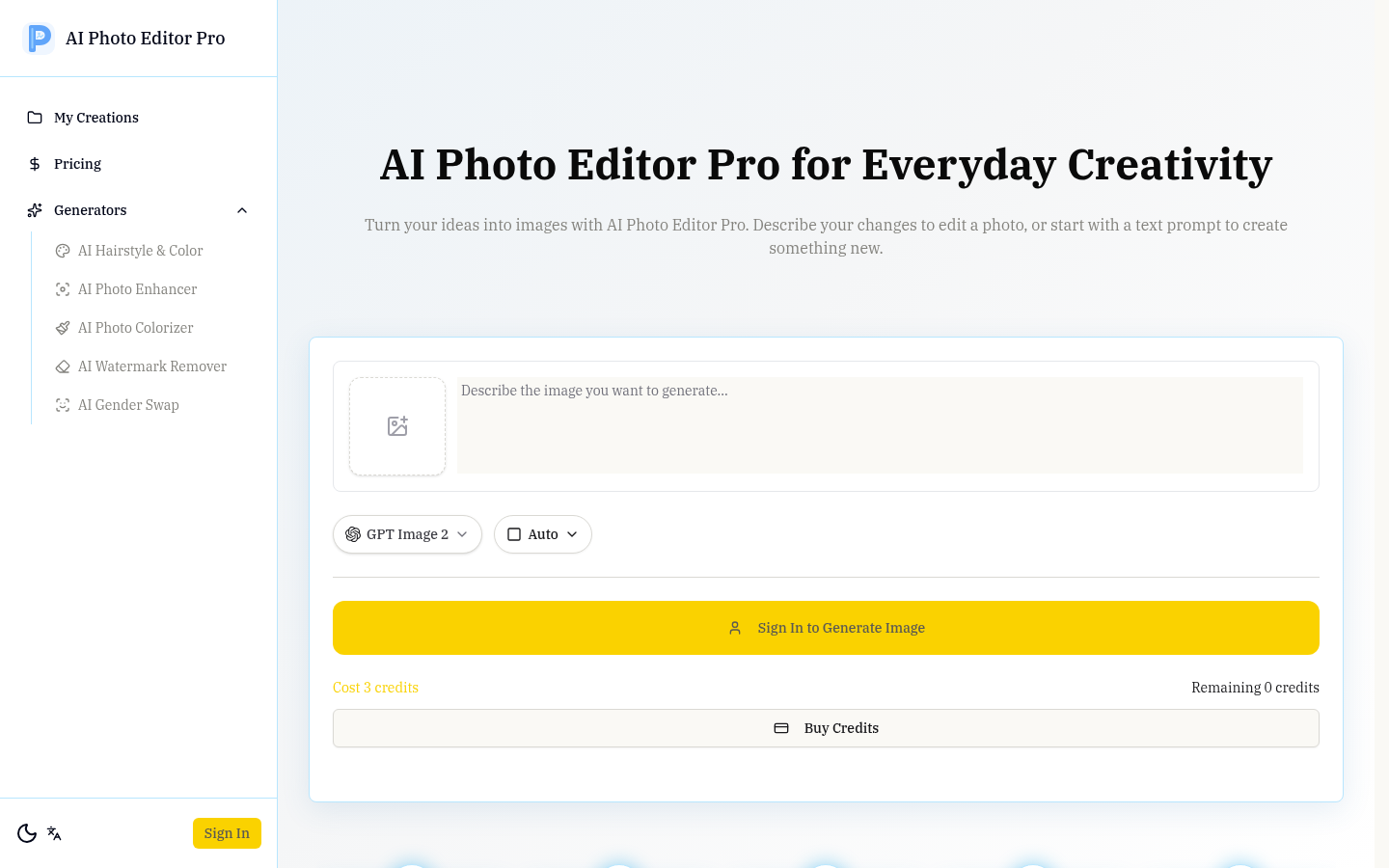
Screenshot archived from the listing page, for preview only.











