AI Photo Editor
Free online AI photo editorRemove, replace, enhance in seconds
Highlights
What you can do with it
- Product photos were cleaned up for an online listing
- A social image was edited and stylized quickly
- A background was swapped for a campaign visual
How to use it
- 1 Open the AI Photo Editor website.
- 2 Upload the photo you want to edit.
- 3 Pick an edit type or describe the change you want.
- 4 Generate the result, review it, then download.
Who it is for
Pros
- Free daily points with a manual reset
- Simple interface with no editing background needed
- Several models available behind one screen
Limitations
- 20 points a day limits heavy work and rules can change
- Advanced models and extra points cost money
- Results need review before commercial use
What AI Photo Editor is
AI Photo Editor is a free online photo editor built to remove the complexity of traditional image software. There are no layers, masks, or selection tools to learn: you upload a photo, choose an action, and the result comes back in seconds. Behind the interface sit several models, including Nano Banana, Nano Banana 2, Nano Banana Pro, and GPT Image 2, and you can move between them depending on the job, since different models handle different kinds of edits better. The supported actions cover removal, replacement, enhancement, and stylization, which is enough for most social and listing work. Pricing is point based, and every 24 hours a user can manually reset to receive 20 free regular points, with more points and advanced models available for purchase. The site states that photo quality is preserved and output can be used commercially.
What you can do with it
- Remove unwanted objects from a photo
- Replace a background in seconds
- Enhance clarity and color without manual sliders
- Stylize an image with the built-in models
Who it is for
- Individual users who need a quick photo fix
- E-commerce operators updating listing images
- Marketing teams producing visuals without a designer
- Anyone who finds traditional editors overwhelming
What to watch out for
The free allowance is 20 points per 24 hours with a manual reset, which limits batch work, and the rules around free points can change. Advanced models cost money, so the free tier is not the full product, and a job that needs a specific model may require a purchase. The site says commercial use is supported, but terms can change, and you should confirm the current license before using output in paid work. Results still need a review pass, particularly where text, logos, or fine product detail matter, and a clean source photo always produces a better result than a rushed one.
FAQ
Is it free?
You can reset every 24 hours to receive 20 free regular points; more points and advanced models are paid.
Which models does it use?
Models listed include Nano Banana, Nano Banana 2, Nano Banana Pro, and GPT Image 2.
Can I use the output commercially?
The site states that commercial use is supported, but confirm the current terms yourself.
Why it is free
What the official page says: 免费
Free limits, trial length and features are decided by the official site and can change at any time.
Product preview
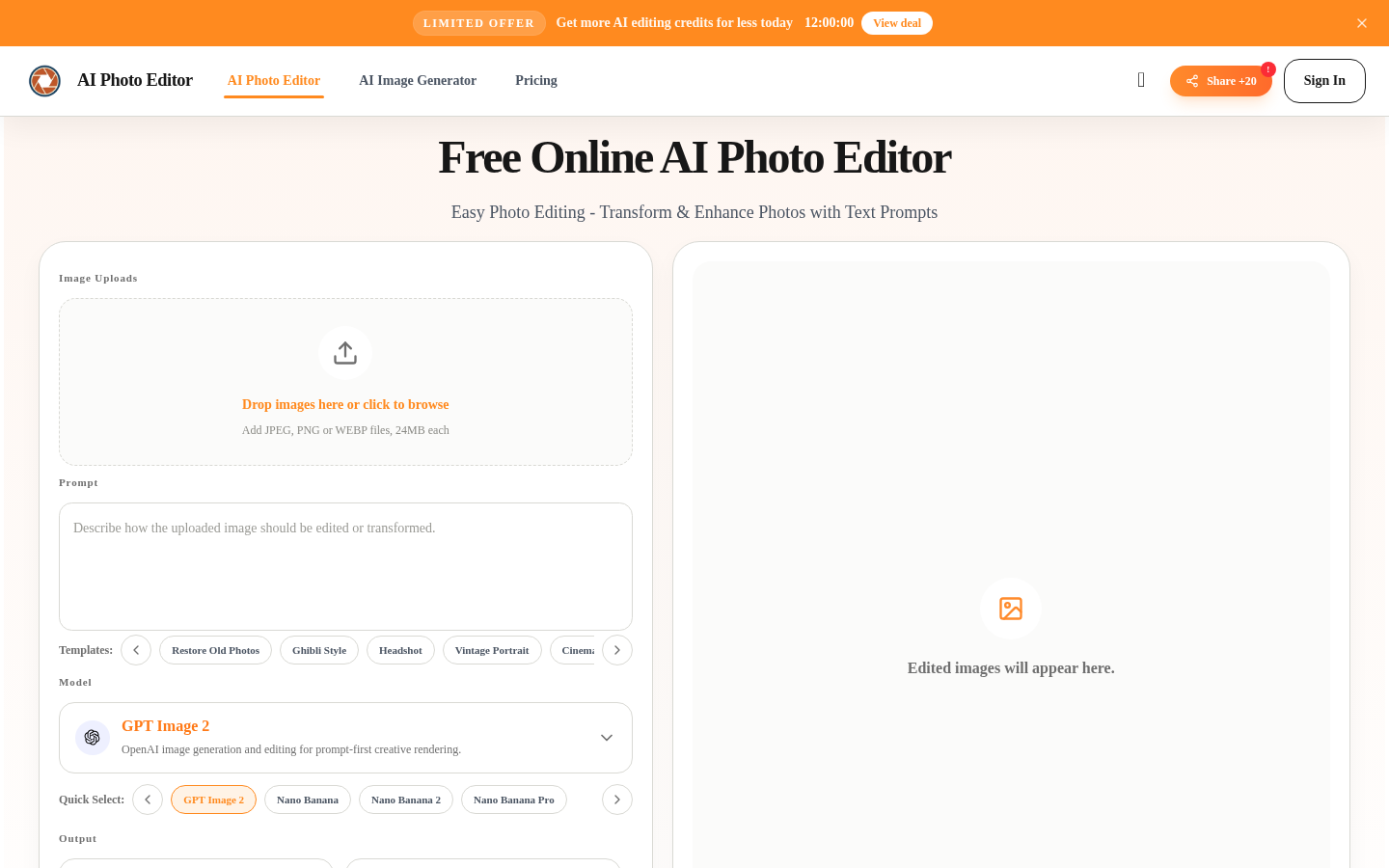
Screenshot archived from the listing page, for preview only.