
AI Photo Editor
AI photo editor for text-to-image and editsGenerate or restyle photos with simple prompts
Highlights
What you can do with it
- A photographer turns a landscape shot into an oil painting style
- A digital artist creates a sci-fi scene from a written idea
- A blogger generates illustrations to brighten an article
How to use it
- 1 For text-to-image, describe the image you want, then generate
- 2 For edits, upload a photo and describe the change
- 3 Pick a style or effect and let the AI apply it
- 4 Save the finished image to your device
Who it is for
Pros
- Simple prompts return results in seconds
- Many styles and effects in one place
- Free quota to test before paying
Limitations
- Free quota is limited; advanced features may cost
- Complex edits can need careful prompt wording
- Heavy or commercial use should be checked against current terms
What AI Photo Editor is
AI Photo Editor is an AI image generation and editing platform built on the Flux model. It does two main things: it creates new images from short text descriptions, and it transforms photos you already have. You describe what you want in plain language, and the tool returns a professional-looking result in seconds. Beyond generation, it supports style conversion into looks like anime, cartoon, oil painting, and watercolor, plus object work such as adding, removing, or changing elements and backgrounds. A curated effects library lets you apply a finish in one step. It is aimed at people who want strong visuals without a long learning curve, from photographers and digital artists to everyday content creators, and there is a free quota to try the workflow before any paid use.
What you can do with it
- Turn a text prompt into a finished image
- Convert photos into anime, cartoon, oil painting, or watercolor styles
- Add, remove, or change objects and backgrounds
- Apply curated AI effects for an instant finish
Who it is for
- Professional photographers who want to explore new styles fast
- Digital artists who turn written ideas into visual work
- Content creators who need images for blogs and social posts
What to watch out for
The free quota is a trial rather than an unlimited supply, and advanced features may require payment, so check the current plans before heavy use. Editing quality depends on how clearly you describe the change; vague prompts can give mixed or unexpected results. Style conversion and object edits are powerful but not perfect, so review each output before you publish, and generate a few options to pick the strongest one. As with any AI image tool, confirm the licensing terms if you plan to use the results commercially.
FAQ
What model does it use?
The platform is described as powered by the Flux model for both generation and editing.
Can I edit an existing photo?
Yes. You upload the image and describe the change, including style, objects, or background.
Is there a free option?
There is a free quota to try the tools, with paid use for more advanced features.
Why it is free
What the official page says: 免费额度免费
Free limits, trial length and features are decided by the official site and can change at any time.
Product preview
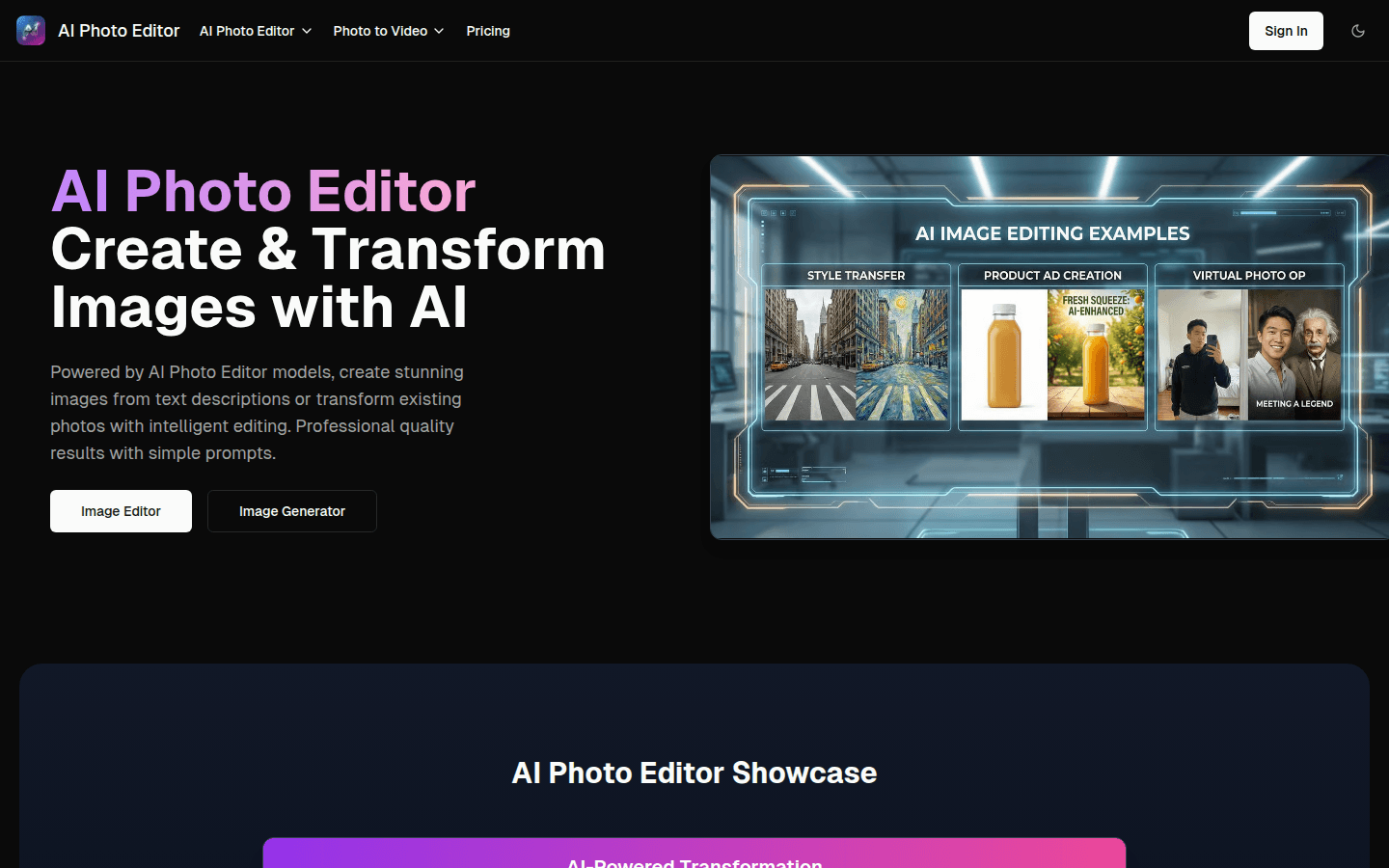
Screenshot archived from the listing page, for preview only.











