
AI Music Video Generator 1
AI music video generatorFrom song upload to finished MV
Highlights
What you can do with it
- Turn a finished single into a storyboard-driven MV
- Make a virtual streamer's character sing a cover
- Build promo visuals for a brand mascot and jingle
How to use it
- 1 Register, log in, and open the studio
- 2 Choose Music Video mode or Singing Video mode
- 3 For Music Video, upload the track, describe the direction, and add references
- 4 Generate the storyboard, adjust shots, then render the final video
- 5 For Singing Video, upload a front-facing photo and a vocal clip
- 6 Download results from My Creations within 7 days
Who it is for
Pros
- Free trial after registration
- Editable storyboard keeps you in control of shots
- Music, image, and video tools in one workspace
Limitations
- Credit-based pricing means generation costs add up
- Generated resources are kept for only 7 days
- Singing videos use real faces and vocals, so consent and platform rules apply
What AI Music Video Generator 1 is
MVFlow, listed here as AI Music Video Generator 1, is a music video creation platform built around two modes. In Music Video mode you upload a finished track and describe a visual direction, and the AI generates a time-coded, editable storyboard based on the rhythm of the music. Each shot has its own prompt that you can modify, regenerate, reorder, or retime, and when you are happy the system renders each shot and stitches them into a complete MV. In Singing Video mode you upload a character photo and a vocal audio clip, and the AI makes the person in the photo sing with lip sync aligned to the audio. The platform also includes AI music generation, image generation and editing, support for up to 16 reference images for consistency, and a cloud workspace where resources are kept for 7 days. Pricing is credit-based with a free trial after registration.
What you can do with it
- Upload music and generate an editable, time-coded storyboard
- Adjust, reorder, regenerate, and retime individual shots
- Render and stitch shots into a finished MV
- Make a photo sing with lip sync in Singing Video mode
- Generate original music from text, recordings, or audio files
- Generate and edit images with up to 16 reference images
- Manage tasks and history in a cloud workspace
Who it is for
- Musicians and bands who need an MV without a shoot budget
- Content creators publishing songs and covers on short video platforms
- Advertising teams and virtual streamer operators producing visuals
- Educators and trainers who want engaging music-led demonstrations
It lowers the barrier for anyone who has a song but no film crew.
What to watch out for
Pricing is credit-based, so generation costs add up, and the free trial after registration is limited rather than unlimited. Generated resources are kept for only 7 days, so download anything important promptly or you will lose it. The Singing Video and lip sync features use photos of real people and vocal recordings, so only use material you have the right to use, get consent from anyone whose face or voice appears, respect platform rules, and never use it to impersonate someone. Output should be reviewed before release, and credit costs and trial terms can change over time.
FAQ
Is MVFlow free?
It uses credit-based pricing and offers a free trial after registration.
How long are my files kept?
Generated resources are saved for 7 days, so download them promptly.
What are the two creation modes?
Music Video mode builds an editable storyboard from your track, and Singing Video mode makes a photo sing with lip sync.
Why it is free
What the official page says: free trial
Free limits, trial length and features are decided by the official site and can change at any time.
Product preview
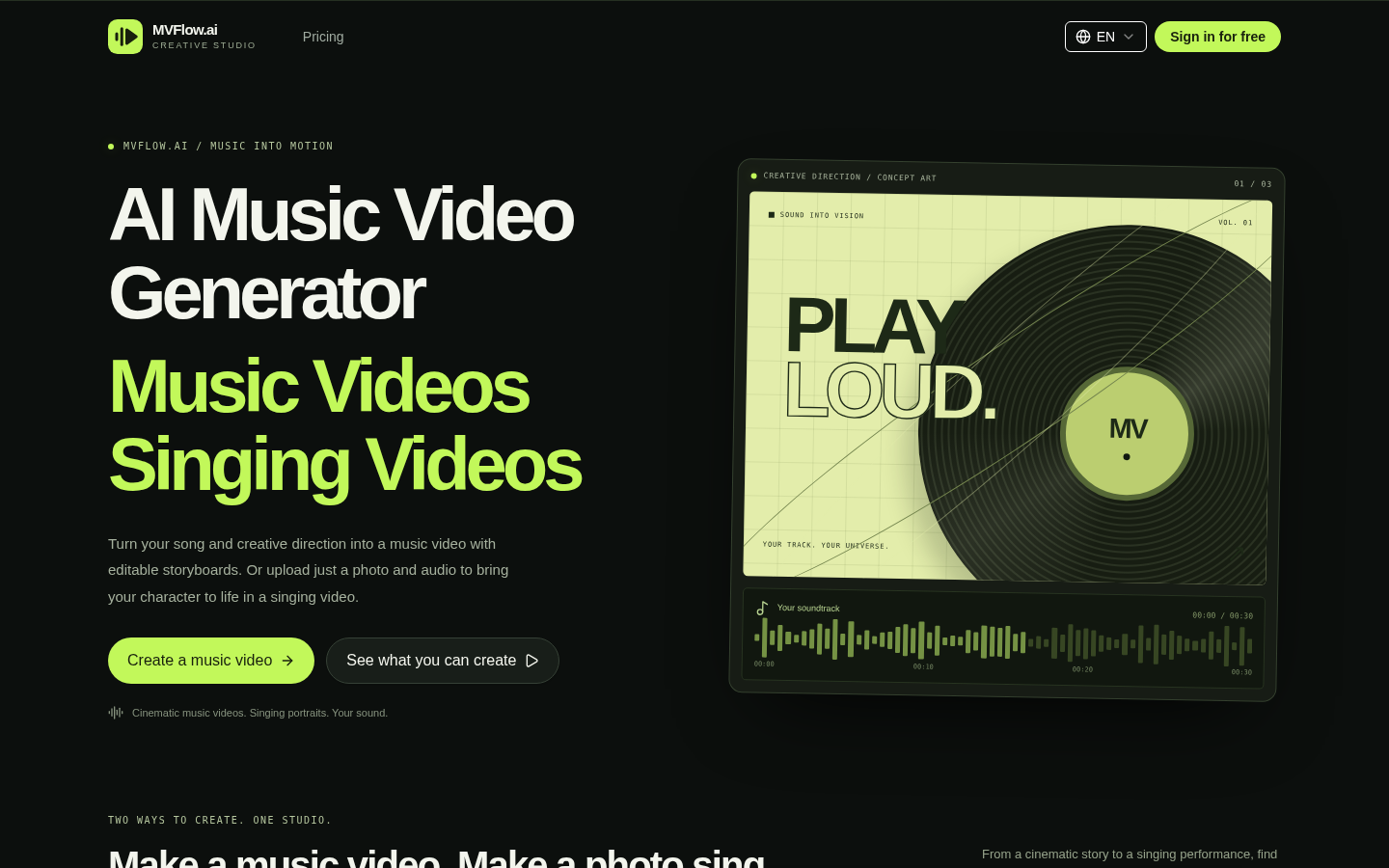
Screenshot archived from the listing page, for preview only.











