
AI Music Generator.dev
Online AI music generatorText or lyrics into a track
Highlights
What you can do with it
- Background music for a video
- Adaptive music for an indie game
- Teaching material for music theory and composition
How to use it
- 1 Choose text-to-music or lyrics-to-music.
- 2 Select vocals, instruments, and genre.
- 3 Adjust tempo, mood, and other parameters.
- 4 Generate, preview, and refine the arrangement.
- 5 Export in a high-quality format.
- 6 Use the track in your project.
Who it is for
Pros
- No prior musical experience described as needed
- Fine control over vocals, instruments, and tempo
- Professional export formats
Limitations
- A free trial only, with paid plans beyond that
- Generated arrangements can sound generic without editing
- Commercial use terms should be checked before publishing
What AI Music Generator.dev is
AI Music Generator.dev is an online music creation platform. The claim is that you do not need musical training: you describe what you want, or supply lyrics, and the platform returns a finished composition. Text-to-music handles the first route, lyrics-to-music handles the second and aligns your words with the generated melody. Control is fairly detailed for a web tool, with choices for male or female vocals, instruments, genre, tempo, mood, and arrangement, and output exports in professional formats including MP3, WAV, and FLAC. Multiple languages are supported. A free trial is offered, with paid plans for heavier use, and the listing points at content creators, game developers, and music educators.
What you can do with it
- Turn a text description into a complete track
- Align your own lyrics with a generated melody
- Set vocals, instruments, genre, tempo, and mood
- Export in MP3, WAV, or FLAC
- Build background music for video, games, or teaching
Who it is for
- Content creators who need usable background music
- Indie game developers who want adaptive tracks
- Music educators assembling listening examples
- Anyone who wants a quick demo of an idea without a studio
What to watch out for
The free trial is a trial, and the paid plans are the long-term option, so check the rates before you commit to a project. Generated arrangements can sound generic, especially in popular genres, so plan on editing, layering, or choosing less common settings if you want something distinctive. Export quality is good, but the mix will not match a studio master, so leave headroom if you are adding voiceover or dialogue. Finally, check the licence terms for commercial use before you publish a track in a product, an ad, or a client video, since generated music raises ownership questions that vary by provider.
FAQ
Do I need music experience?
No, the platform is aimed at people without prior musical experience.
What formats?
MP3, WAV, and FLAC are listed.
Is there a free trial?
Yes, alongside various paid plans.
Why it is free
What the official page says: free trial
Free limits, trial length and features are decided by the official site and can change at any time.
Product preview
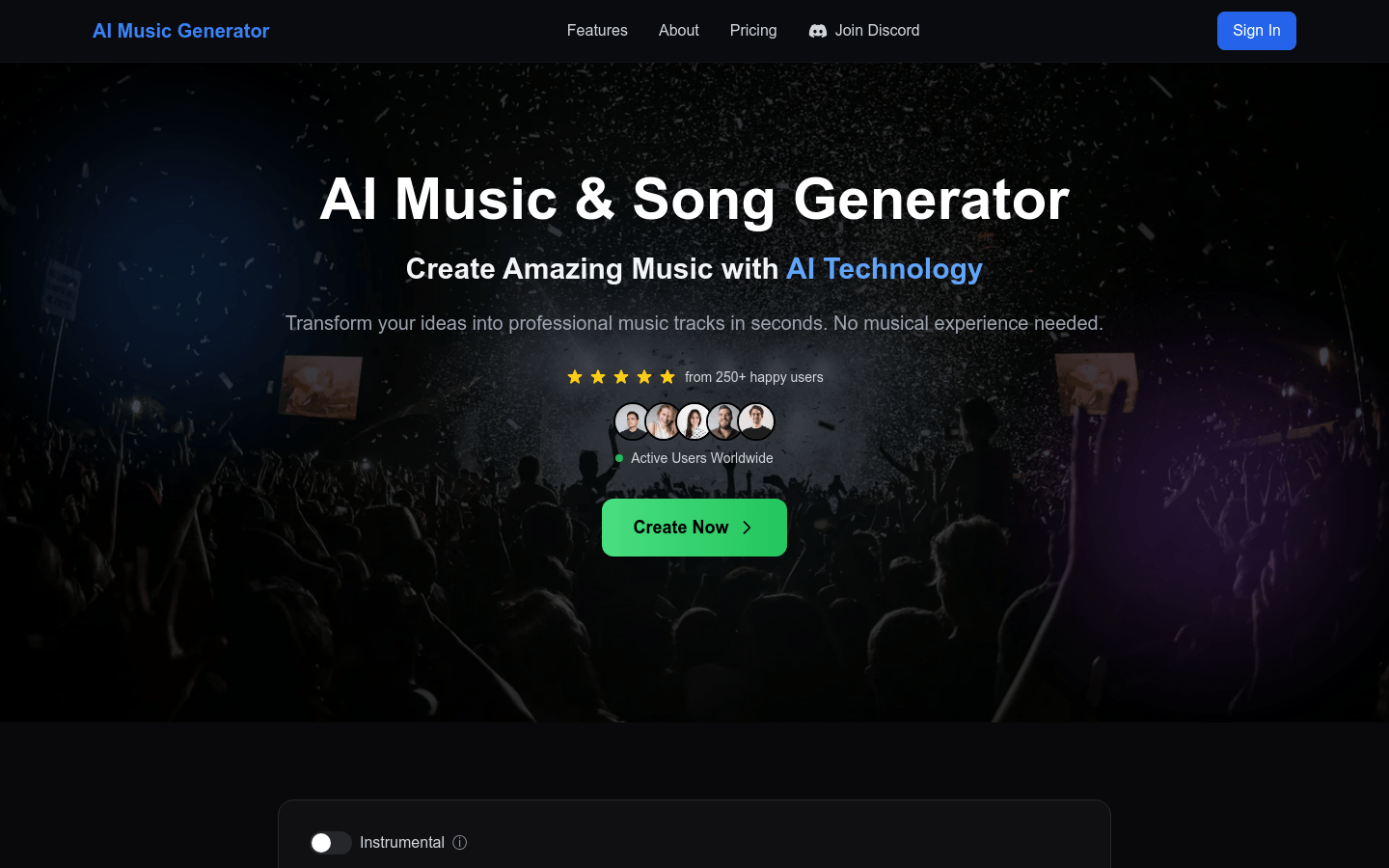
Screenshot archived from the listing page, for preview only.











