AI Music Generator
Online AI music creation platformOriginal songs from text or lyrics
Highlights
What you can do with it
- Music creators testing ideas and styles
- Video producers needing background music
- Game developers building soundtracks
How to use it
- 1 Pick a genre, mood, and style
- 2 Adjust tempo, instruments, and arrangement
- 3 Enter lyrics or a description
- 4 Click generate and wait for the track
- 5 Download or export the audio
Who it is for
Pros
- Fast creation from a short prompt
- Multiple generation modes
- Customizable style settings
Limitations
- Free use is a trial; paid plans follow
- Commercial use raises licensing questions
- Output quality varies by prompt
What AI Music Generator is
The AI Music Generator is an online platform that creates original music with artificial intelligence. It analyzes patterns from a large library of songs and produces melodies, harmonies, and vocals. You can start from a text description or your own lyrics, then adjust genre, mood, tempo, and instruments before generating. The site also lists cover art generation, music expansion, a lyrics generator, and a vocal remover. It offers a free trial plus paid plans.
What you can do with it
- Turn a text prompt into a complete song
- Convert your own lyrics into a full track
- Remove vocals or extend an existing piece
- Customize genre, mood, tempo, and instruments
Who it is for
- Music creators testing ideas and styles
- Video producers who need background music
- Game developers building soundtracks
What to watch out for
Free use is limited to a trial, and paid plans apply afterward, with prices not listed on the page. Generated music is a starting point, and commercial use raises licensing questions you should confirm before release. Output quality varies by genre and prompt, so plan on iterating. Tools like the vocal remover work on files you upload, so only use material you have the right to edit. For team use, agree on naming and editing conventions in advance to avoid version conflicts or duplicated work. Name and archive exported files consistently so you can find and reuse them, and keep a backup copy of key data. Generated suggestions are for reference only, so verify anything that affects professional judgment or important data. Start with a small sample to confirm the output meets your expectations before processing the full batch.
FAQ
What can the AI Music Generator do?
It can turn text or lyrics into songs, generate cover art, expand music, write lyrics, and remove vocals.
Is there a free trial?
Yes, the platform offers a free trial with various paid plans.
Can I use the music commercially?
The site says it provides high quality audio for commercial use, but you should confirm licensing terms before release.
Why it is free
What the official page says: free trial
Free limits, trial length and features are decided by the official site and can change at any time.
Product preview
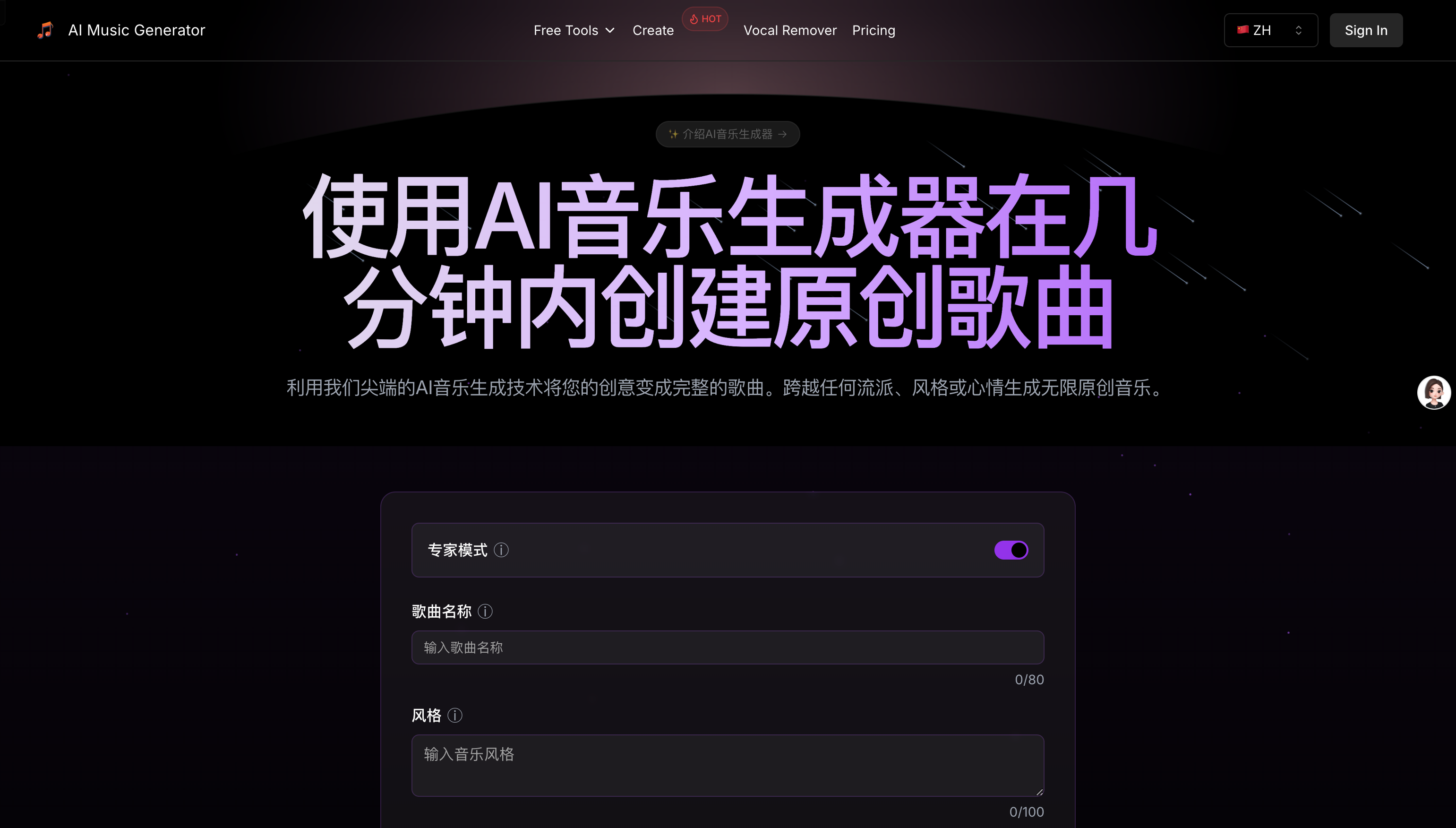
Screenshot archived from the listing page, for preview only.