
AI Magicx Coder
AI code analysis toolAnalyse code and preview live
Highlights
What you can do with it
- Find and fix code issues in a web application
- See the result of code changes immediately
- Generate documentation for a project handover
How to use it
- 1 Visit the AI Magicx Coder website
- 2 Click the free trial button to start
- 3 Paste or write your code in the editor
- 4 Run the smart analysis to highlight issues
- 5 Use real time preview to check the result
- 6 Generate documentation when the code is ready
Who it is for
Pros
- Free trial with no credit card required
- Highlights code issues automatically
- Live preview without switching windows
- Works with several language models
- Generates documentation for easier handover
Limitations
- Free trial limits and pricing are not listed in the source
- Results depend on the language model you choose
- Suggested fixes still need developer review
- A wide toolset takes time to learn
What AI Magicx Coder is
AI Magicx Coder is an online tool built to change how developers write code. It brings together intelligent code analysis, real time preview, and multi model support in a single editor. The idea is that you get feedback while you type: the tool scans your code, highlights problems, and shows you the result of what you wrote without making you switch windows or wait. It also generates detailed documentation so the code is easier to understand and share later, which matters when someone new joins a project. The site says a free trial is available with no credit card required, and it mentions that more than 35,000 users have tried it, along with positive user comments about the documentation feature.
What you can do with it
- Scan your code automatically and highlight issues as they appear
- Preview the effect of your code in real time while you write
- Switch between different large language models for the task at hand
- Generate documentation so a project is easier to hand over
Who it is for
- Developers who want fast feedback on code quality without a full IDE setup
- Teams that need documentation for shared or long lived projects
- New programmers who are reading code written by someone else
- Anyone who works across several languages and wants model choice
What to watch out for
The site advertises a free trial with no credit card, but the length of that trial and the pricing after it are not stated in the material we have, so confirm the current terms before you rely on it for paid work. Output depends on which language model you pick, and the suggested fixes or analysis are a starting point rather than a final answer, so a developer still needs to review them. Because the tool covers analysis, preview, models, and documentation, it can take a while to learn everything it offers. The site also leans on social channels for updates, so check the official page rather than a third party post for accurate information. Free trial terms and features can change at any time.
FAQ
Is there a free trial?
Yes. The site says you can try Magicx Coder for free without providing credit card information.
What does the code analysis do?
It automatically scans your code and highlights issues so you can keep it clean and efficient.
Can it work with different models?
Yes. It supports multiple large language models so you can choose the one that fits your needs.
Does it create documentation?
Yes. It generates detailed documentation for your code to make it easier to understand and share.
Why it is free
What the official page says: 免费试用免费
Free limits, trial length and features are decided by the official site and can change at any time.
Product preview
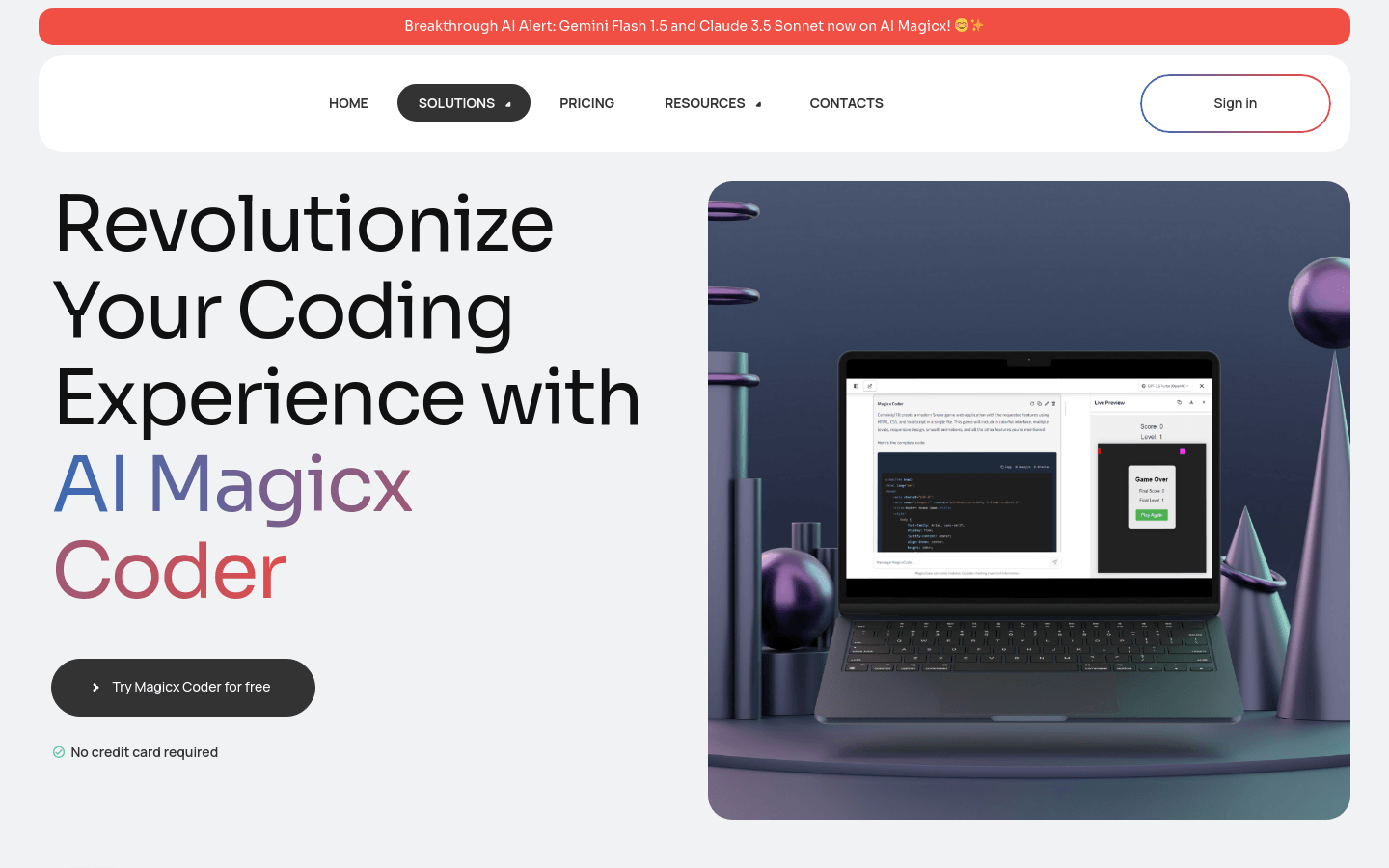
Screenshot archived from the listing page, for preview only.











