AI Line Art
AI line art from text or photosTurn a photo or a prompt into clean line art
Highlights
What you can do with it
- Brand and logo work that needs clean line artwork
- Illustrations for children's picture books
- Tattoo line art concepts to show a client before inking
How to use it
- 1 Upload the photo you want to convert
- 2 Optionally type a prompt describing the changes you want
- 3 Click generate and wait a few seconds
- 4 Download the line art or the colourised result
Who it is for
Pros
- No design skill needed to get a usable result
- Generation usually finishes within seconds
- Several artistic styles to choose from
- High-resolution output works for print projects
Limitations
- Free access is a trial, not an unlimited free plan
- Output quality depends heavily on the source photo and prompt
- The fixed style presets may not match a very specific brief
What AI Line Art is
AI Line Art is a browser-based image tool that converts a text description or an uploaded photo into line art. It runs on AI models that handle the technical side of the drawing, so you do not need to trace anything by hand. The site describes a free trial, which means you can try the generator and inspect the output before deciding whether to pay for more usage.
What you can do with it
- Turn a written prompt into a finished line drawing without opening a design app.
- Upload a photo and convert it into line art, or use its composition as a starting point.
- Switch between sketch, pencil, woodcut, watercolor and minimalist styles.
- Fine-tune the result with custom prompts, aspect ratio, composition and lighting controls, then download a high-resolution file.
Who it is for
Brand and graphic designers who need clean line artwork for logos and promotional material, illustrators building picture book pages, and tattoo artists who want to show a client a design before committing to ink. Ordinary users also use it to turn personal photos into line art for profiles and prints.
What to watch out for
The free offer is a trial rather than a permanent free tier, so the rules around credits, watermarks and resolution can change at any time. Results vary with the quality of the source image and how specific your prompt is, and the preset styles will not always match a tightly defined brief. Treat the first outputs as drafts you will still need to clean up. Start with a small sample to confirm the output meets your expectations before processing the full batch.
FAQ
Is AI Line Art free to use?
The site offers a free trial so you can test the tool and see the output quality. Longer or heavier use is expected to move to a paid plan, so check the current pricing page before you commit.
Can I use my own photo as a reference?
Yes. You can upload an image and the tool will either convert it into line art or use its composition as inspiration for a new piece.
What styles does it support?
Sketch, pencil, woodcut, watercolor and minimalist are listed among the options, and you can fine-tune the result with custom prompts, aspect ratio, composition and lighting settings.
What resolution can I download?
The tool advertises high-resolution output, which the vendor positions as suitable for professional printing, digital projects and social media sharing.
Why it is free
What the official page says: free trial
Free limits, trial length and features are decided by the official site and can change at any time.
Product preview
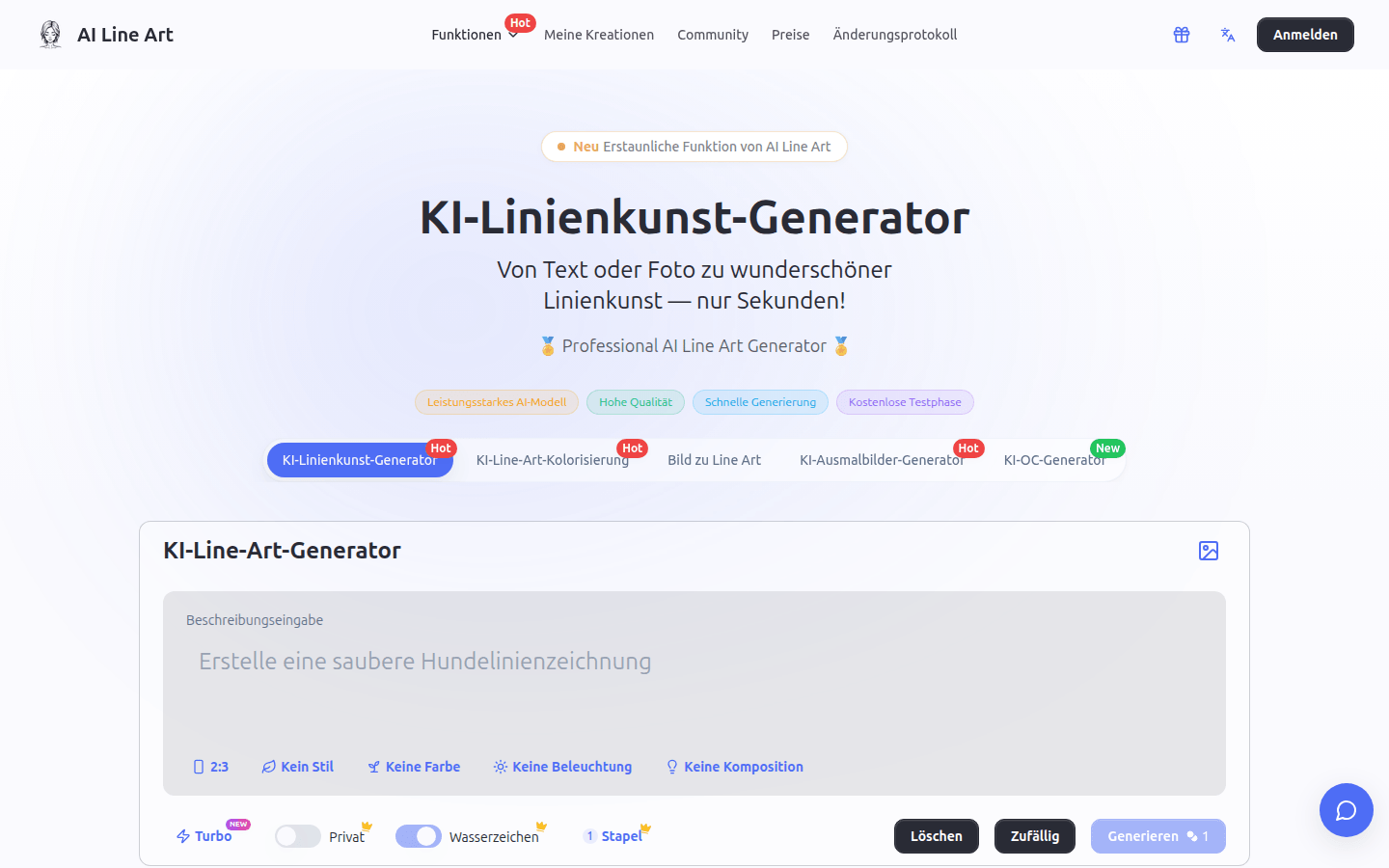
Screenshot archived from the listing page, for preview only.











