
AI Kitchen Designer
Virtually design and preview your kitchen with AICustomize cabinets, countertops, and appliances, free 7-day trial
Highlights
What you can do with it
- Customize cabinets and countertops for a new kitchen
- Design a personalized backsplash
- Preview modern kitchen appliances in your space
How to use it
- 1 Go to the AI Kitchen Designer page and register.
- 2 Start your 7-day free trial, no credit card needed.
- 3 Upload an image of your kitchen.
- 4 Enter your preferences for cabinets, countertops, and finishes.
- 5 Generate the design and review the realistic preview.
- 6 Revise as needed before you commit to a plan.
Who it is for
Pros
- Realistic previews before you buy materials
- Wide selection of designs and materials
- Faster feedback and unlimited revisions
- Free 7-day trial with no credit card
Limitations
- The free trial lasts 7 days, then paid terms apply and may change
- Previews are simulations, not guarantees of the final build
- Designing takes time to input preferences and compare options
What AI Kitchen Designer is
AI Kitchen Designer is a virtual design tool that uses AI to help you plan a kitchen. You can customize elements like cabinets, countertops, backsplashes, and appliances, whether you are starting from scratch or renovating. The process is simple: upload an image of your space, enter your preferences, and the tool generates a realistic preview from a wide selection of designs and materials. It is built to save time and money by giving faster feedback than manual methods and allowing unlimited revisions. The tool is aimed at both new builds and renovations, so it works whether the room is empty or already finished. You can start with a 7-day free trial after registration, and no credit card is required.
What you can do with it
It lets you test a kitchen look before you commit:
- Customize cabinets, countertops, and backsplashes
- Preview modern appliances in your space
- Choose from a wide selection of designs and materials
- Generate realistic previews from an uploaded image
- Revise your design as many times as you want
Who it is for
It helps people planning a kitchen project:
- Homeowners planning a brand-new kitchen
- People renovating who want to preview options first
- Anyone comparing kitchen designs before spending money
What to watch out for
The free trial lasts 7 days, after which paid terms apply, and that pricing can change, so confirm costs before you rely on the tool. The previews are realistic simulations to help you plan, not guarantees of the final build, so colors, sizes, and finishes can differ in real life. Designing still takes effort: you need to upload good images and enter clear preferences to get useful results. Use it to explore ideas and compare options, then confirm details with a contractor or supplier before you buy. Bring your saved previews to a contractor so you can talk through what is realistic for your space and budget.
FAQ
Is there a free trial?
Yes. You get 7 days of free usage after registration, with no credit card required.
What can I customize?
You can customize cabinets, countertops, backsplashes, and appliances, and choose from many designs and materials.
Is the preview the same as the final result?
No. It is a realistic simulation to help you plan, not a guarantee of the finished build.
Why it is free
What the official page says: free trialno credit card
Free limits, trial length and features are decided by the official site and can change at any time.
Product preview
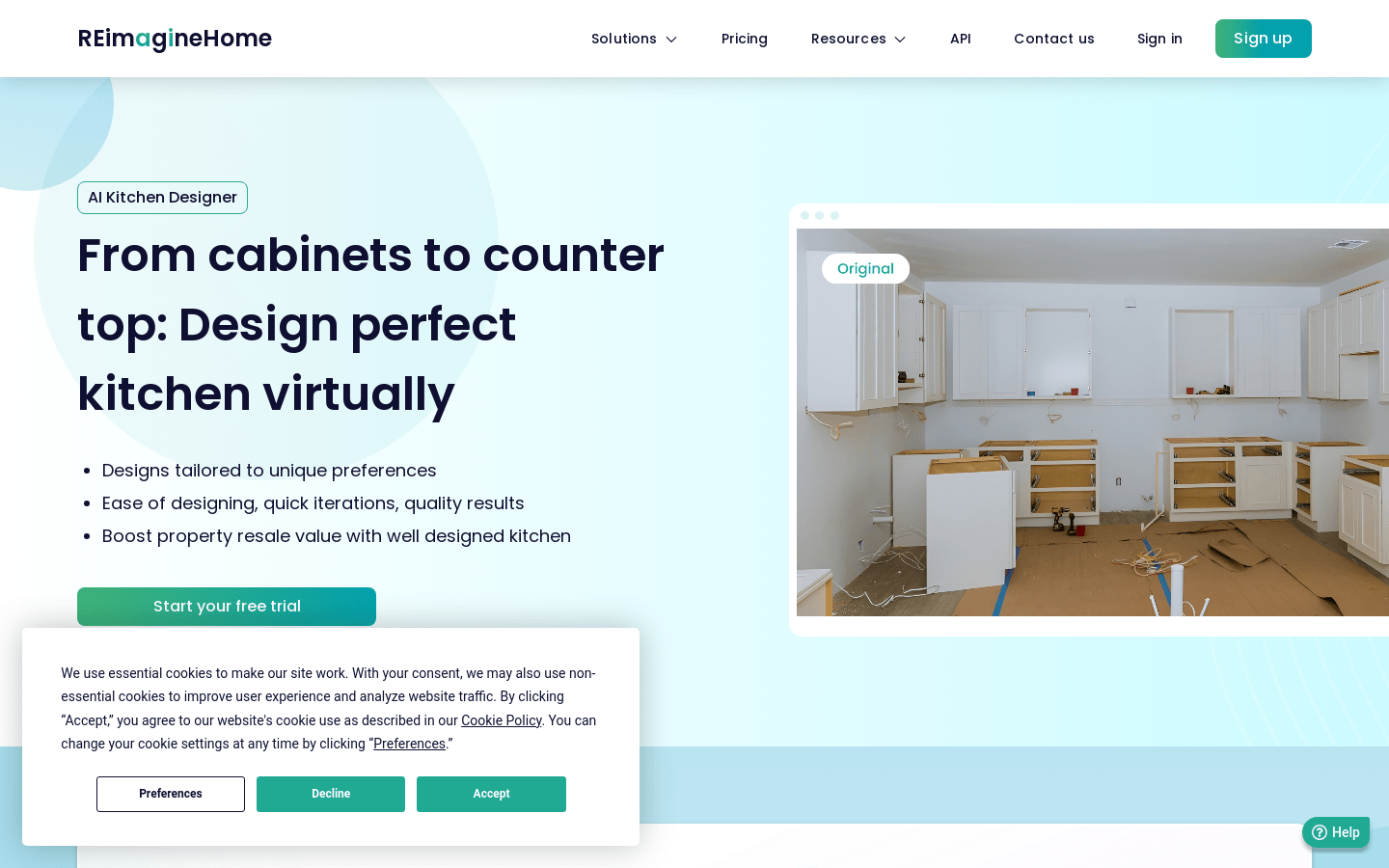
Screenshot archived from the listing page, for preview only.











