
AI Kirkify
AI tiny face meme generator in a viral styleOne click to shrink a face into a meme
Highlights
What you can do with it
- Generate a meme version of your own photo for social posts
- Create playful images of friends with their permission
- Mass produce trending meme images for social accounts
How to use it
- 1 Visit the AI Kirkify site and log in with a Google account for free credits
- 2 Upload or drop in a clear front-facing portrait in JPG, PNG, or WebP
- 3 Click the generate button and wait for the AI to detect and shrink the face
- 4 Preview the result in the preview window
- 5 Download the high-resolution, watermark-free image
Who it is for
Pros
- Automatic detection removes manual editing work
- Fast cloud processing with instant previews
- Watermark-free high-resolution output
- Free credits on Google login to try it
Limitations
- Editing someone's face without consent can violate privacy and portrait rights
- Meme use of a named public figure can raise defamation or platform issues
- Extra outputs require purchasing credits
- Free credits and pricing can change, and quality varies by photo
What AI Kirkify is
AI Kirkify is an online tool that generates scaled face memes in a specific viral style. Its core is facial detection and image generation: it finds the face in a photo, shrinks it to a comedic proportion, and blends it with the original skin texture so the result looks natural rather than pasted on. Output is high resolution and watermark free, and cloud processing finishes in seconds, which makes it quick enough for rapid content creation. It accepts JPG, PNG, and WebP, and you can log in with a Google account to get free credits, with more available for purchase. It is positioned for entertainment and social media content creation.
What you can do with it
- Detect a face automatically and shrink it in one click.
- Blend the edited face with natural skin texture.
- Preview instantly and download high-resolution, watermark-free memes.
Who it is for
- Social media users who create meme content.
- Creators who need trending image formats quickly.
- Friends making playful edits of each other with permission.
- Anyone who wants a fast novelty image without opening an editor.
What to watch out for
This tool edits real faces, so only use photos you own or have clear permission to edit, because putting someone's face into a meme without consent can violate their privacy and portrait rights, and the consequences fall on you as the user. Using a named public figure's likeness can raise defamation or platform policy problems, so keep the content light and lawful. Results depend on photo quality, and a poorly lit or angled image will produce a poor edit that is obvious to viewers. Free credits and paid pricing can change, and meme formats fall out of fashion quickly, so treat it as a short-term content tool rather than something to build a long-term brand on.
FAQ
How do I get started?
Log in with a Google account to receive free credits, then upload a front-facing portrait.
Which formats can I upload?
It supports JPG, PNG, and WebP images.
Is the output watermarked?
No. Results can be exported in high resolution without watermarks.
Do I need to pay?
You get free credits on login, and additional credits can be purchased according to your needs.
Why it is free
What the official page says: free trial
Free limits, trial length and features are decided by the official site and can change at any time.
Product preview
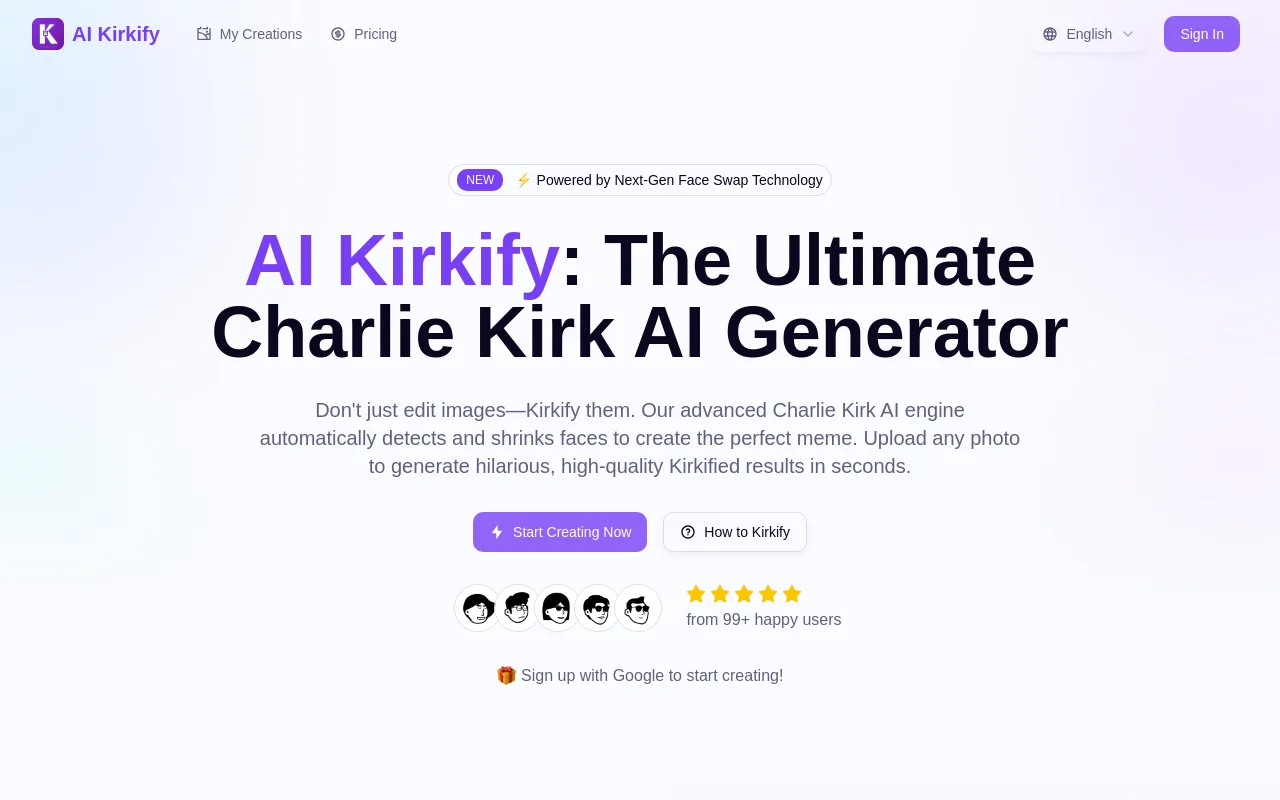
Screenshot archived from the listing page, for preview only.











