
AI Jiggle Generator
Turn photos into short jiggling videos with AIFree, watermark free fun videos from your photos
Highlights
What you can do with it
- Turn a selfie into a fun video to share on social media
- Animate a gym photo to show off a fitness result
- Add a lively clip to a fun post to boost engagement
How to use it
- 1 Open the AI Jiggle Generator page in your browser
- 2 Register or log in if needed
- 3 Upload the photo you want to process
- 4 Click generate and wait a few seconds for the video
- 5 Download the video or share it straight to social media
Who it is for
Pros
- Free to start, with no editing skills needed
- Very fast generation, usually a few seconds
- Watermark free output ready to share
Limitations
- Free starting use may be limited and terms can change
- Only good for light, fun edits, not serious video work
- You should have consent for photos that show other people
What AI Jiggle Generator is
AI Jiggle Generator is an online tool that turns photos into short, jiggling videos using AI. You upload a photo, and within a few seconds the tool animates it into a playful clip. It needs no professional video or image editing skills, and the output comes out without watermarks, so you can share it straight away. It is aimed at people who want a simple, fun way to liven up photos for social posts, and it can be used for free at the start. It works well for selfies, gym photos, and other casual images you want to make more eye catching.
What you can do with it
- Turn a still photo into a short jiggling video in seconds
- Create fun clips for social posts without editing skills
- Animate casual photos like selfies or gym shots
- Share watermark free videos directly from the tool
Who it is for
- Social media users who want fun, shareable clips
- People who like playful edits of selfies and casual photos
- Fitness enthusiasts who want to animate progress photos
What to watch out for
This is a light, fun tool rather than a serious video editor, so do not expect fine control over the animation. Free starting use may be limited, and terms can change, so confirm current access before you build a habit around it. If your photo shows other people, make sure you have their consent before you turn it into a clip and share it, since a playful edit can still be sensitive depending on the image and where you post it. Free tiers and usage limits can change, so check the current rules on the official page before relying on it long term.
FAQ
Is AI Jiggle Generator free?
It can be used for free at the beginning. Any longer term limits or paid options are not detailed in the listing, so check the site.
Do the videos have watermarks?
No. The generated videos come out without watermarks, so you can share them directly.
Do I need editing skills?
No. The tool is built so that users without any video or image editing skills can use it easily.
Why it is free
What the official page says: for free
Free limits, trial length and features are decided by the official site and can change at any time.
Product preview
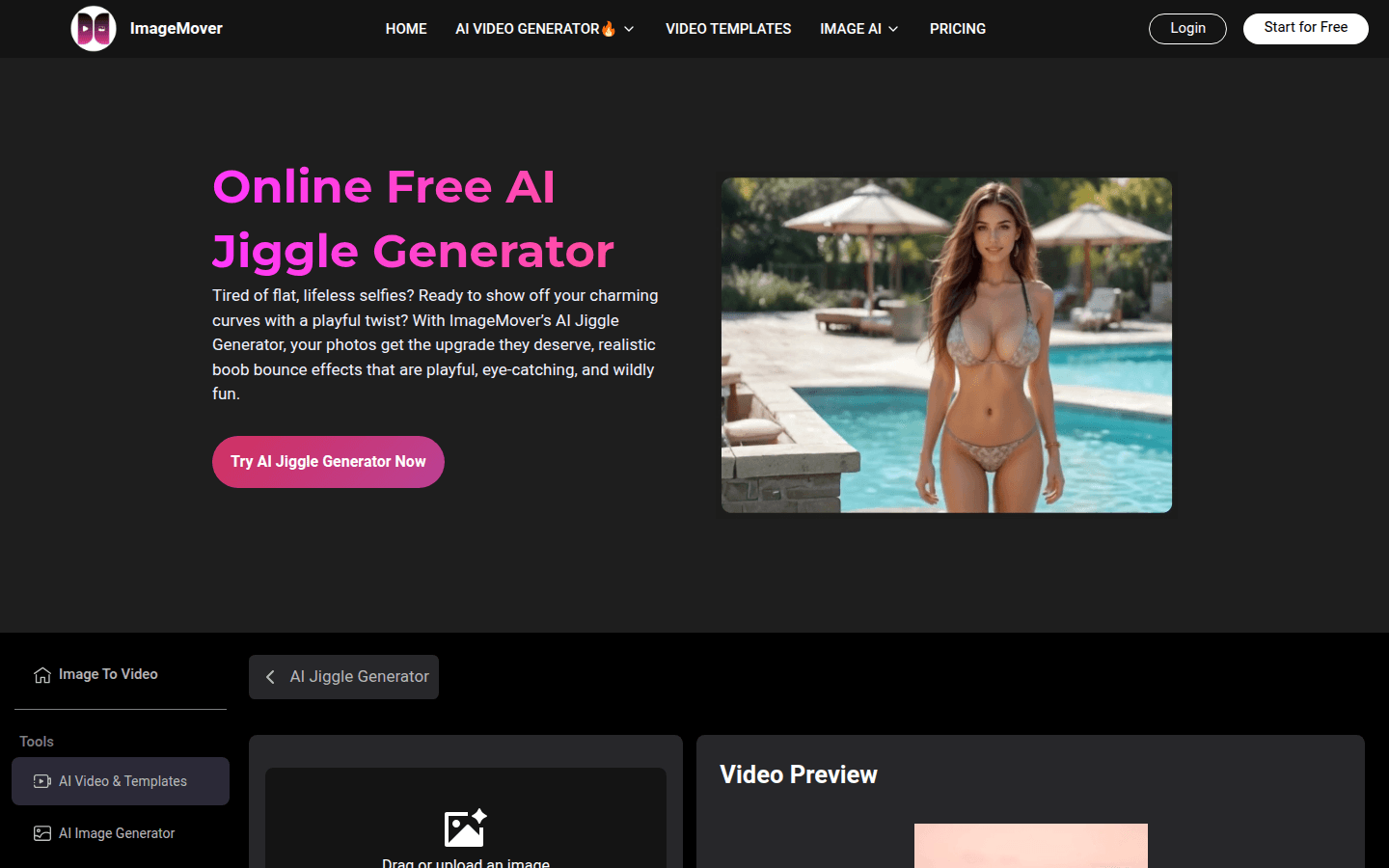
Screenshot archived from the listing page, for preview only.











