
AI Jewelry Model
AI jewelry product photo and video generatorTurn jewelry photos into model shots in one minute
Highlights
What you can do with it
- A jewelry brand converts product images into model shots for social ads
- An Etsy seller generates listing-ready images to lift click-through rate
- A jewelry company produces launch visuals fast for a new collection
How to use it
- 1 Upload a clear jewelry product image
- 2 Select a model or style that fits the brand and campaign
- 3 Generate photos and videos, which takes about one minute
- 4 Review and edit the results if needed
- 5 Download and use on e-commerce platforms and ads
Who it is for
Pros
- Skips the cost and scheduling of a traditional shoot
- One product image yields multiple layouts and styles
- Generated images can be turned into short product videos
Limitations
- Access is a free trial rather than a permanent free tier
- Output quality depends on the clarity of the uploaded product photo
- Model poses and hand placement can look off on close-up pieces
What AI Jewelry Model is
AI Jewelry Model is an AI tool that turns jewelry product photos into images and videos of models wearing the pieces. It is aimed at merchants who cannot justify the cost and scheduling of a traditional shoot. The site offers a free trial and says payment is only required once a generation succeeds. Output targets e-commerce platforms and marketing campaigns.
What you can do with it
- Upload a product image and generate model photos and videos.
- Cover rings, necklaces, earrings, and bracelets.
- Use built-in AI models or upload your own model photos.
- Produce multiple listing-ready images from a single product shot.
- Convert stills into short product and release videos.
- Compare AI and traditional photography workflows for cost planning.
- Generate Etsy and Shopify ready visuals.
Who it is for
- Jewelry merchants that need fresh visuals on a budget.
- E-commerce sellers optimizing product listings.
- Marketers producing creative variants for testing.
What to watch out for
The free offer is a trial, so budget for paid generations if you need volume. Results track the quality of the uploaded product photo, and fine details such as ring scale and hand placement may need review before publishing. Verify that generated imagery meets each marketplace's disclosure rules. When quality matters, export a small draft first to confirm the result before producing the final file. Generated suggestions are for reference only, so verify anything that affects professional judgment or important data. When quality matters, export a small draft first to confirm the result before producing the final file. Generated suggestions are for reference only, so verify anything that affects professional judgment or important data.
FAQ
How long does generation take?
The site states realistic model photos and videos are generated within about one minute.
Do I need my own model?
No. You can use the platform AI models or upload your own model photos to match brand style.
When do I pay?
There is a free trial, and payment is only required upon successful generation.
Why it is free
What the official page says: free trial
Free limits, trial length and features are decided by the official site and can change at any time.
Product preview
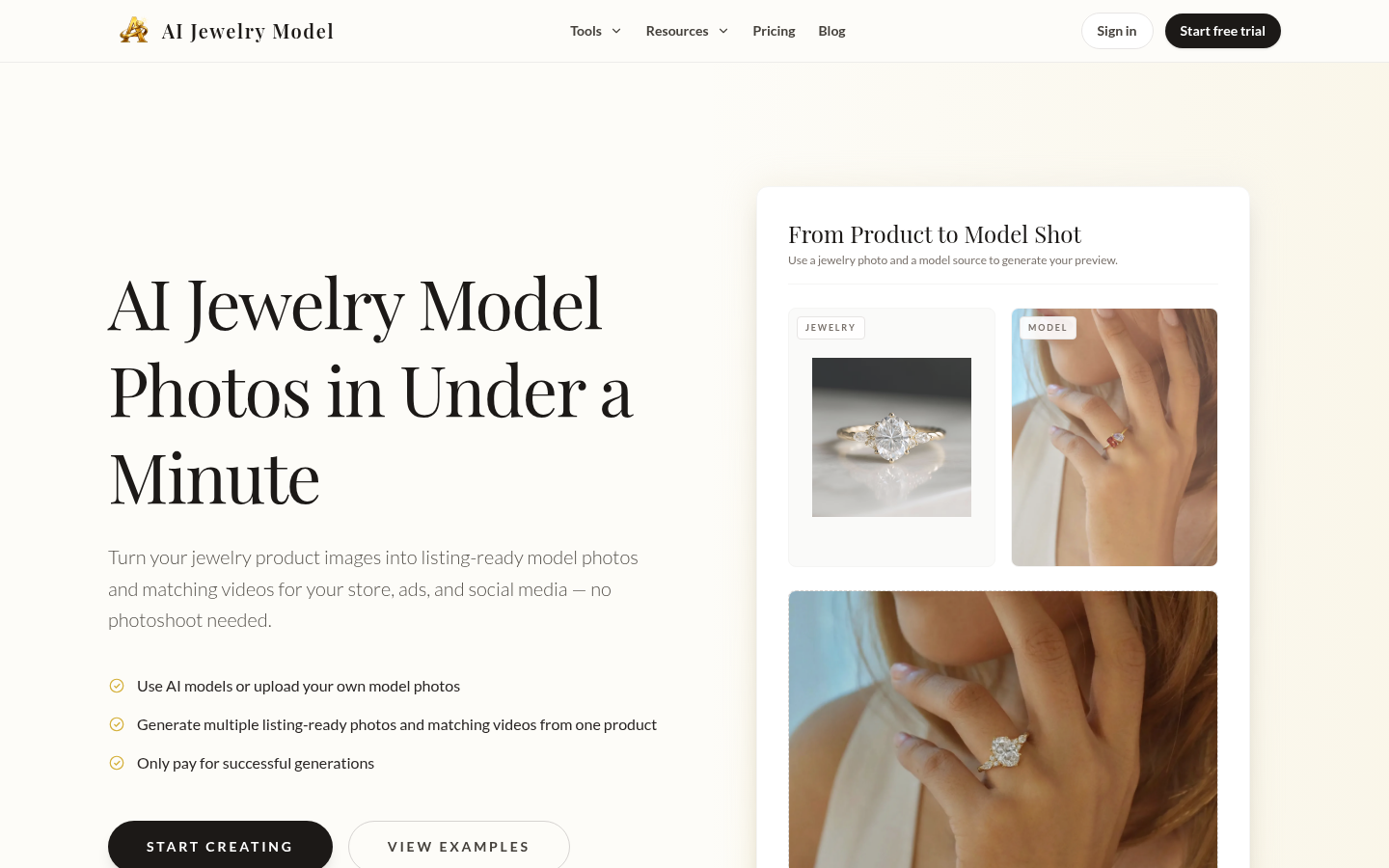
Screenshot archived from the listing page, for preview only.











