AI Image Variations
Free image variation generator on Stable DiffusionOne image in, several variations out
Highlights
What you can do with it
- Generate several options from one approved image
- Explore new designs based on existing artwork
- Produce copyright free assets for a project
How to use it
- 1 Open the AI Image Variations site.
- 2 Upload the image you want to work from.
- 3 Choose how many variations you need.
- 4 Run the generation and wait for the results.
- 5 Download the variations you like.
Who it is for
Pros
- Free to use with no login
- Copyright free output
- Fast way to get several options at once
- Keeps the style of the source image
Limitations
- Results depend entirely on the source image
- Control is limited compared with a full Stable Diffusion setup
- Free availability and limits can change
- You still pick and edit the best results yourself
What AI Image Variations is
AI Image Variations is a free tool that generates several variations of a single image using the Stable Diffusion model. You upload an image, the tool adds noise to it, and it returns a set of variations that keep the style of the original. The output is described as copyright free and usable in personal and commercial projects, which is the part that matters for design work: you get options instead of one fixed asset, and you can put the result straight into a project. No login is required and the price is listed as free, so you can try it without handing over an email address.
What you can do with it
- Turn one image into several style-matched variations.
- Explore new design directions from artwork you already have.
- Produce copyright free assets for personal or commercial work.
- Compare options side by side before committing to one.
Who it is for
- Designers who need options from a single approved concept.
- Artists exploring directions from an existing piece.
- Marketers who need several versions of the same asset.
- Anyone who needs copyright free images without a subscription.
What to watch out for
Everything depends on the source image. A weak or low resolution input gives weak variations, so start from the best file you have and crop to the subject you care about. Control is also limited compared with running Stable Diffusion yourself, where you could tune prompts, seeds, and strength; here you upload and accept what comes back. That means you will still spend time picking and editing the best results. Free tools can change their limits or disappear, so keep local copies of anything you plan to use, and check the current terms before you rely on the output for client work.
FAQ
Is it free?
Yes, the tool is listed as free and needs no login.
Do I need an account?
No login is required.
Can I use the results commercially?
The output is described as copyright free for personal and commercial projects.
Which model does it use?
It is based on the Stable Diffusion model.
Why it is free
What the official page says: 免费
Free limits, trial length and features are decided by the official site and can change at any time.
Product preview
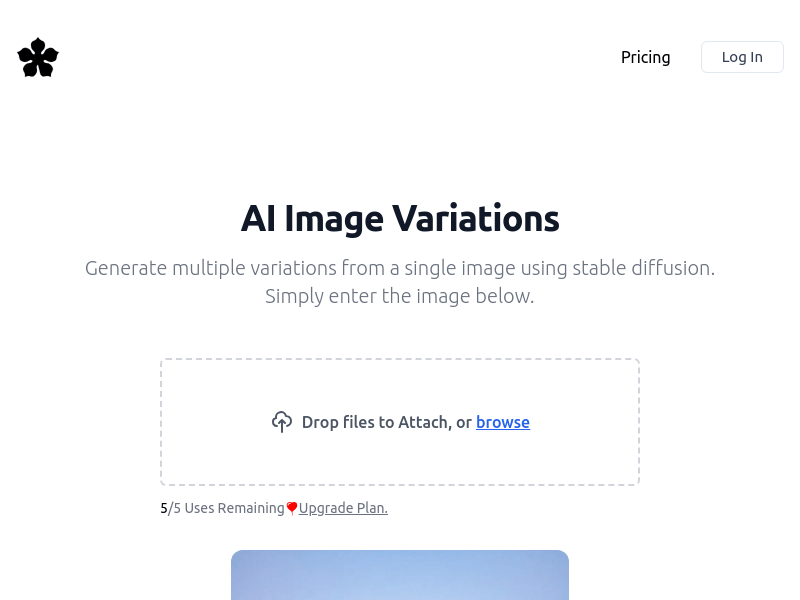
Screenshot archived from the listing page, for preview only.











