AI Image Translator
Image text translatorTranslate text inside any image in seconds
Highlights
What you can do with it
- Translate road signs, menus and notices while travelling abroad.
- Turn promotional posters and product images into several languages for cross border marketing.
- Read foreign language papers and reports that contain charts, screenshots and diagrams.
How to use it
- 1 Open https://aiimagetranslator.net in your browser.
- 2 Log in or register an account if the site asks you to.
- 3 Drag your images into the upload area or click to select files in PNG, JPG or WEBP format.
- 4 Wait a few seconds while the tool detects the text areas and translates them.
- 5 Check the result and download the translated images when you are happy with them.
Who it is for
Pros
- No image editing skills needed: the tool finds and replaces the text for you.
- Wide language coverage with automatic detection saves manual setup.
- Batch upload of up to 10 images speeds up repetitive jobs.
- A free version lets you test the workflow before paying.
Limitations
- The free version is limited to basic personal use, and heavier use needs a paid plan.
- Each image is capped at 5 MB, so large scans or high resolution files need resizing.
- Automatic background repair can still look uneven on busy or low contrast images.
- Pricing and limits can change, so check the current tiers before you rely on them.
What AI Image Translator is
AI Image Translator is an online service that reads the text inside a picture, translates it and writes the translation back into the same image. It runs in the browser and accepts PNG, JPG and WEBP files up to 5 MB each, with a maximum of 10 images in one batch. The site says it covers around 100 languages and scripts and can detect the source language on its own, so you do not have to pick it by hand. A free version covers basic personal use, while two paid tiers add higher limits and extra functions for professional and business work. The pitch is simple: point it at an image and get a readable, localised version back without opening an editor.
What you can do with it
- Upload a photo, screenshot or scan and get the text inside it translated.
- Send up to 10 images at once and get results back within seconds.
- Let the tool find text regions, remove the original wording and refill the background.
- Download the finished image with the translated text already placed in position.
Who it is for
- Travellers who need to read signs, menus and notices in another language.
- Marketing teams localising posters, packaging and product shots.
- Students and researchers reading papers full of figures, screenshots and diagrams.
- Professional translators who want a fast first pass on image based material.
What to watch out for
The free version is aimed at personal use, so a busy workflow will probably need one of the paid plans. File limits matter as well: anything above 5 MB per image has to be resized before upload, and the batch stops at 10 images. Background repair is automatic, which means results can look uneven on textured, low contrast or heavily stylised images, and a manual touch up is often still needed before you publish anything. The translation itself should be proofread, since machine output can miss context, names and units. Pricing and quotas can change at any time, so treat the numbers on the site as the current offer rather than a permanent promise, and check the plan page before you commit.
FAQ
Is AI Image Translator free?
There is a free version for basic personal use. The basic plan is listed at 9.9 dollars per month and the advanced plan at 19.9 dollars per month.
Which image formats can I upload?
PNG, JPG and WEBP. Each image can be up to 5 MB and you can upload up to 10 images at a time.
How many languages are supported?
The site states support for around 100 languages and scripts, and it can detect the language automatically.
Do I need an account?
The steps mention logging in or registering if necessary, so an account may be required for some actions.
Why it is free
What the official page says: free version
Free limits, trial length and features are decided by the official site and can change at any time.
Product preview
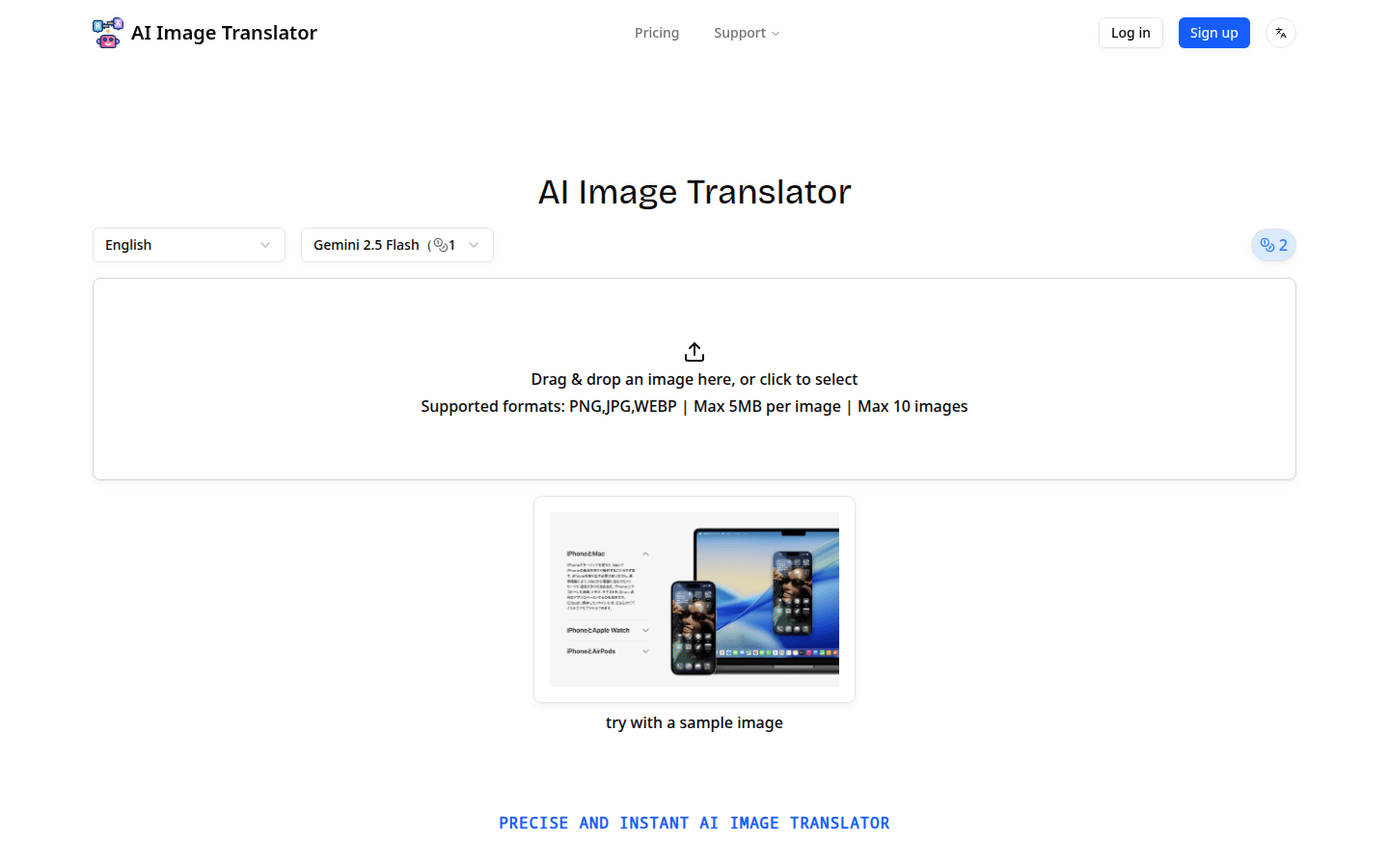
Screenshot archived from the listing page, for preview only.











