
AI Image to Video
Turn still images into video with several modelsImages to video in minutes, free to try
Highlights
What you can do with it
- Animate a product photo into a short ad clip
- Turn a still illustration into a moving scene
- Make simple video content for social posts
How to use it
- 1 Open www.aiimagetovideo.video
- 2 Upload the image you want to animate
- 3 Add a text prompt describing the motion
- 4 Choose a model and generate the video
Who it is for
Pros
- No video editing skills required
- A choice of models for different looks
- Commercial usage rights stated on output
Limitations
- Free tier is limited and paid plans run up to $29.99
- Free credits and pricing may change
- Animating photos of real people needs consent, and misleading use can break platform rules
What AI Image to Video is
AI Image to Video is a generator at www.aiimagetovideo.video that turns a still image into a moving clip. The site says the service is supported by LuTa Tech and that it works with several models, including Veo, Kling, Runway, Hailuo, and AI Video Fast, which gives you some control over the look of the result. Input is deliberately simple: you supply an image and a text description of what should happen, and the tool does the rest. The site says no editing skills are needed, output can reach 1080p, and full commercial usage rights come with the video. There is a free tier alongside paid services listed from $0 to $29.99.
What you can do with it
- Animate a product photo into a short promotional clip.
- Add motion to a still illustration or graphic.
- Produce short video content for social posts without a camera.
Who it is for
- Content creators who need clips quickly.
- Marketers testing several video ad variants from one image.
- Educators and trainers making short visual explainers.
What to watch out for
The free tier is the entry point, not an unlimited plan, and paid services range up to $29.99, so cost scales with how much you generate. Free credits and prices can change, so check the site before you commit to a project. Motion quality varies by model and by how clearly you describe it, and a vague prompt usually produces a vague clip. If your image contains a real person, get their consent before animating it, because misleading or non consensual use can break platform rules and local law, and the responsibility stays with you rather than with the tool.
FAQ
What do I need to start?
An image and a short text prompt describing how it should move.
Which models are available?
The site lists Veo, Kling, Runway, Hailuo, and AI Video Fast.
Is the output free to use commercially?
The site states full commercial usage rights; confirm current terms before a campaign.
Why it is free
What the official page says: 免费额度免费
Free limits, trial length and features are decided by the official site and can change at any time.
Product preview
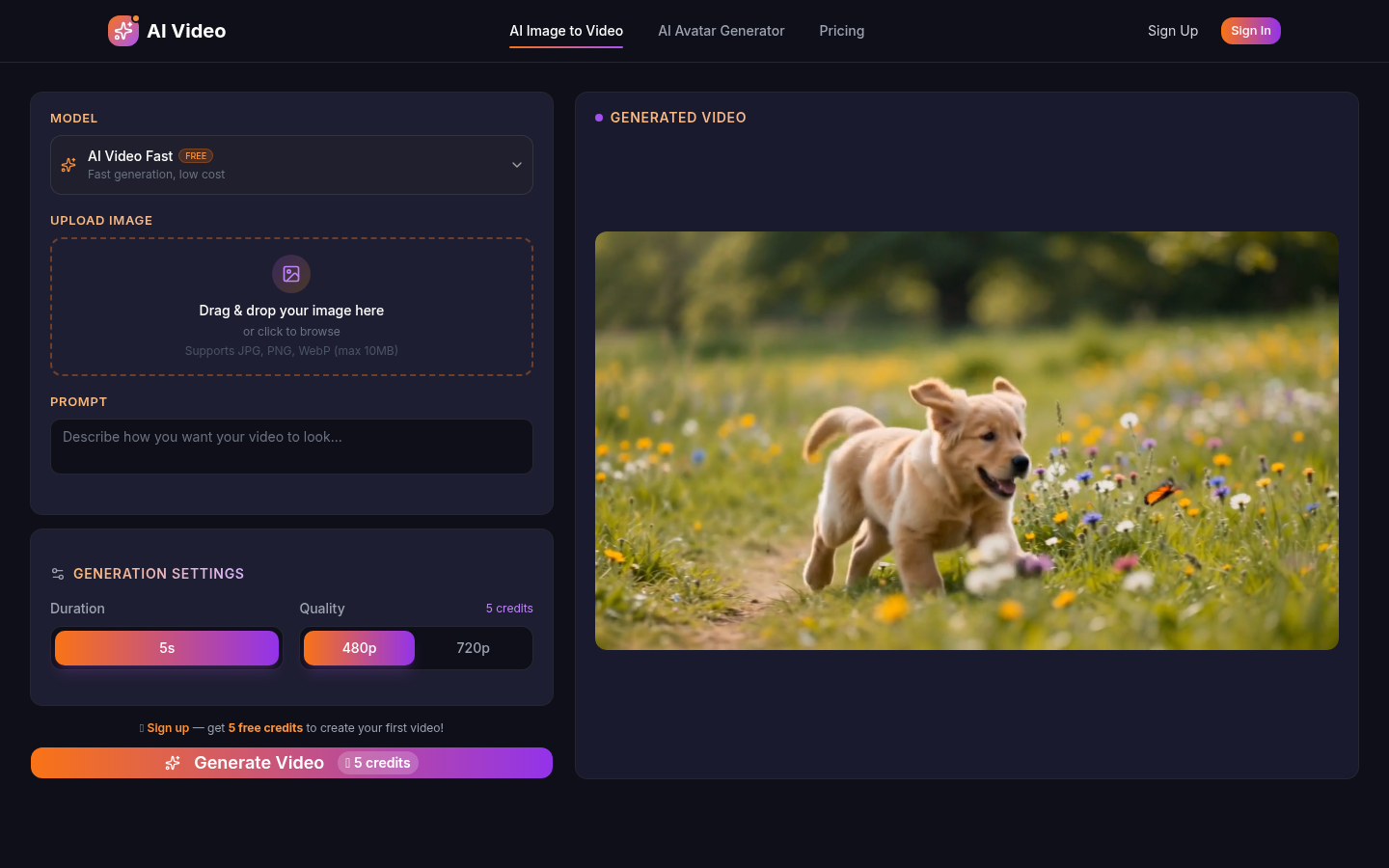
Screenshot archived from the listing page, for preview only.